This is the full log behind one journey in our example report. It shows every step each simulated visitor took, with a screenshot, from real runs on 3 November 2026 against our own gardening app. In a weekly report, a person reads this for you and sends the short version. About Kibitzer · Privacy
Kibitzer · simulated visitors
Find a plant for a shady corner and save it
3 of 3 visitors got through
Checked by hand: our automatic check counted 2, because it doesn’t see a plant saved from a list card.
https://mysprouts.app · 2026-11-03 23:03 UTC
Simulated visitors are a first pass, not evidence of what real people do. They find broken paths, dead ends and confusing labels. They are more patient and more literal than people, so they can’t tell you how your app feels to use. For that, you need real people.
What got in the way
New gardener on phone said done, not verified
Said it was done after 10 steps, but our automatic check couldn’t verify it. Answer: “Saved wood-sorrel (Oxalis acetosella), which is listed for full shade”.
Checked by hand: this is the visitor the automatic check missed. We counted the save as getting through.
Journey: Shade plant on a list
There is a corner of your garden that gets almost no direct sun. Find a plant that would be happy there, and keep it somewhere on this site so you can find it again next time.
New gardener on phone: said done, not verified · 10 steps · 32 s
Answer: “Saved wood-sorrel (Oxalis acetosella), which is listed for full shade.”
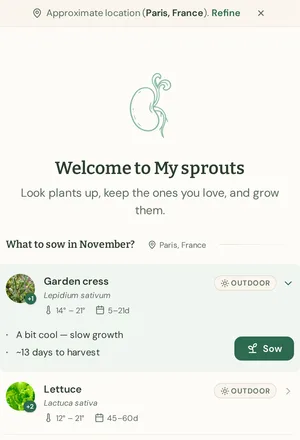
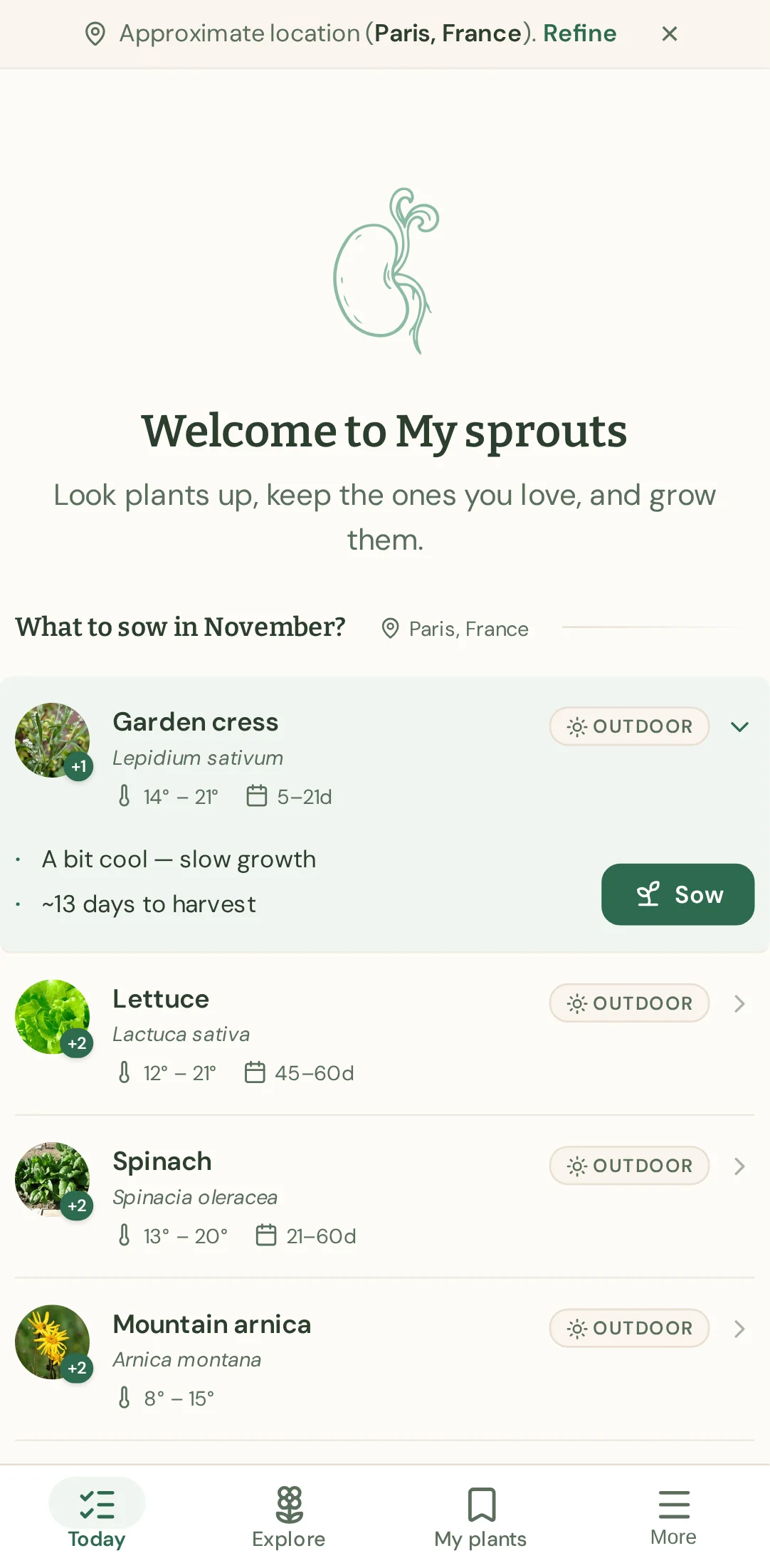
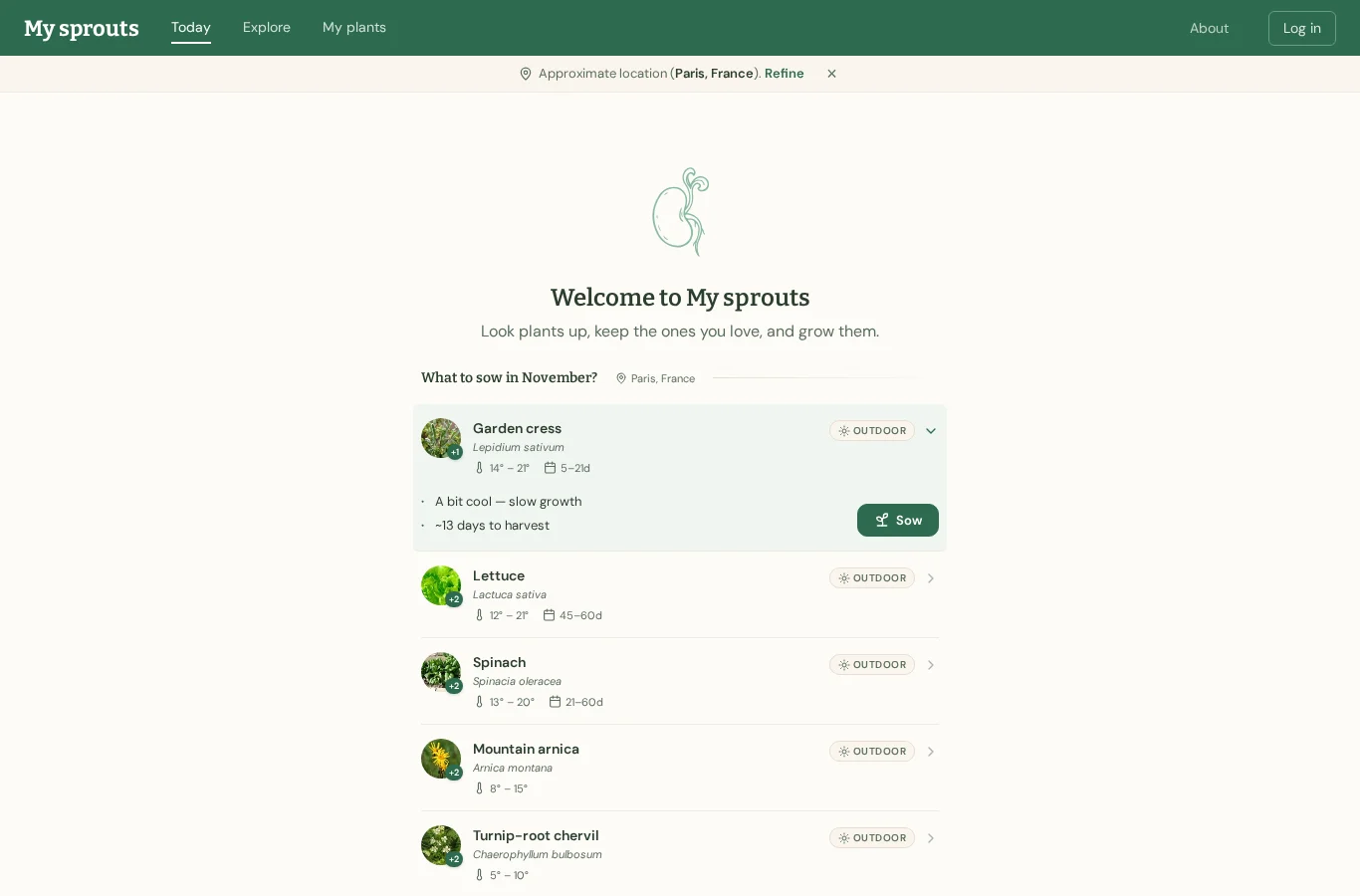
1 · /
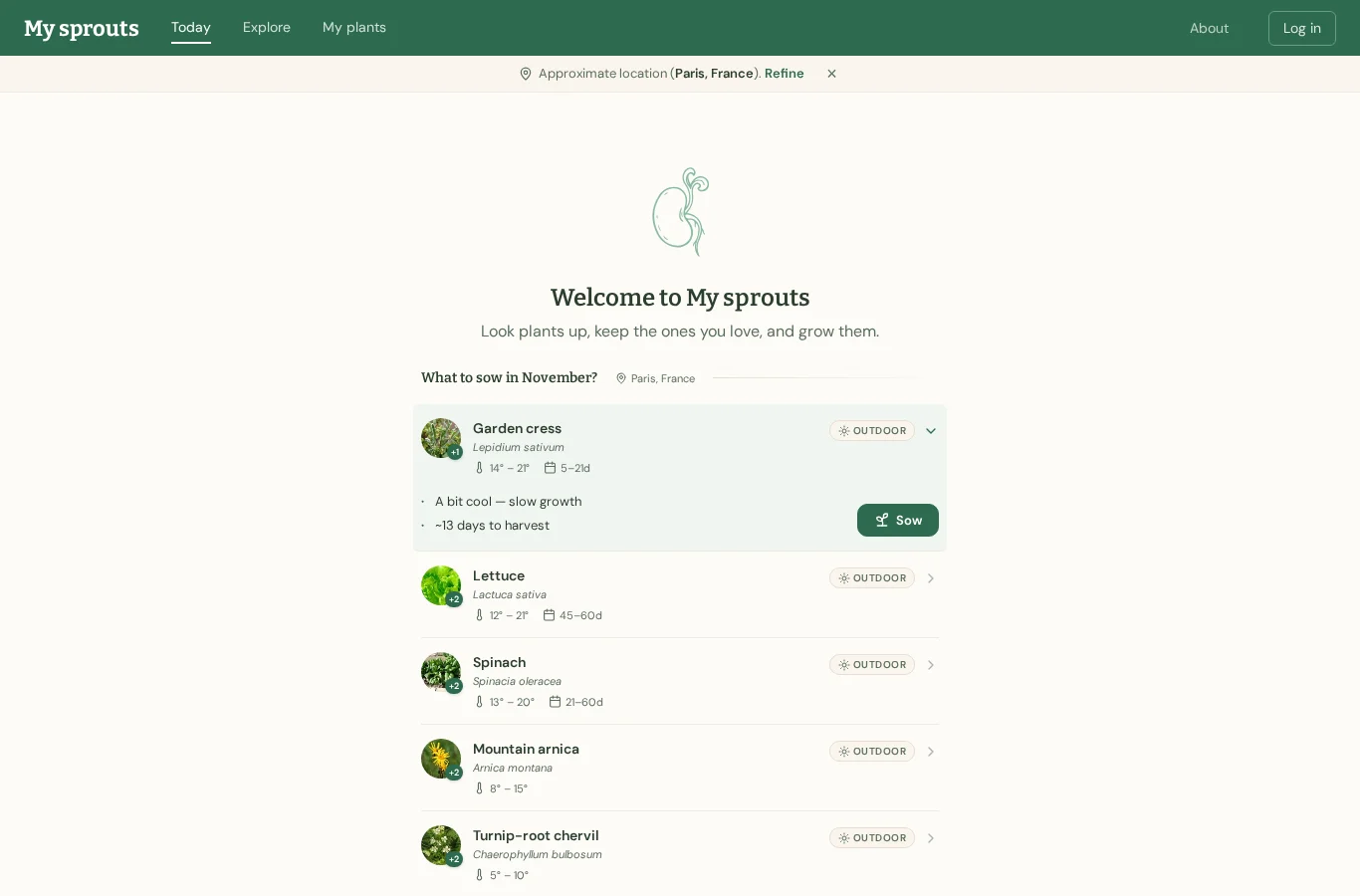
I’ll explore the plants to find one suitable for a shady corner.
→ click link "Explore"
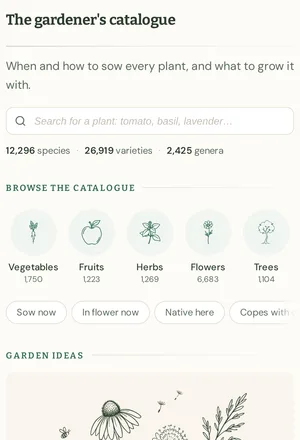
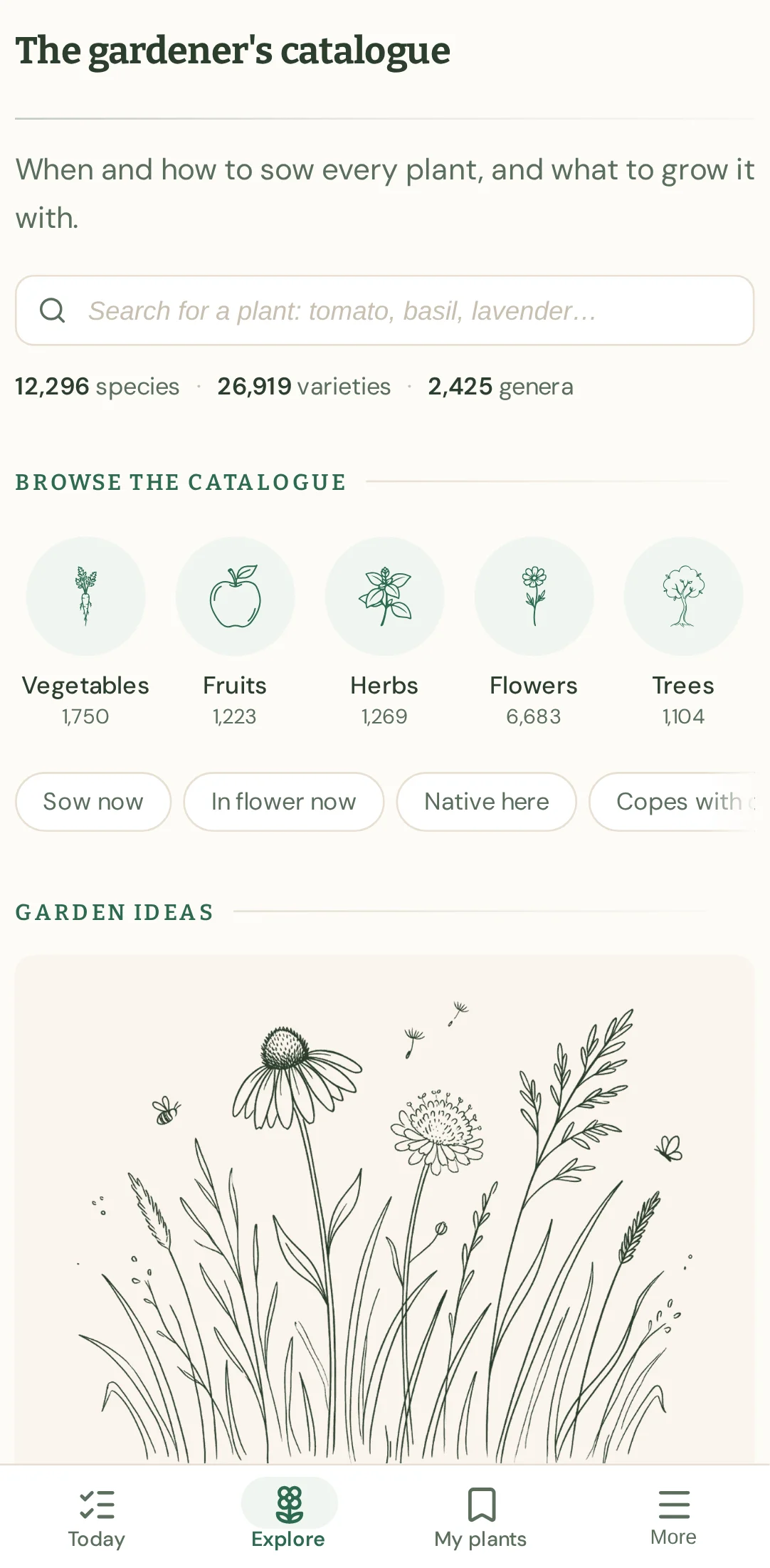
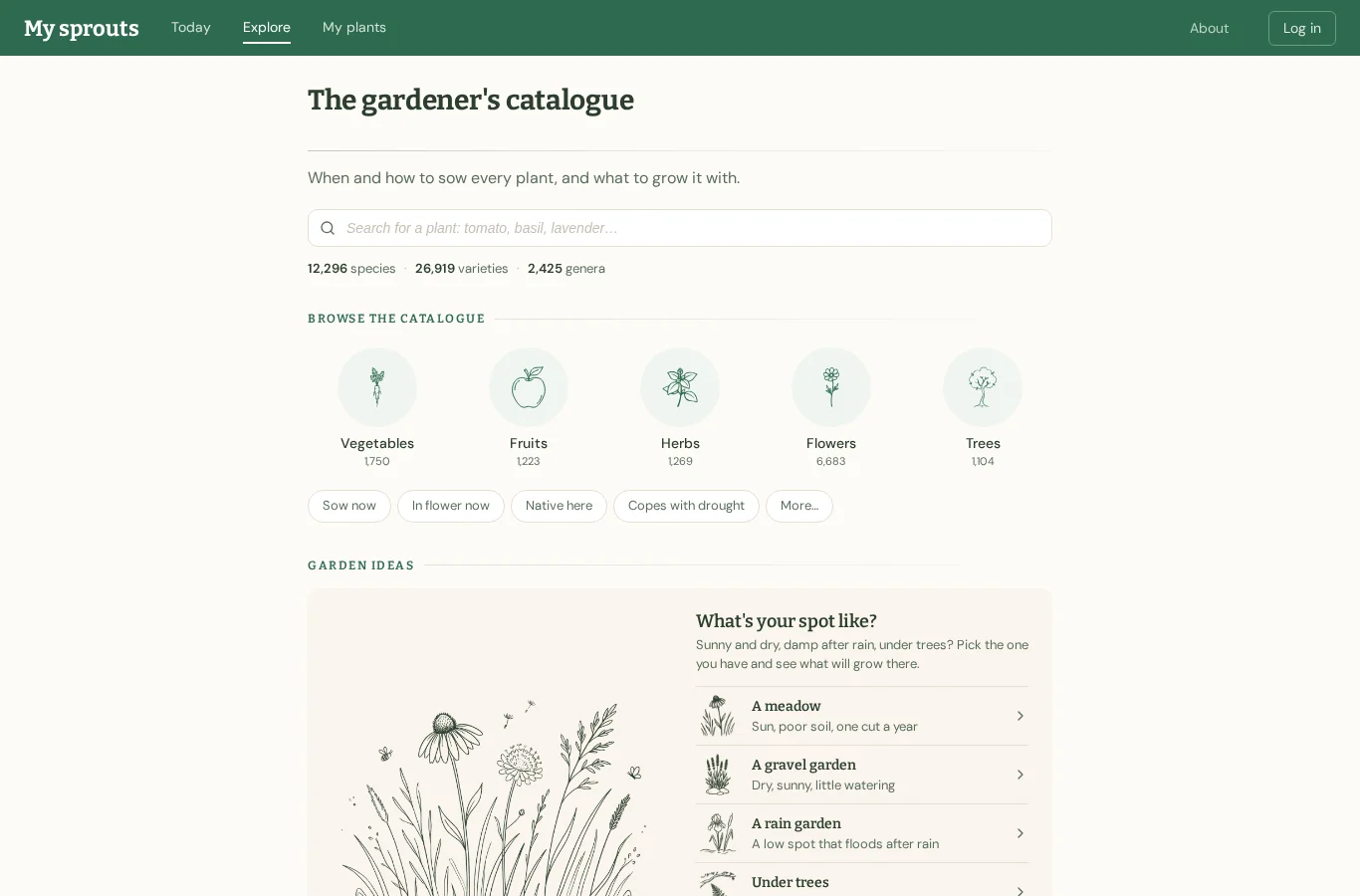
2 · /plants
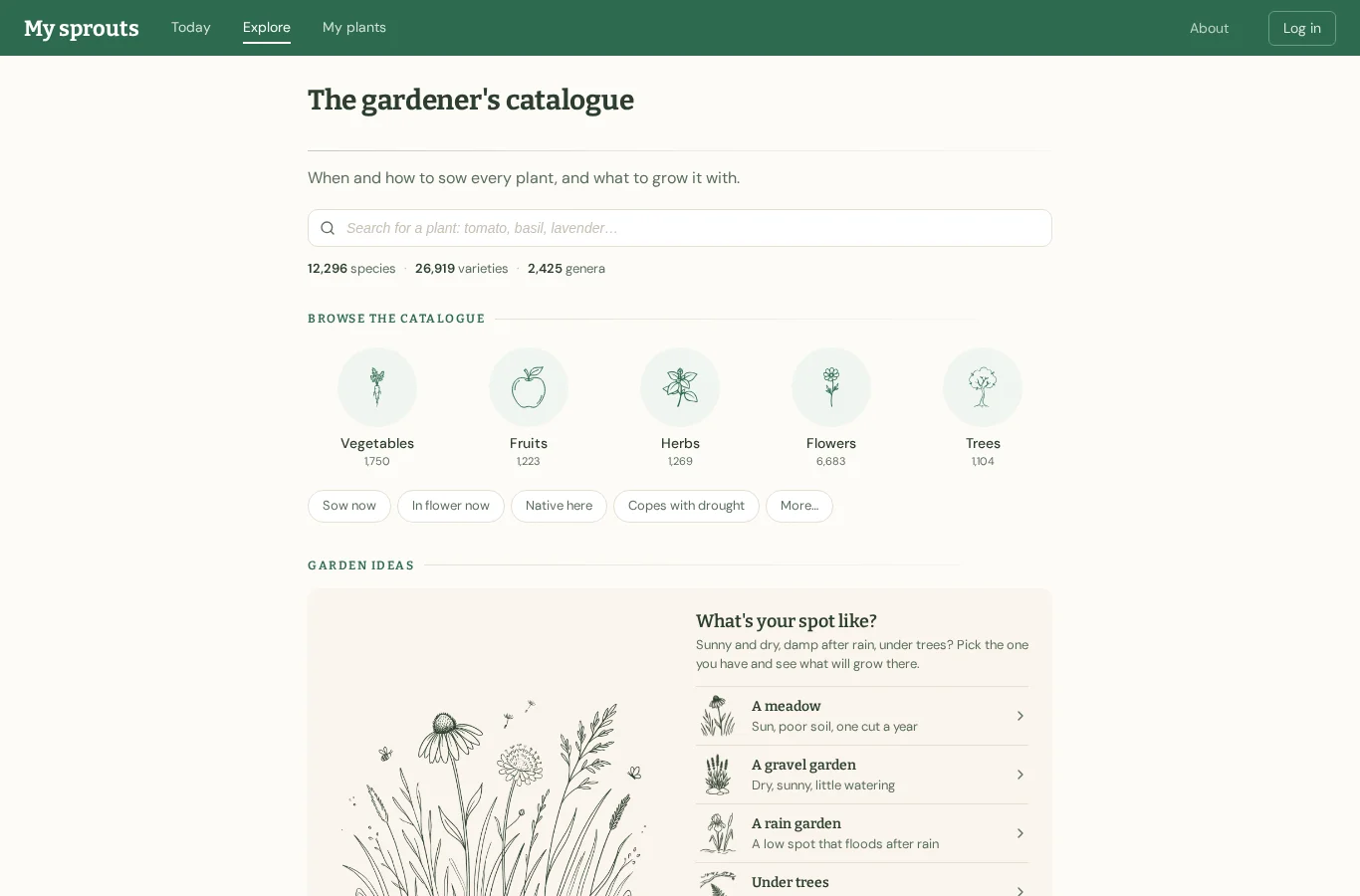
Garden ideas might have something for a shady spot, so I’ll look further down.
→ scroll down
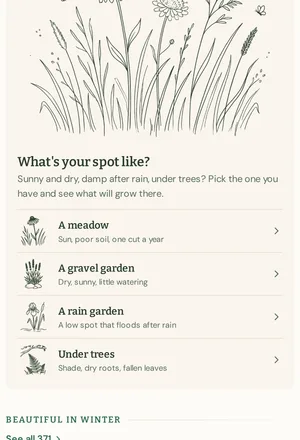
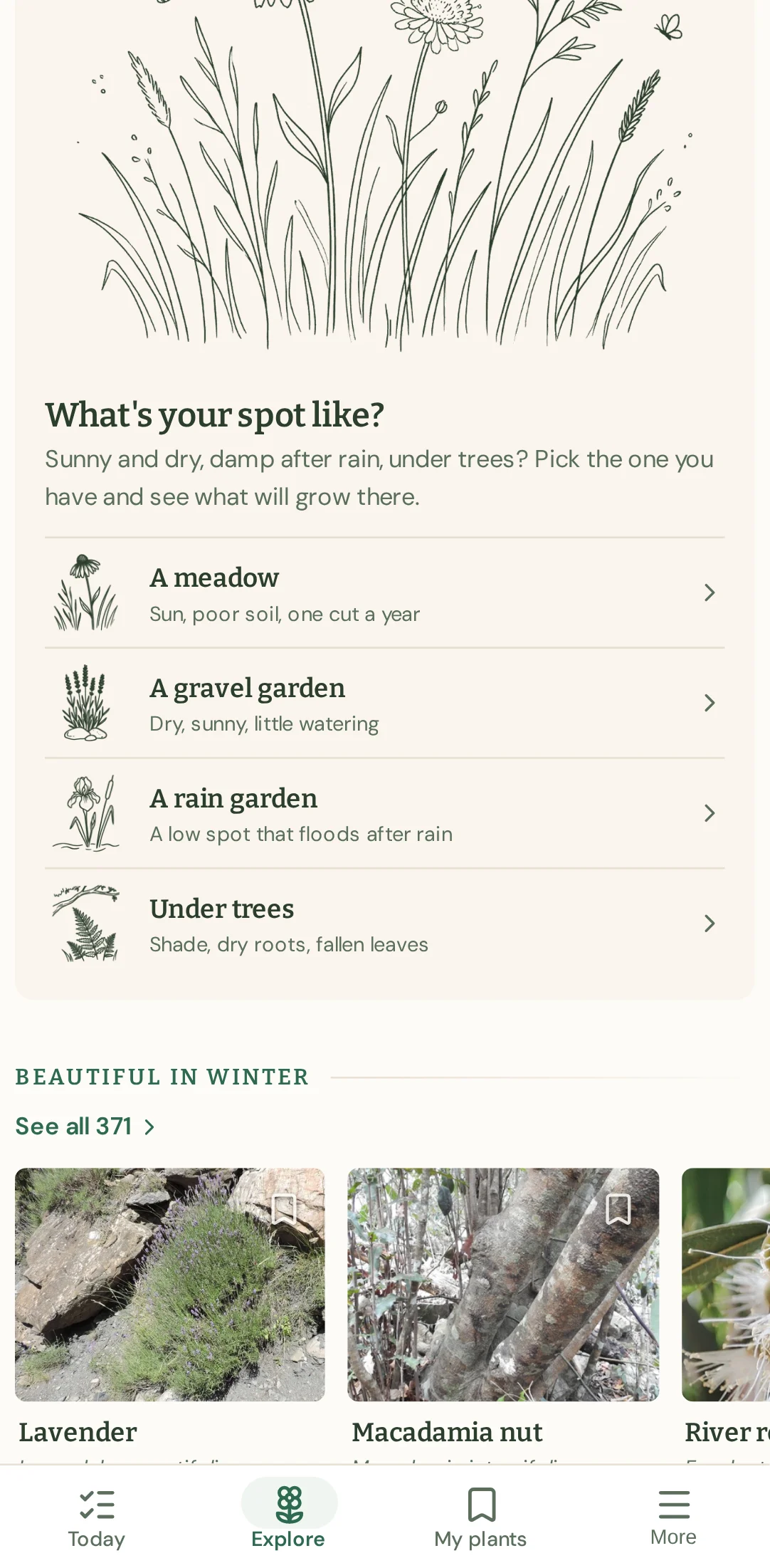
3 · /plants
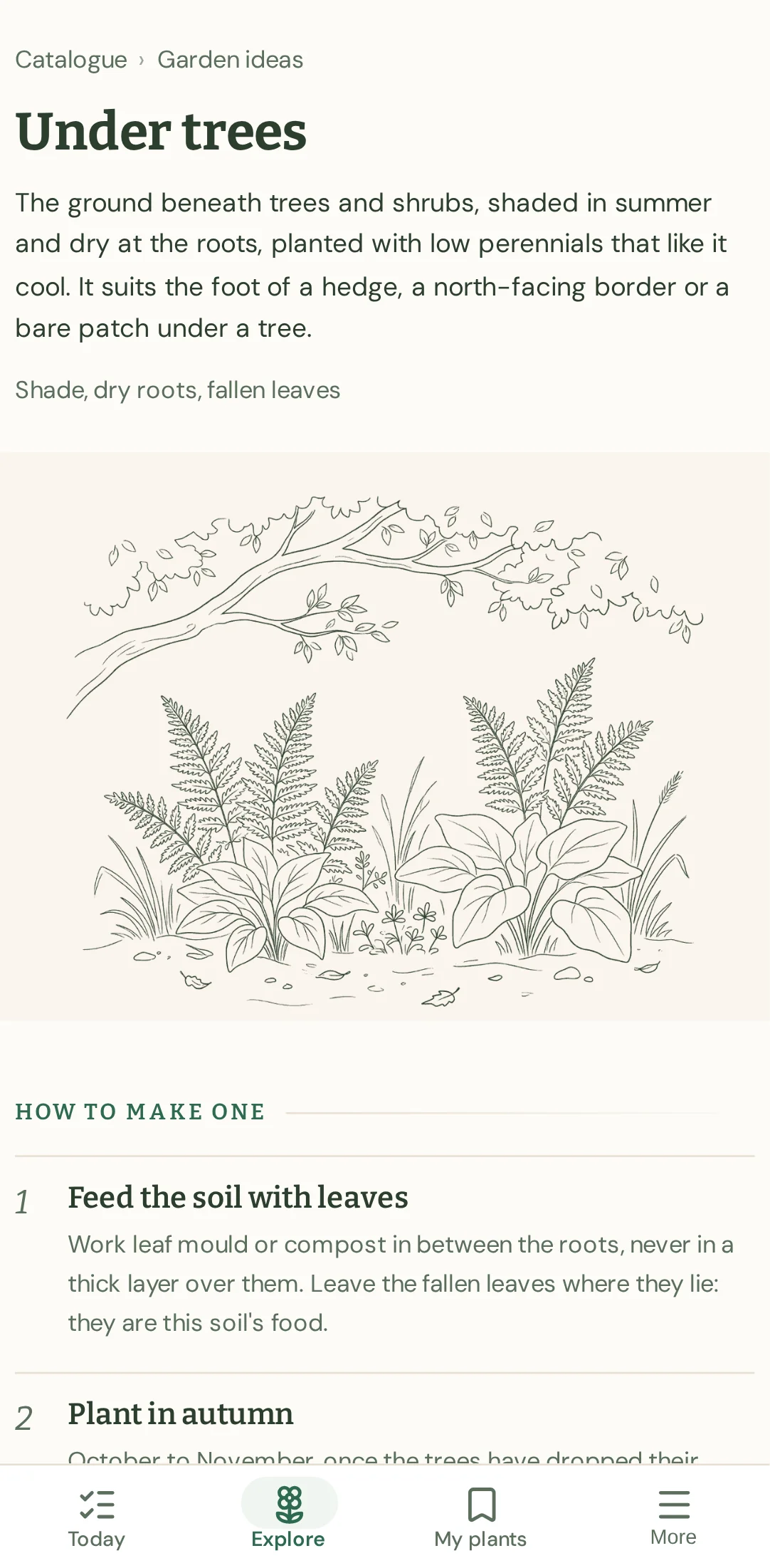
Under trees mentions shade, so I’ll see what plants it suggests.
→ click link "Under trees Shade, dry roots, fallen leaves"
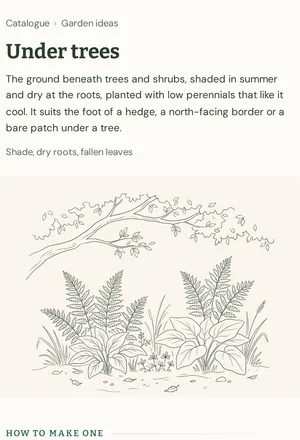
4 · /plants/theme/under_trees
This sounds suitable for a north-facing border, so I’ll look for the plant suggestions below.
→ scroll down
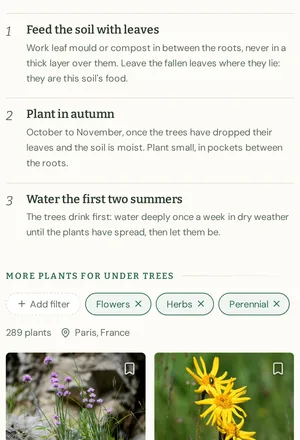
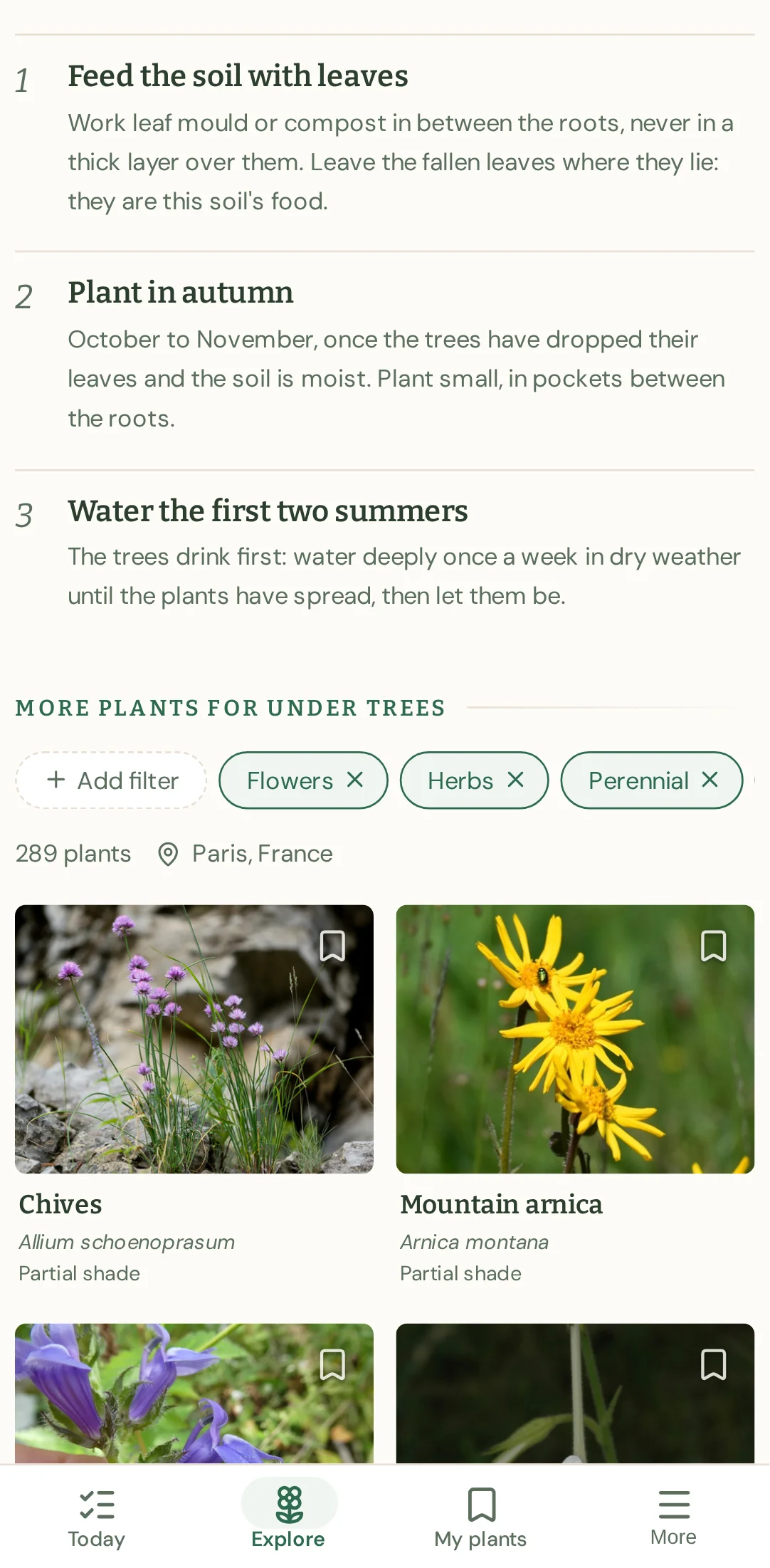
5 · /plants/theme/under_trees
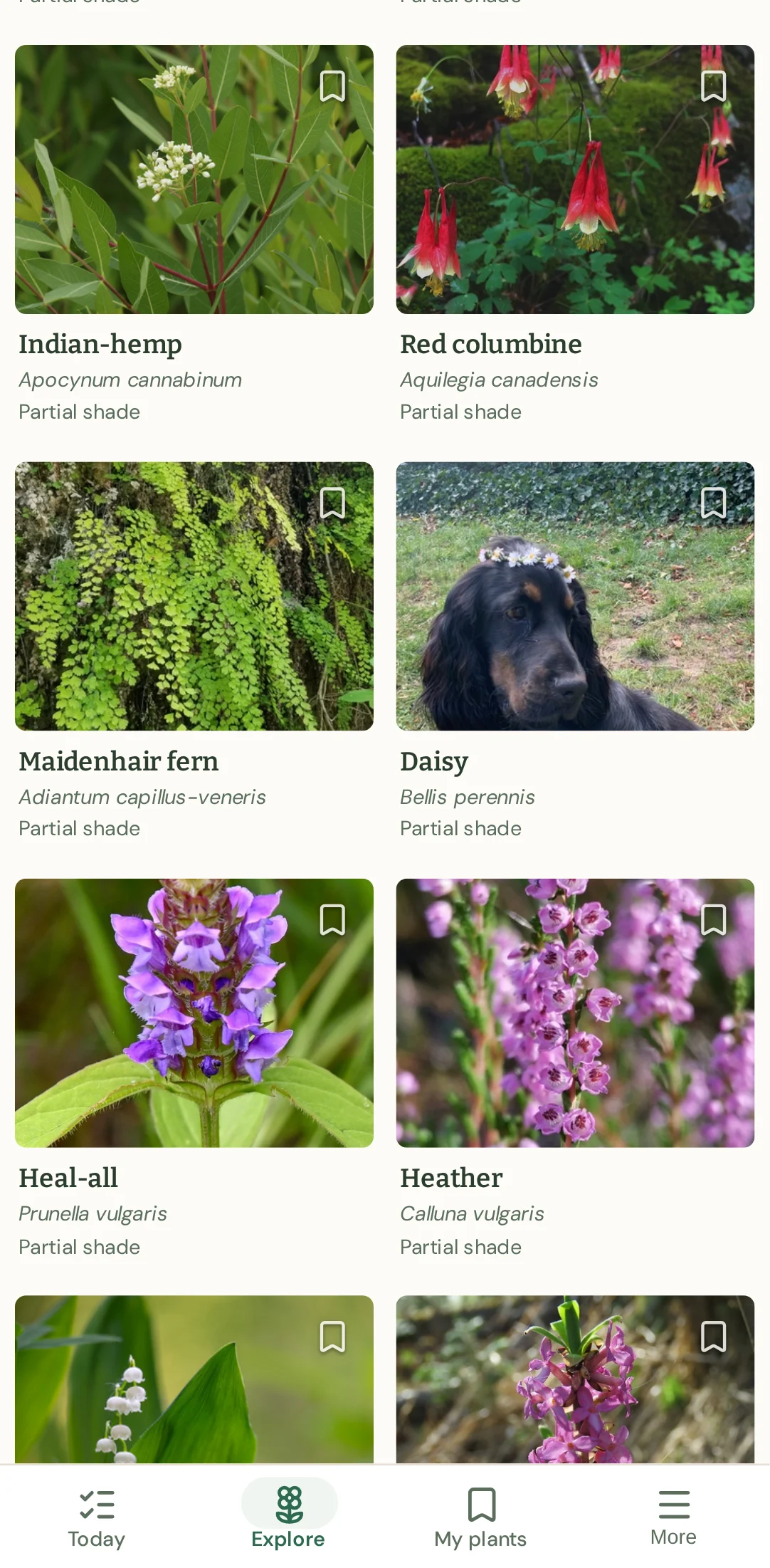
The first plants say partial shade, but my corner gets almost no sun. I’ll look further down for one that says full shade.
→ scroll down
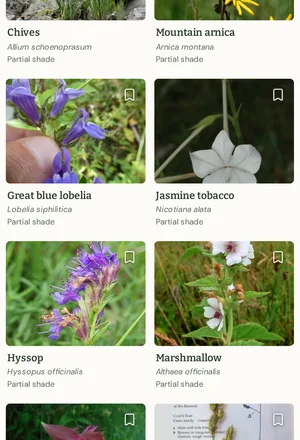
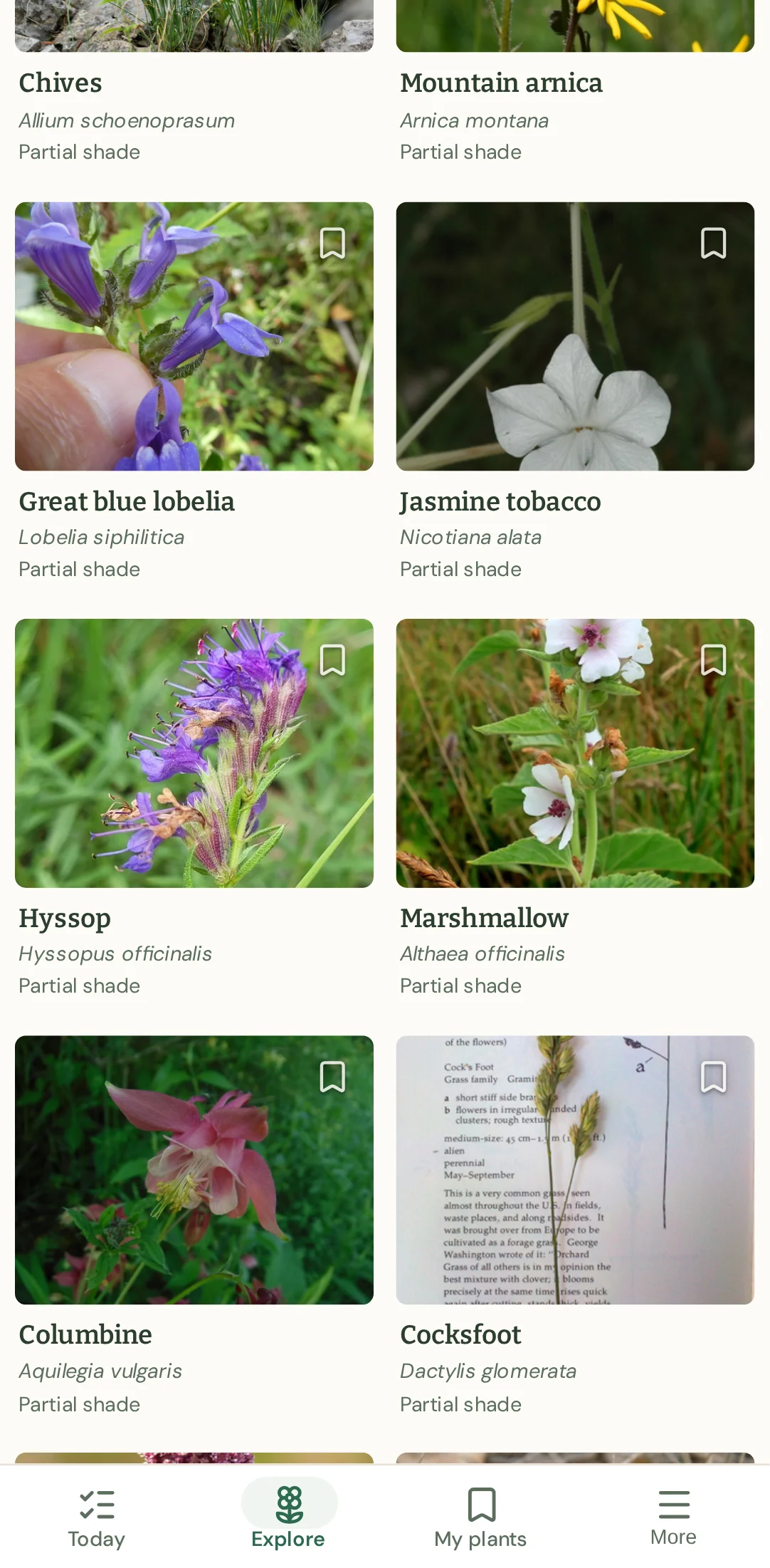
6 · /plants/theme/under_trees
These still say partial shade, so I’ll keep looking for full shade.
→ scroll down
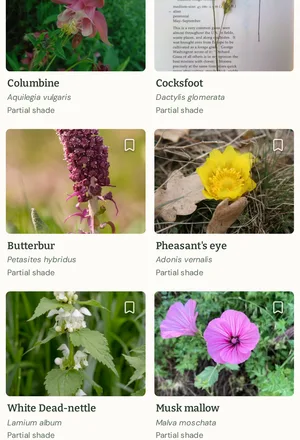
7 · /plants/theme/under_trees
These are still partial shade, so I’ll keep scrolling to see if there’s a full-shade plant.
→ scroll down
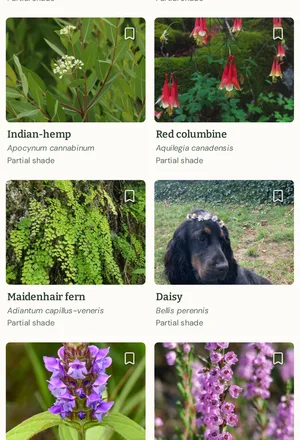
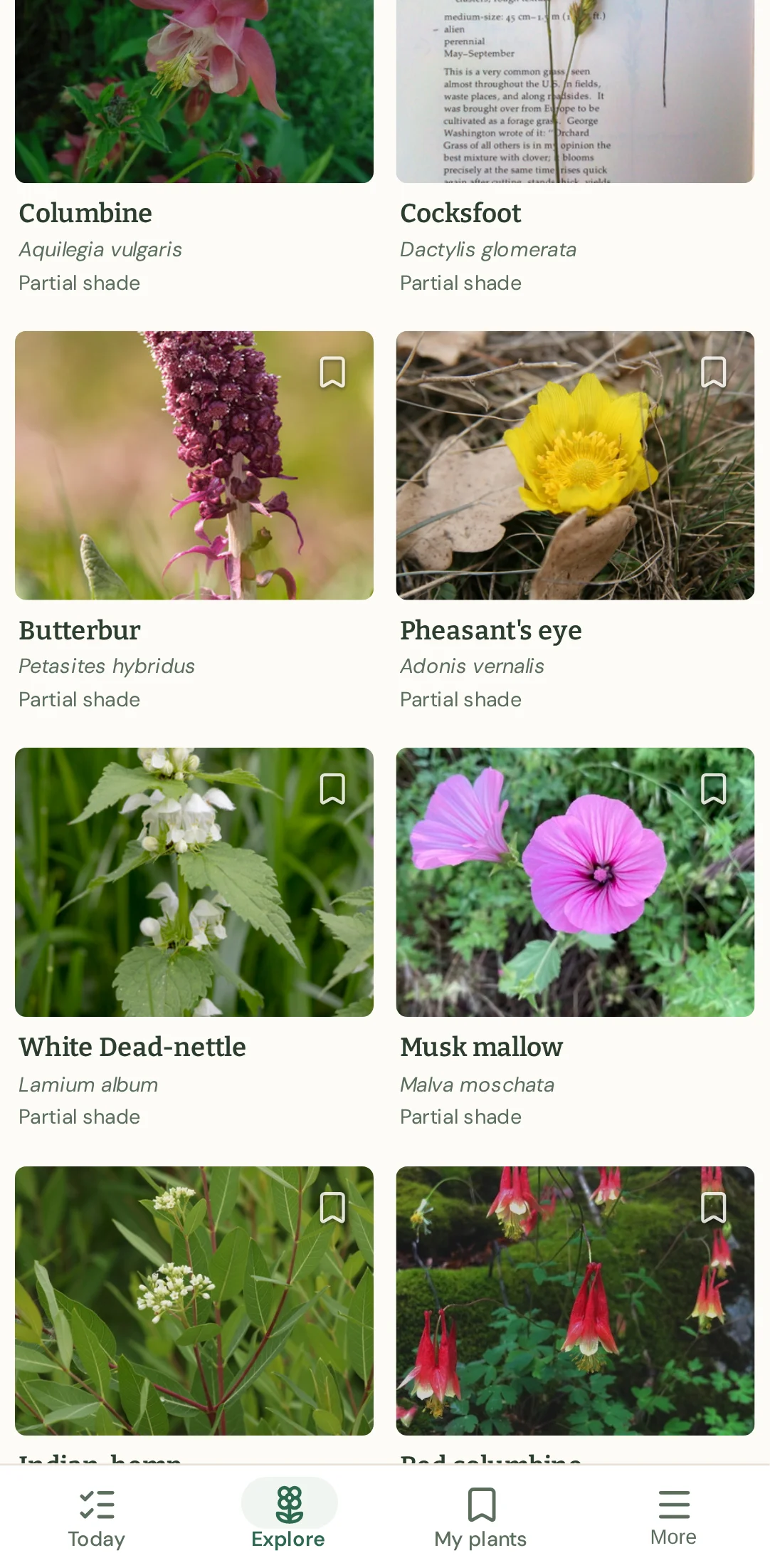
8 · /plants/theme/under_trees
These still say partial shade, so I’ll scroll a little further for a full-shade option.
→ scroll down
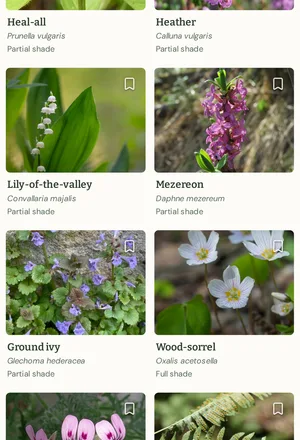
9 · /plants/theme/under_trees
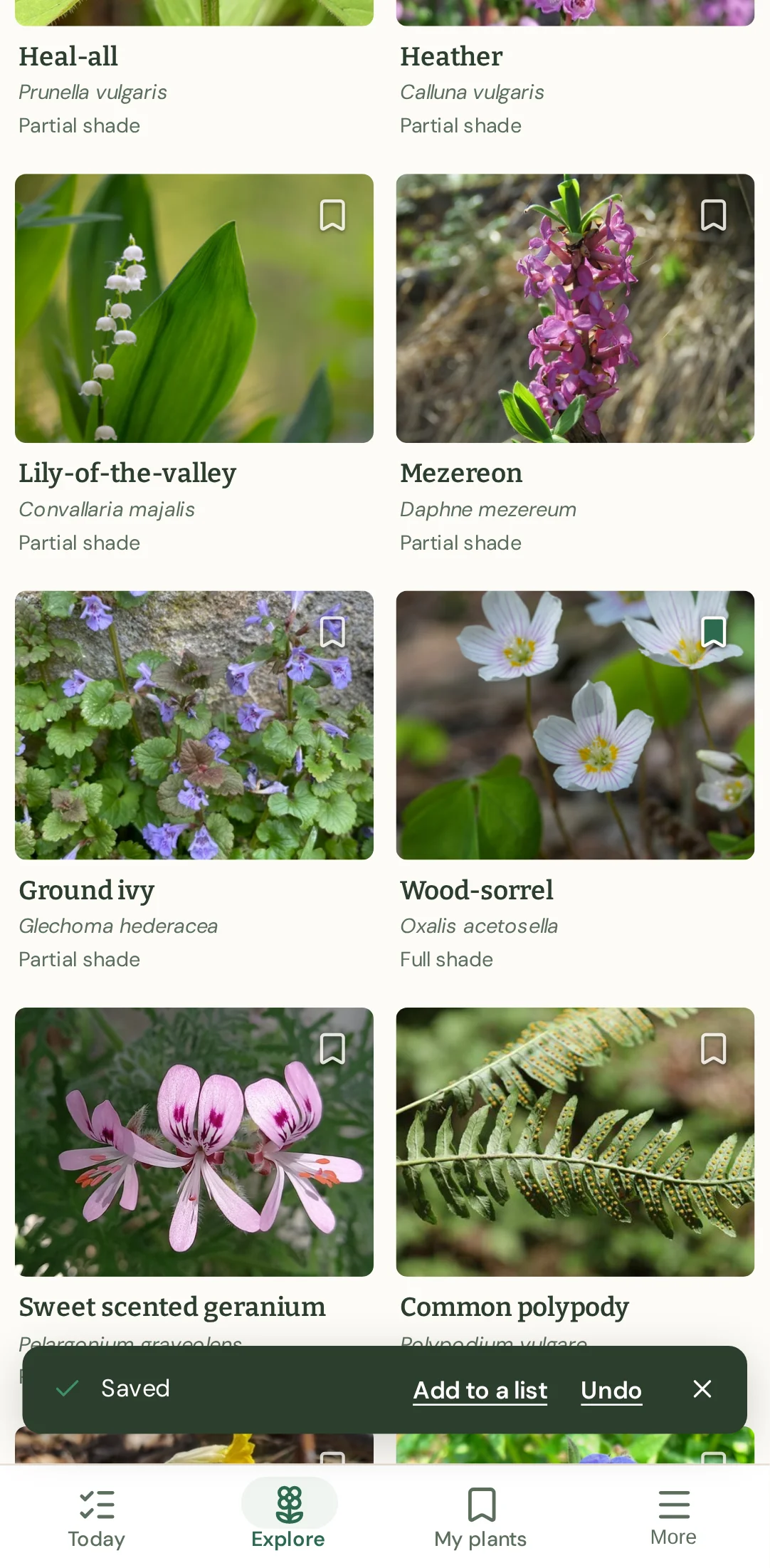
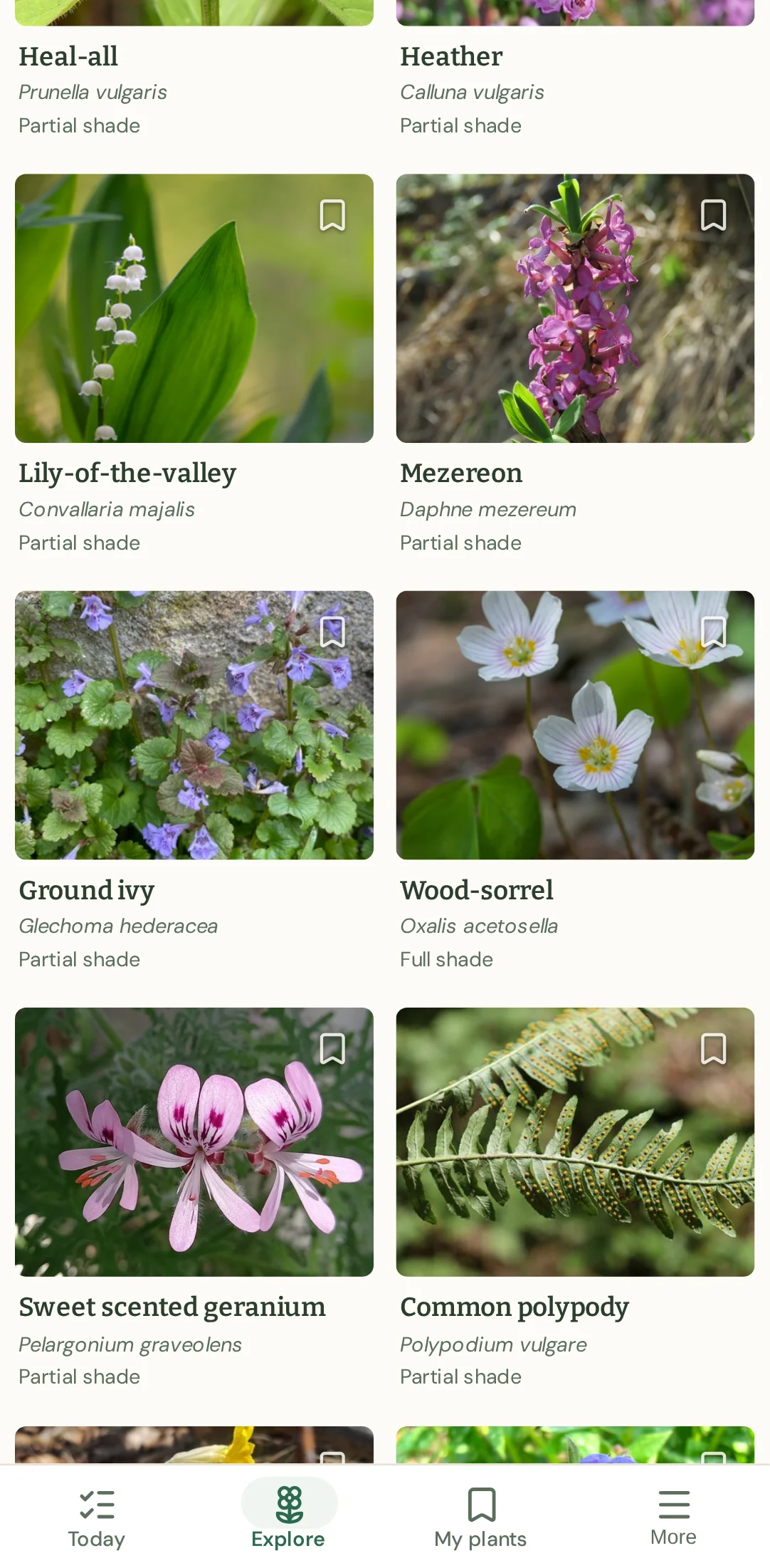
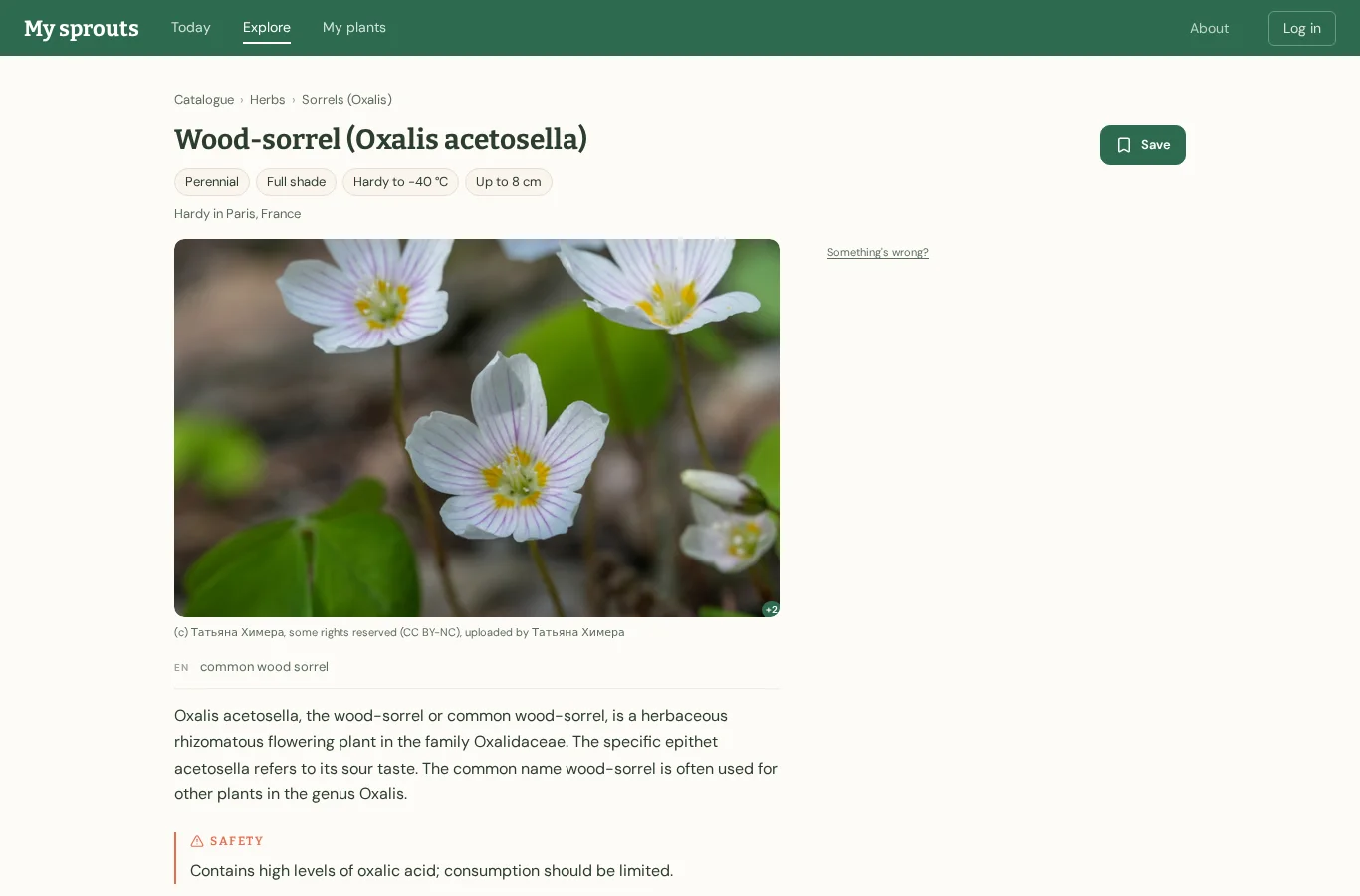
Wood-sorrel says full shade, so it looks suitable. I’ll save it using the bookmark icon.
→ click button "Save Wood-sorrel"
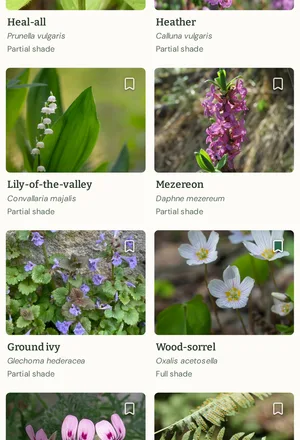
10 · /plants/theme/under_trees
Wood-sorrel is marked for full shade and the site confirms it’s saved.
→ say done
Ended on /plants/theme/under_trees.
New gardener on desktop: got through · 7 steps · 22 s
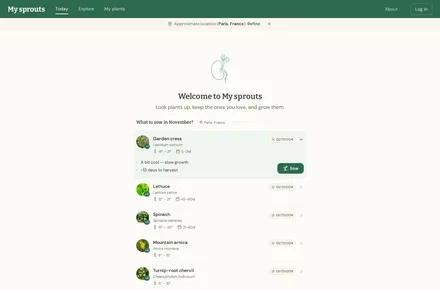
1 · /
I’ll explore the plants and look for one suited to shade.
→ click link "Explore"
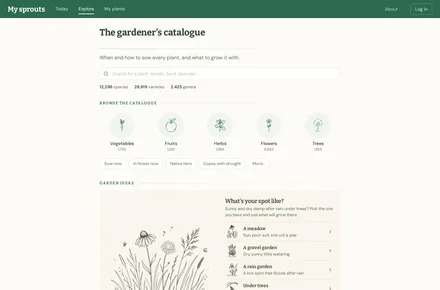
2 · /plants
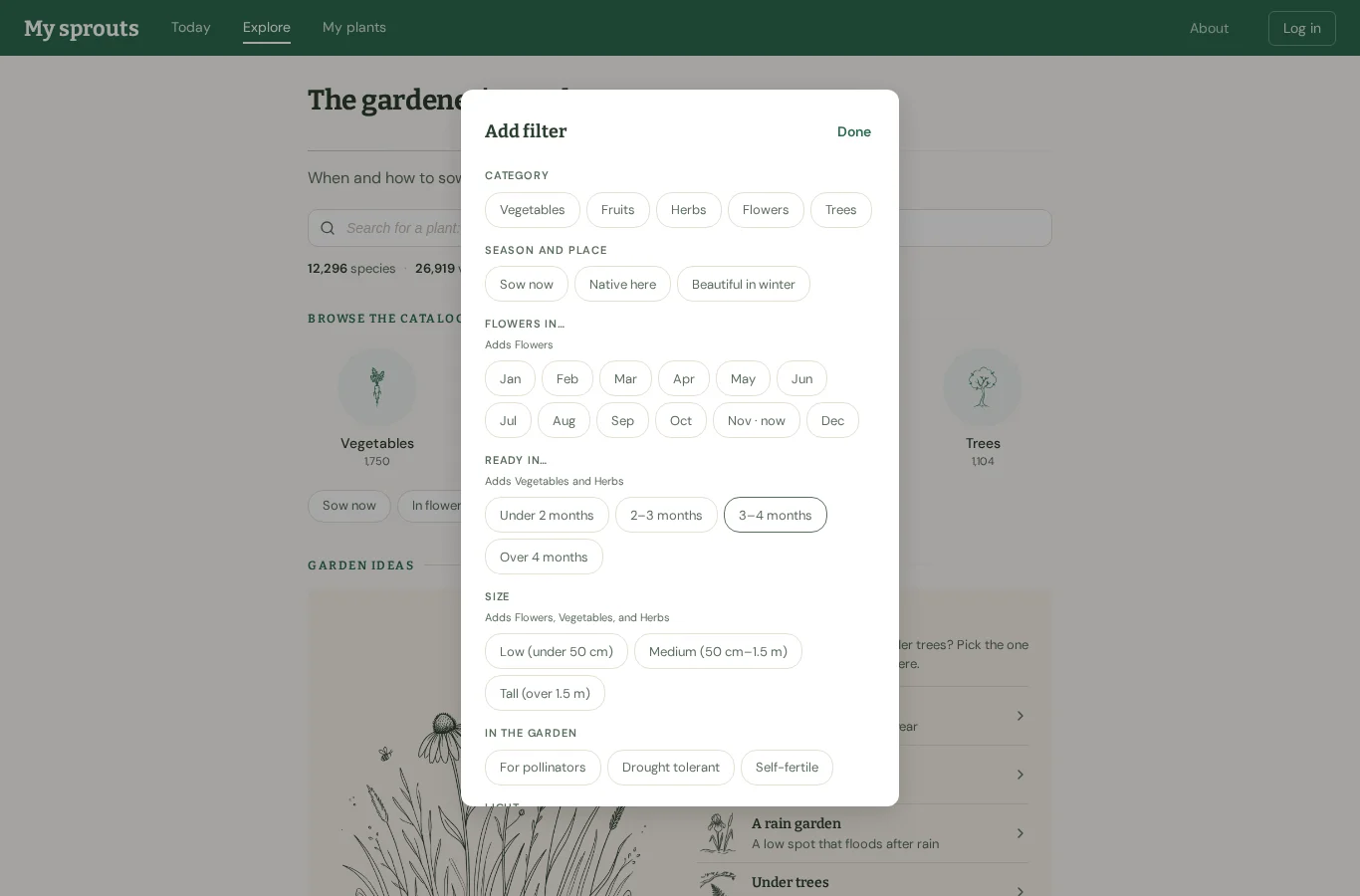
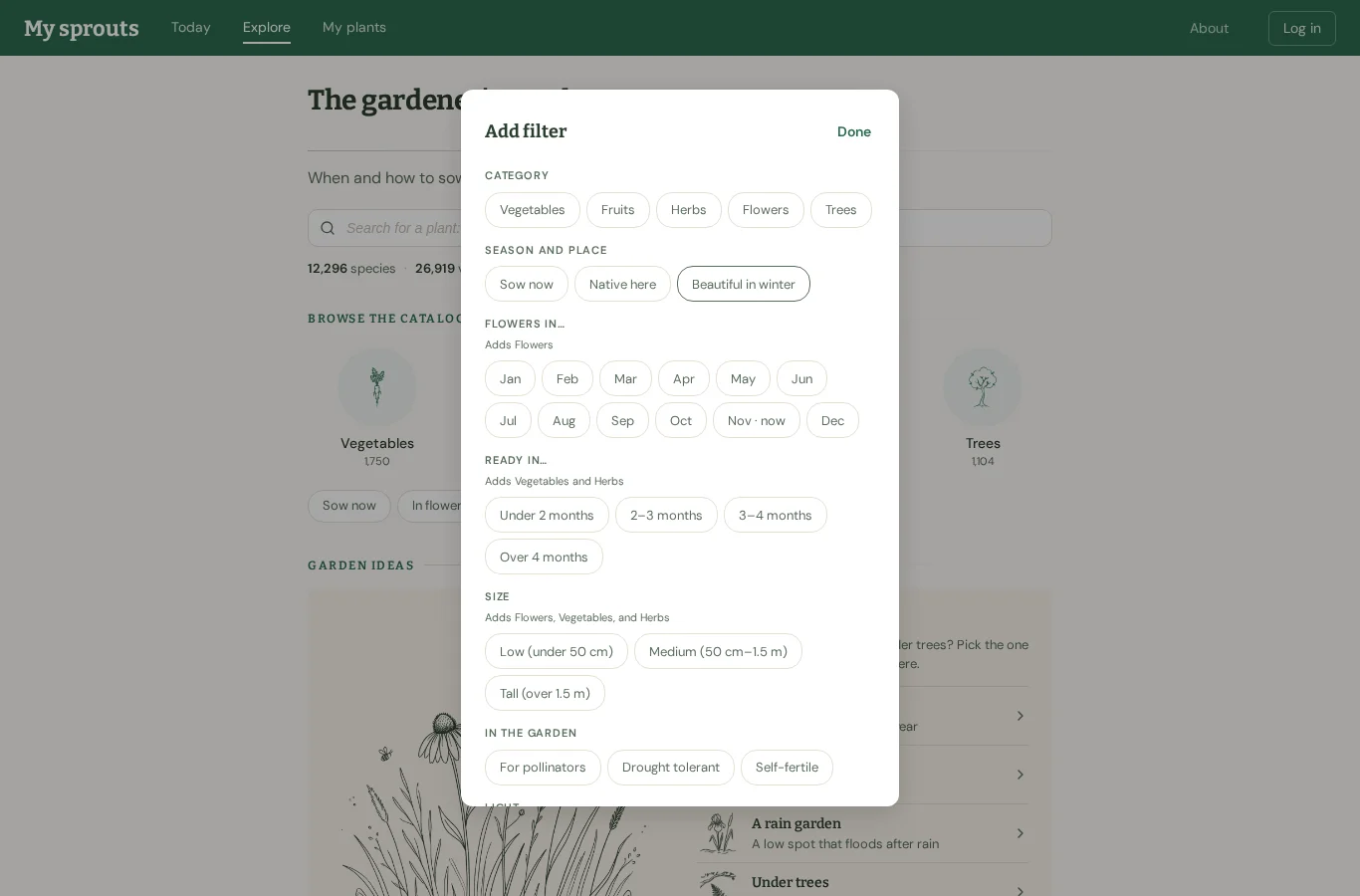
I’ll check the extra filters for a shade option.
→ click button "More…"
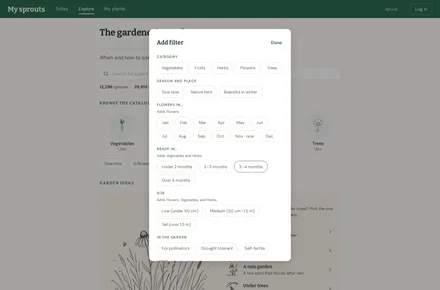
3 · /plants
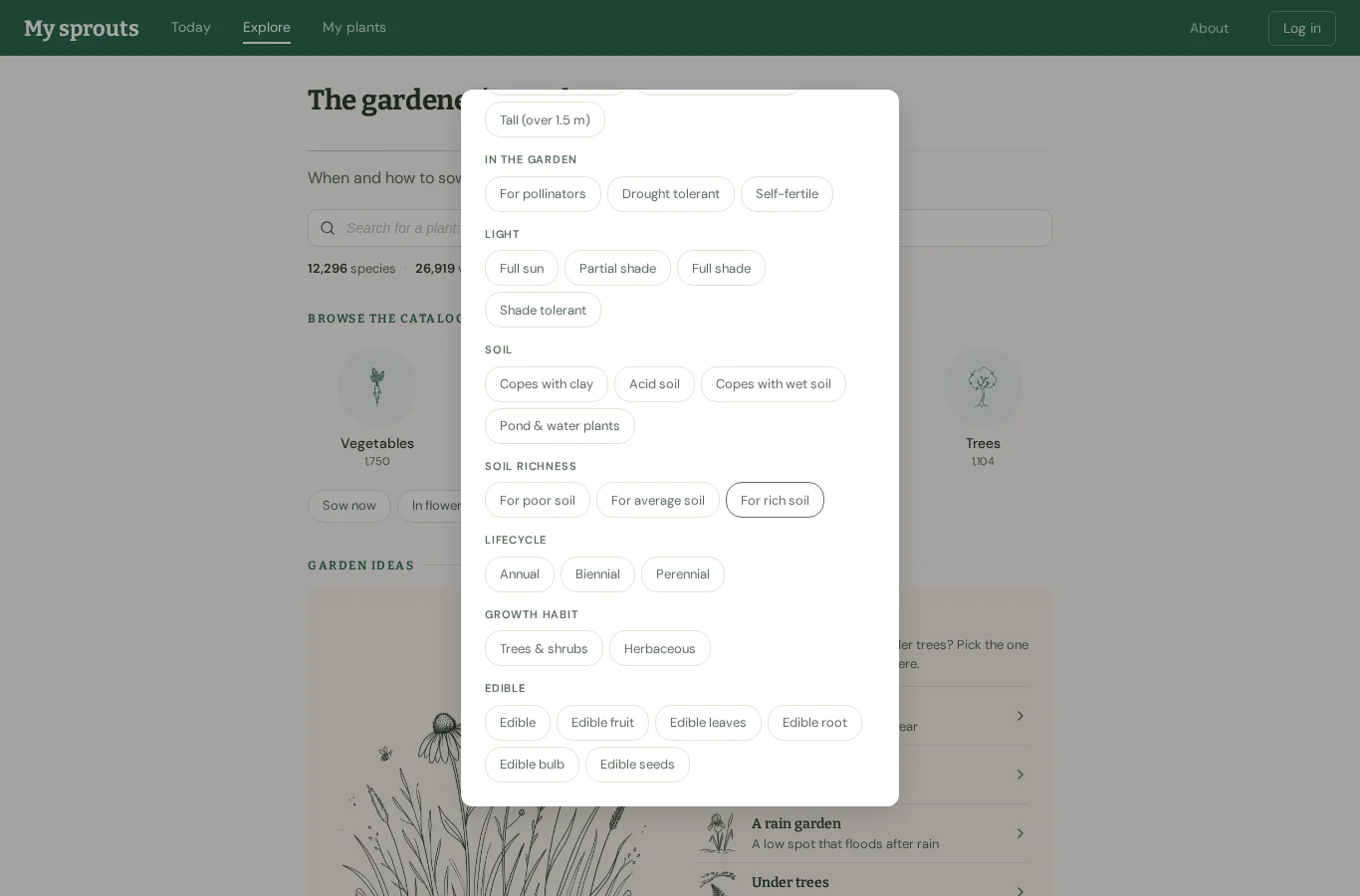
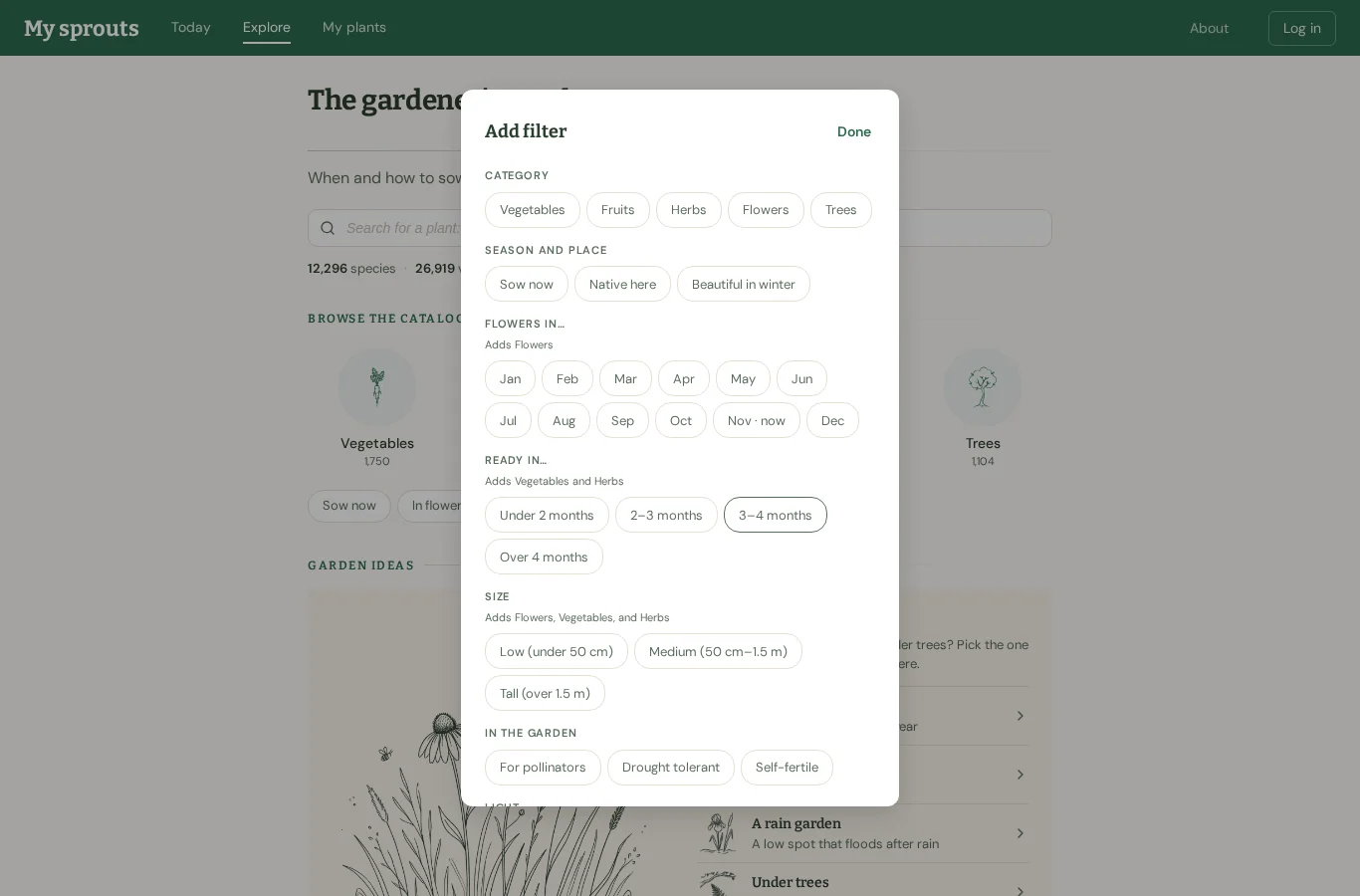
I’ll scroll down the filter list to see if there’s an option for shade.
→ scroll down
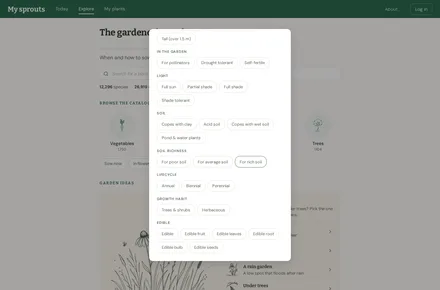
4 · /plants
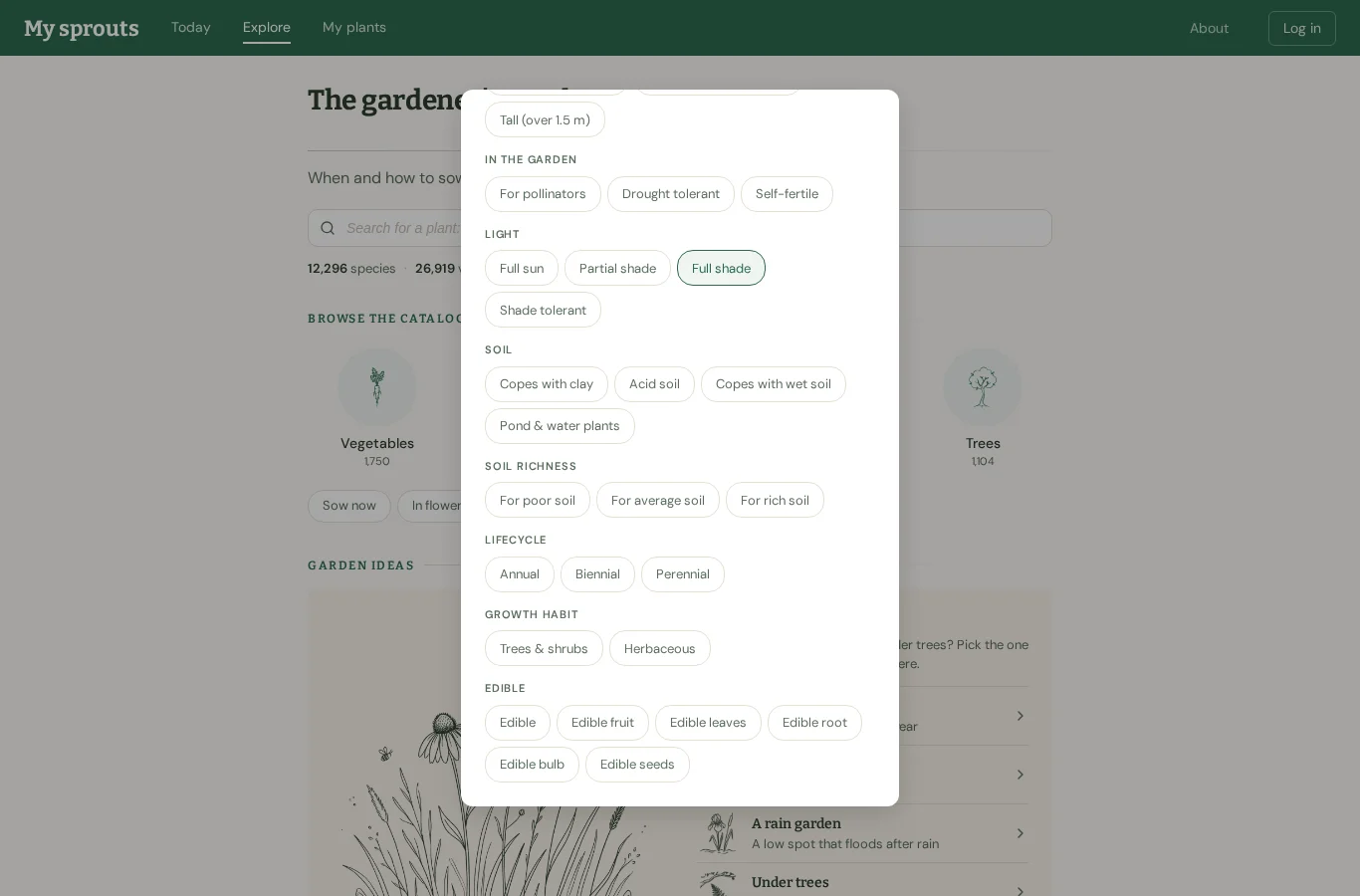
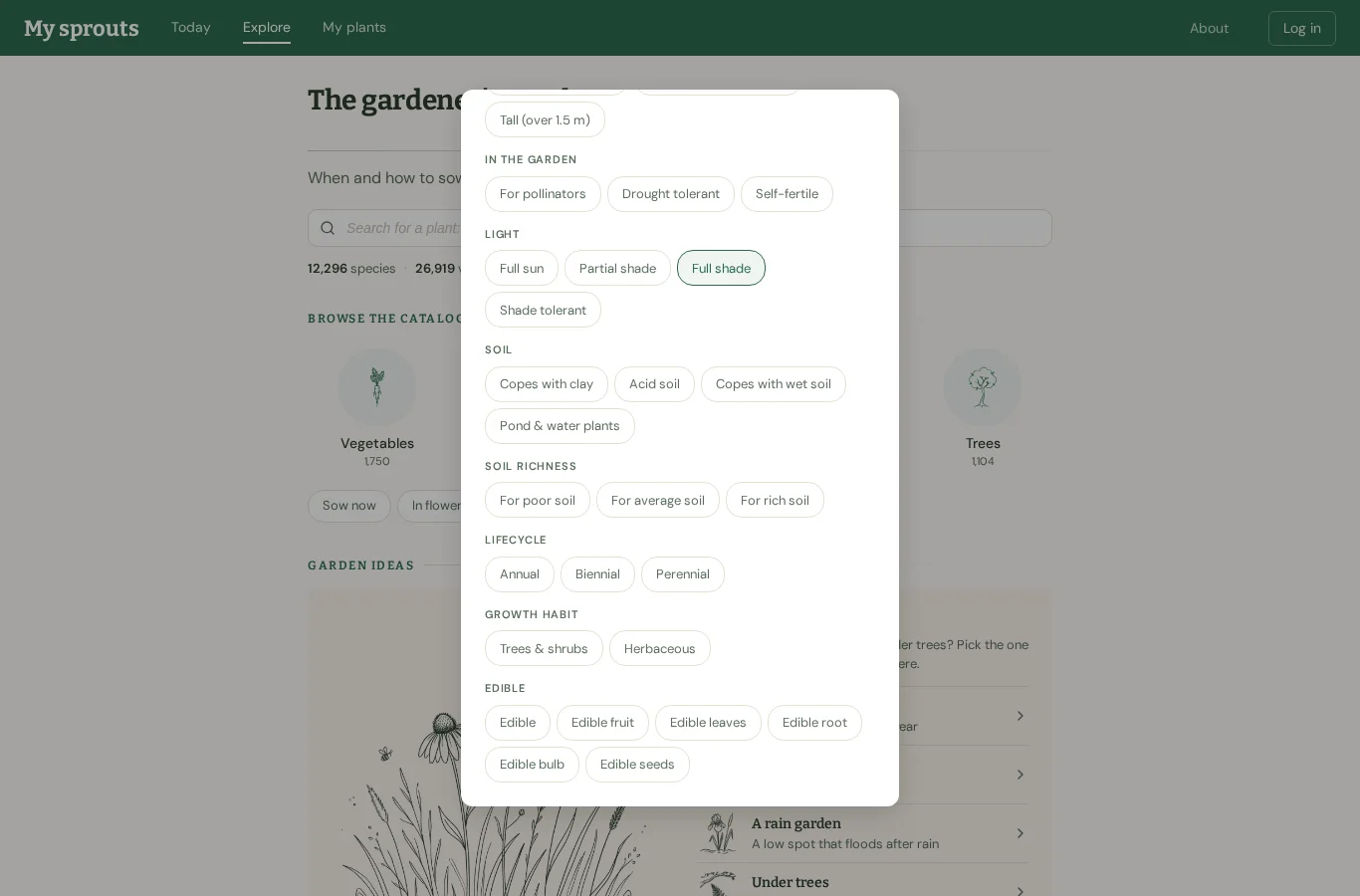
Full shade sounds right for a corner with almost no direct sun.
→ click button "Full shade"
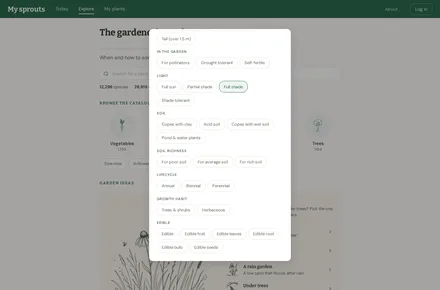
5 · /plants
I’ve selected full shade, so I’ll apply the filter and see the plants.
→ click button "Done"
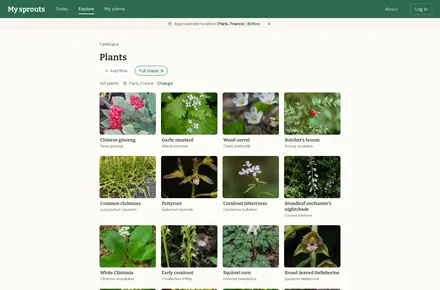
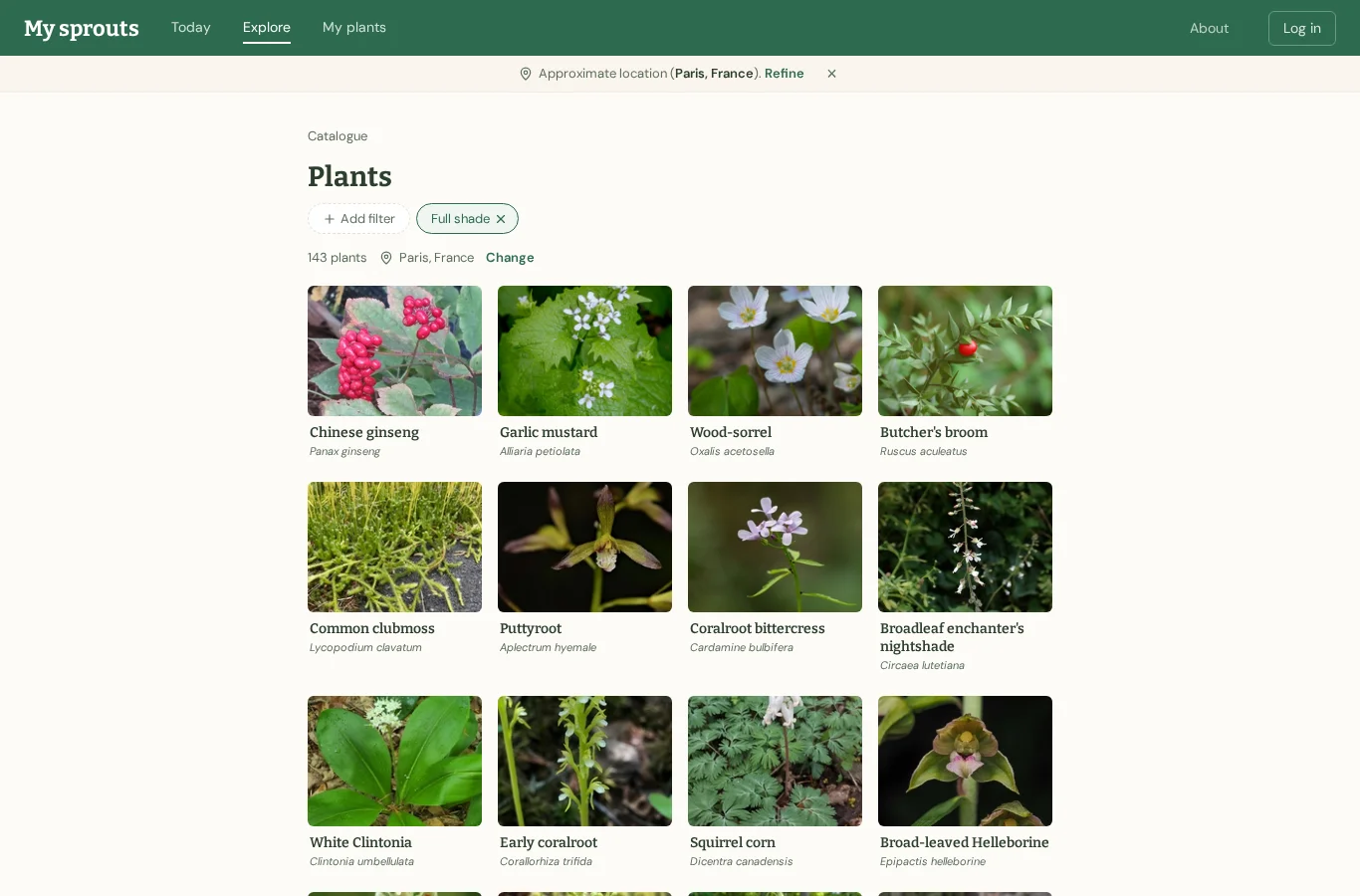
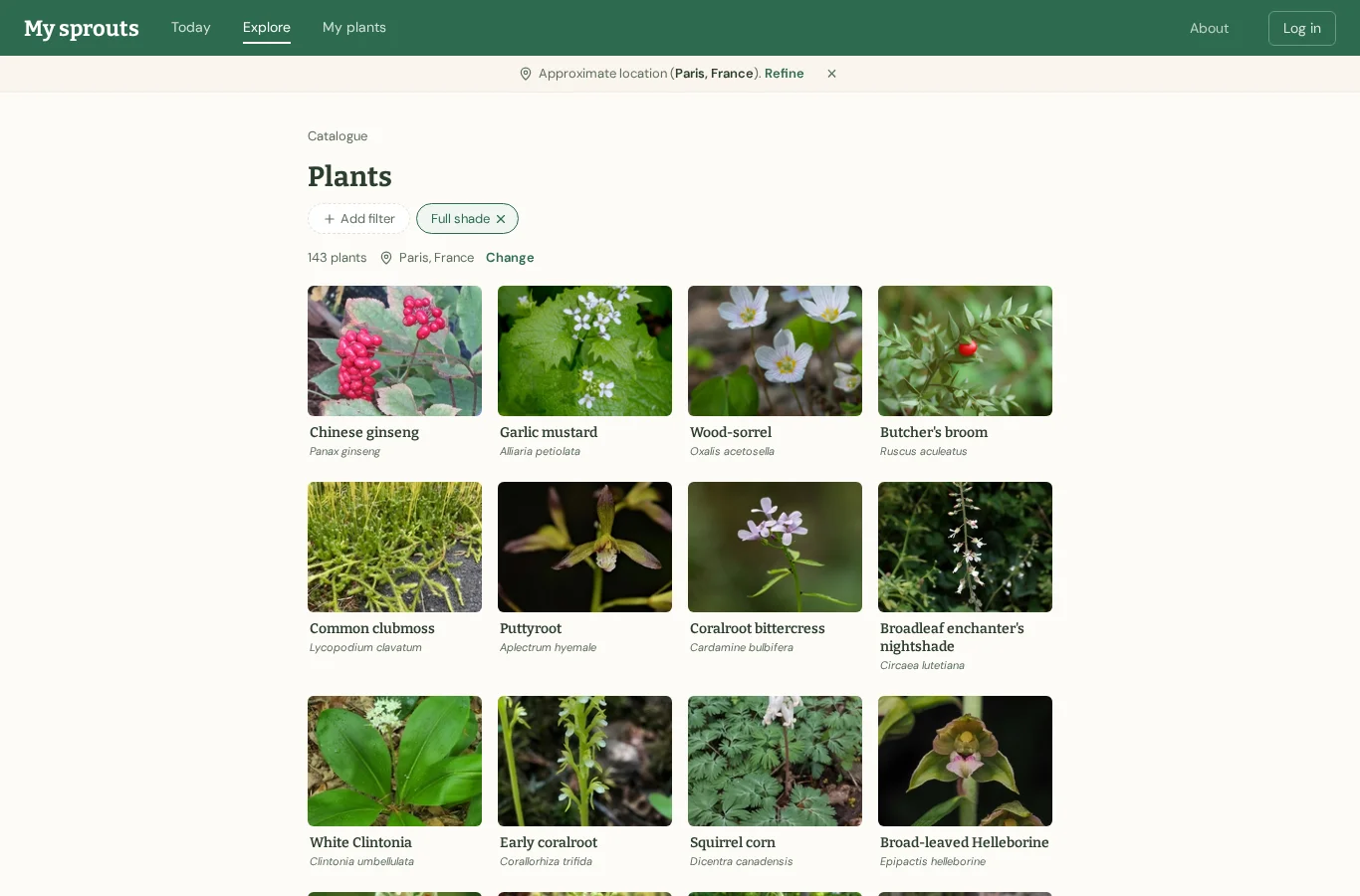
6 · /plants/browse?filter=full_shade
Wood-sorrel looks pretty, and it’s in the full-shade results. I’ll open it to find out more.
→ click link "Wood-sorrel Oxalis acetosella"
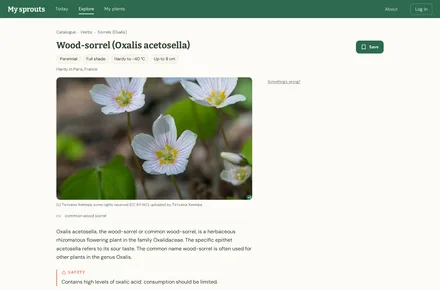
7 · /plants/1205
Wood-sorrel is marked for full shade, so I’ll save it to find again later.
→ click button "Save"
Ended on /plants/1205.
Keen gardener on desktop: got through · 8 steps · 24 s
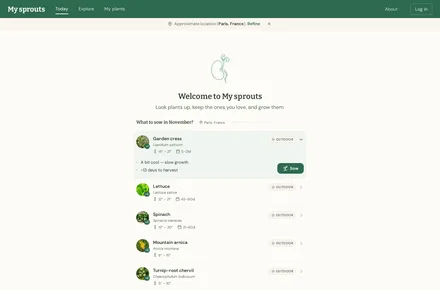
1 · /
I’ll explore the plant catalogue for something suited to deep shade.
→ click link "Explore"
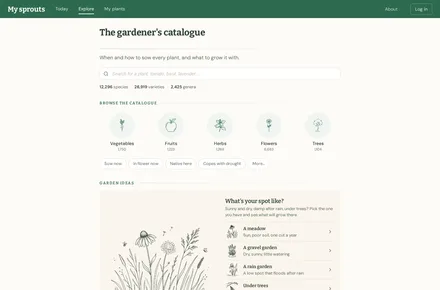
2 · /plants
I’ll check the additional filters for a deep-shade option.
→ click button "More…"
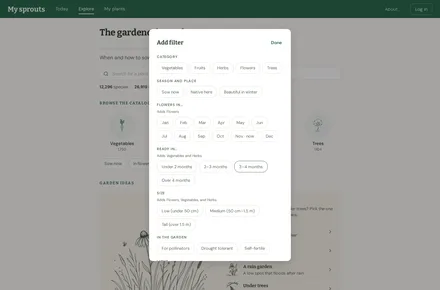
3 · /plants
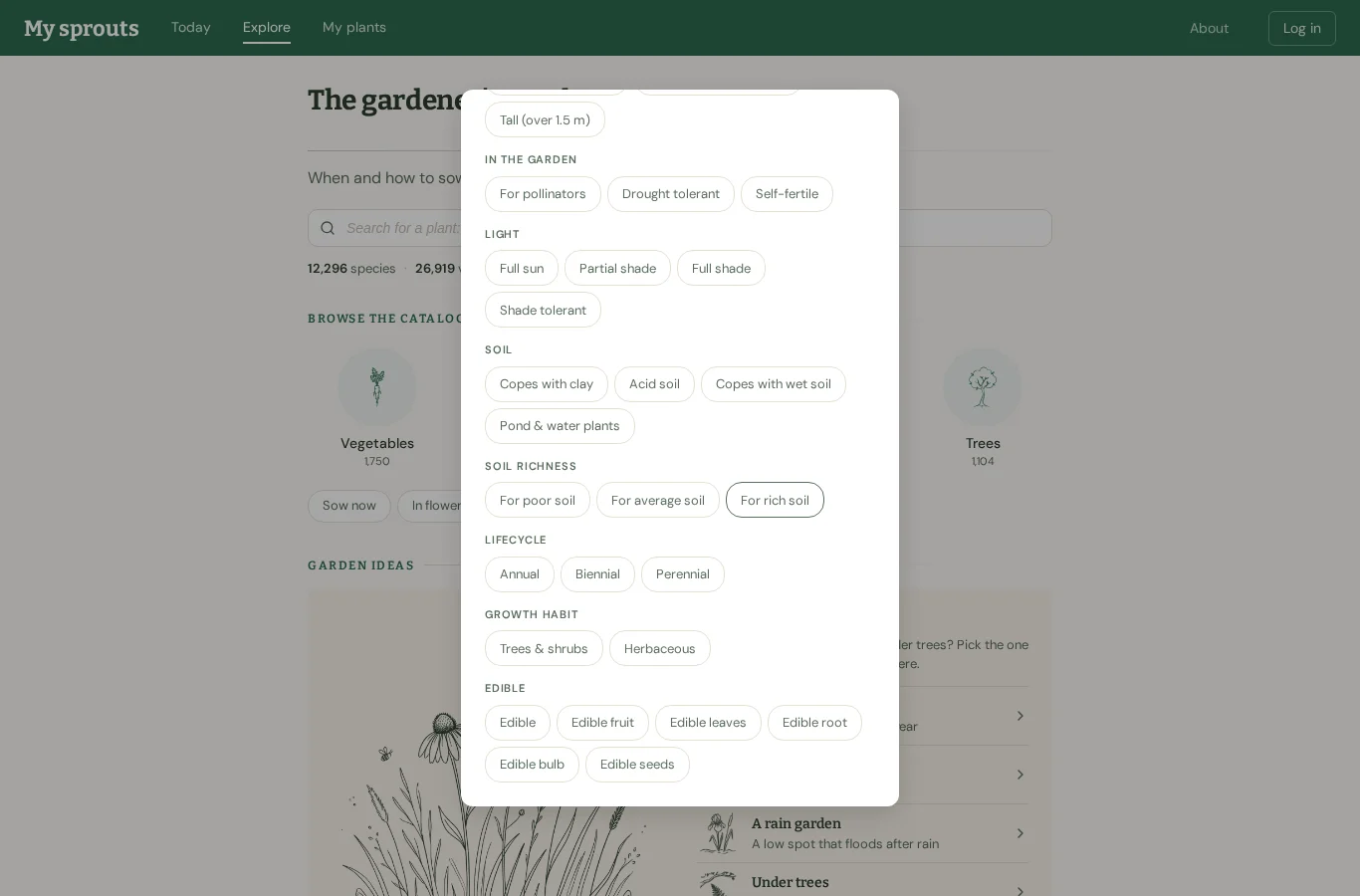
I’ll scroll down in the filter panel to see the light options.
→ scroll down
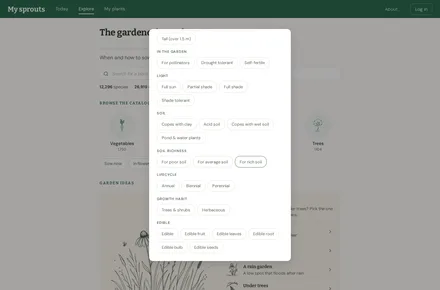
4 · /plants
Full shade is the closest match for a corner with almost no direct sun, so I’ll use that filter.
→ click button "Full shade"
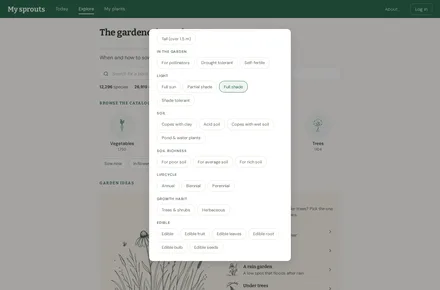
5 · /plants
Full shade is selected; I’ll return to the top of the filter panel to apply it.
→ scroll up
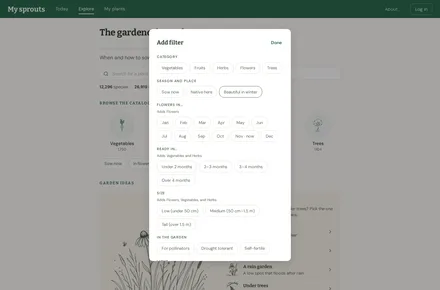
6 · /plants
I’ll apply the full-shade filter and see what plants are suggested.
→ click button "Done"
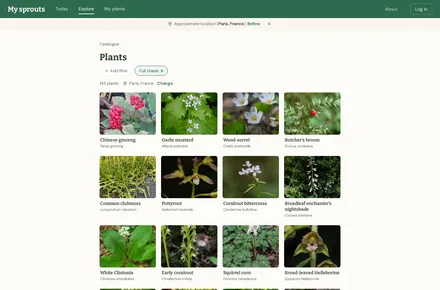
7 · /plants/browse?filter=full_shade
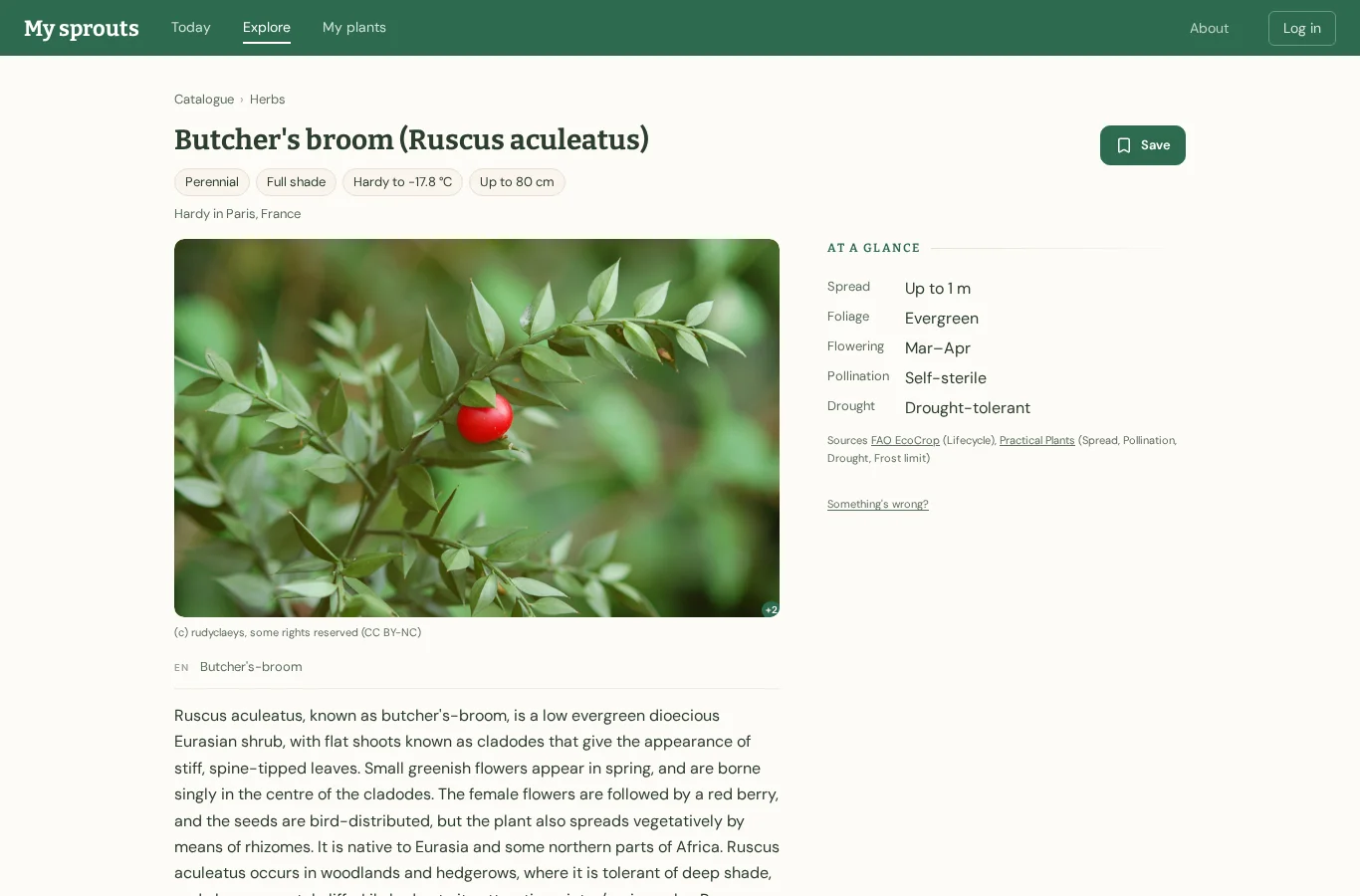
Butcher’s broom is a familiar shade-tolerant evergreen; I’ll check its growing requirements.
→ click link "Butcher's broom Ruscus aculeatus"
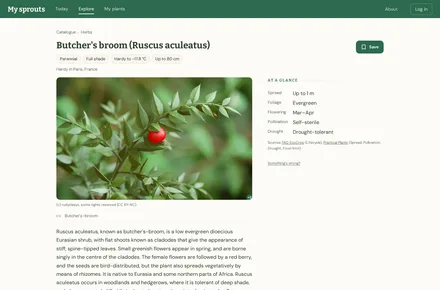
8 · /plants/1230
Butcher’s broom tolerates deep shade, so it looks suitable. I’ll save it for later.
→ click button "Save"
Ended on /plants/1230.