The full log behind one journey of our example report: Tumbleloaf, a made-up bakery with problems planted on purpose. Real runs on 4 November 2026 against a copy of the demo, unedited. In a weekly report, a person reads this for you and sends the short version. About Kibitzer · Privacy
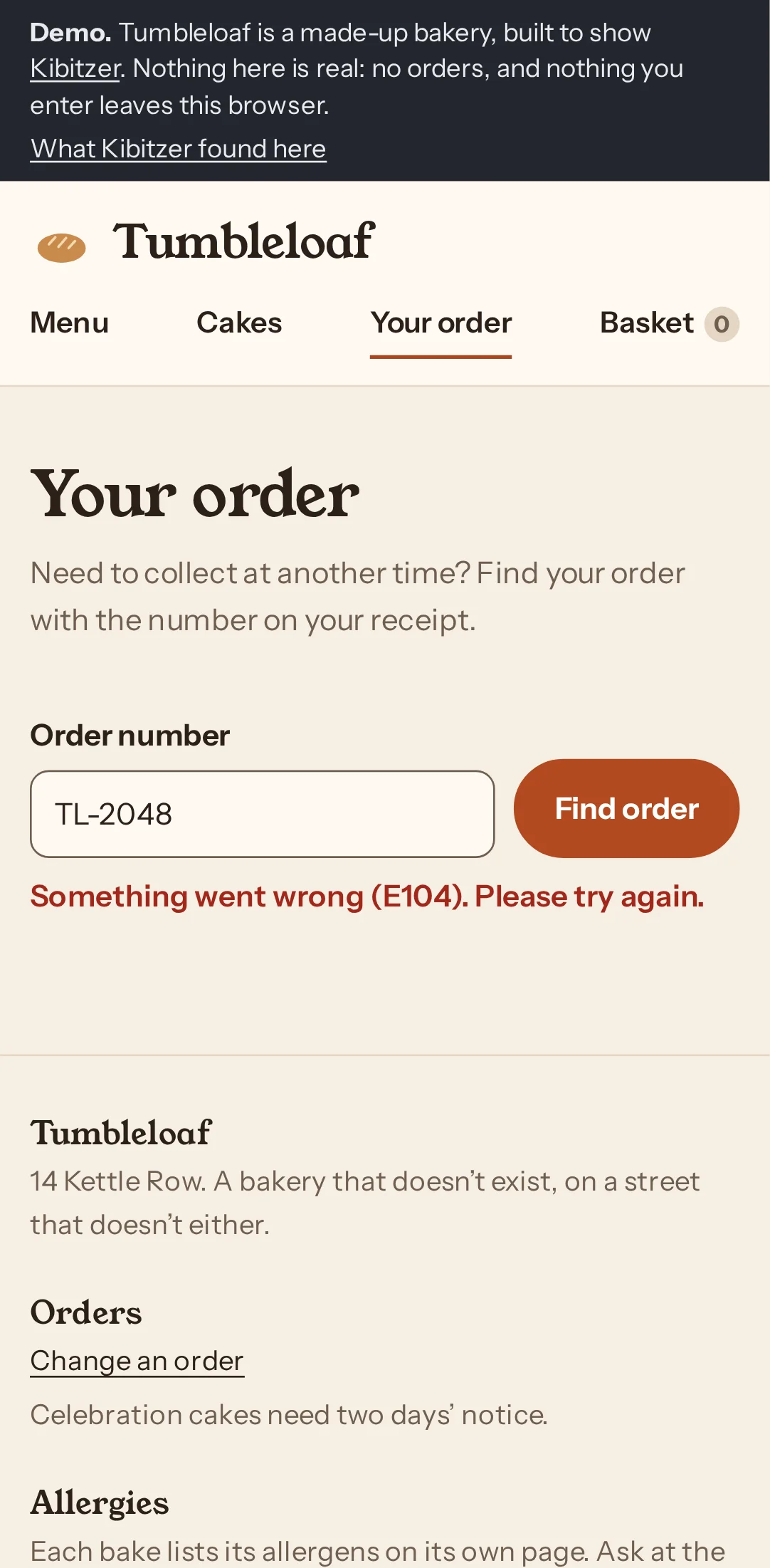
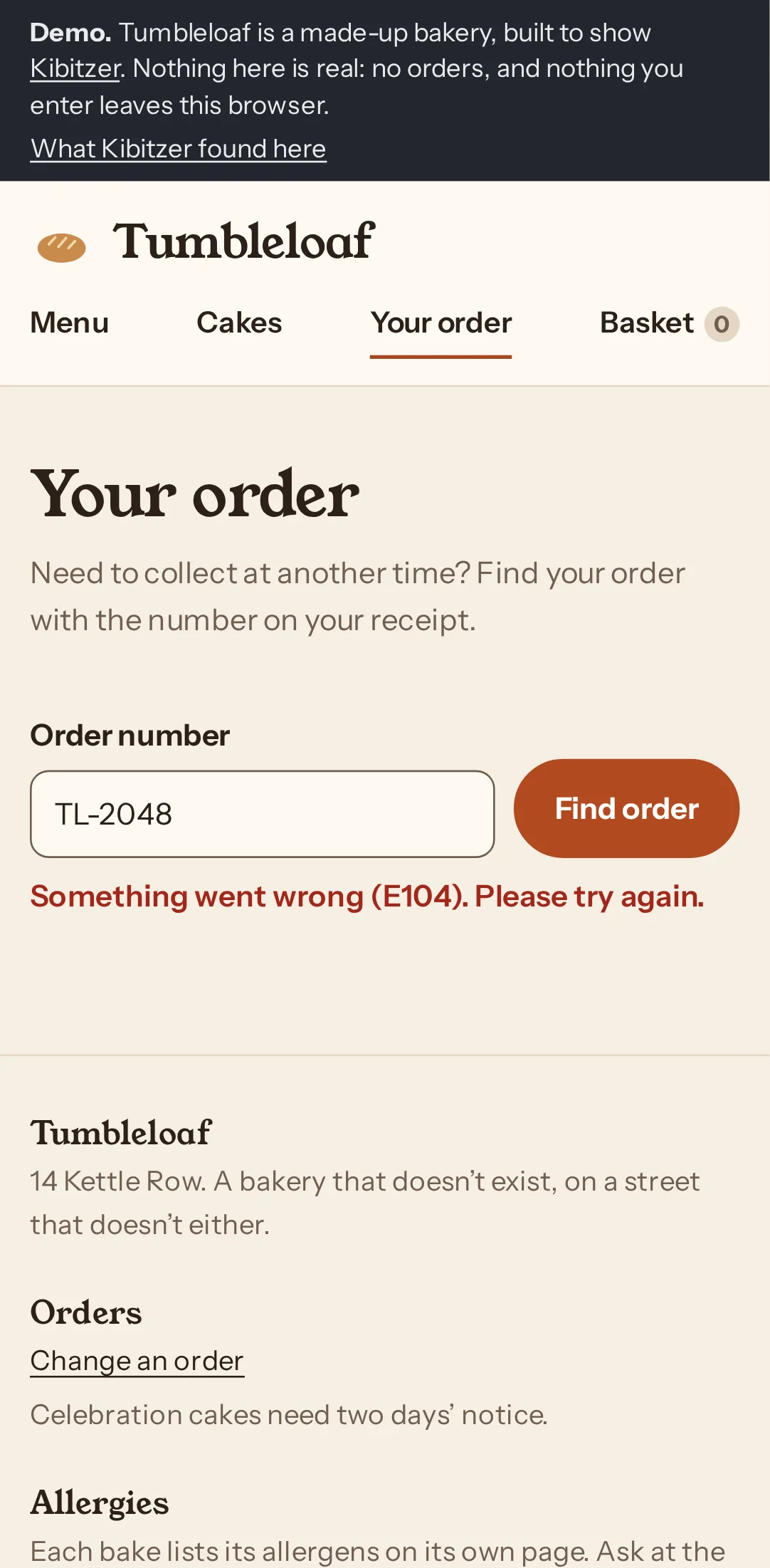
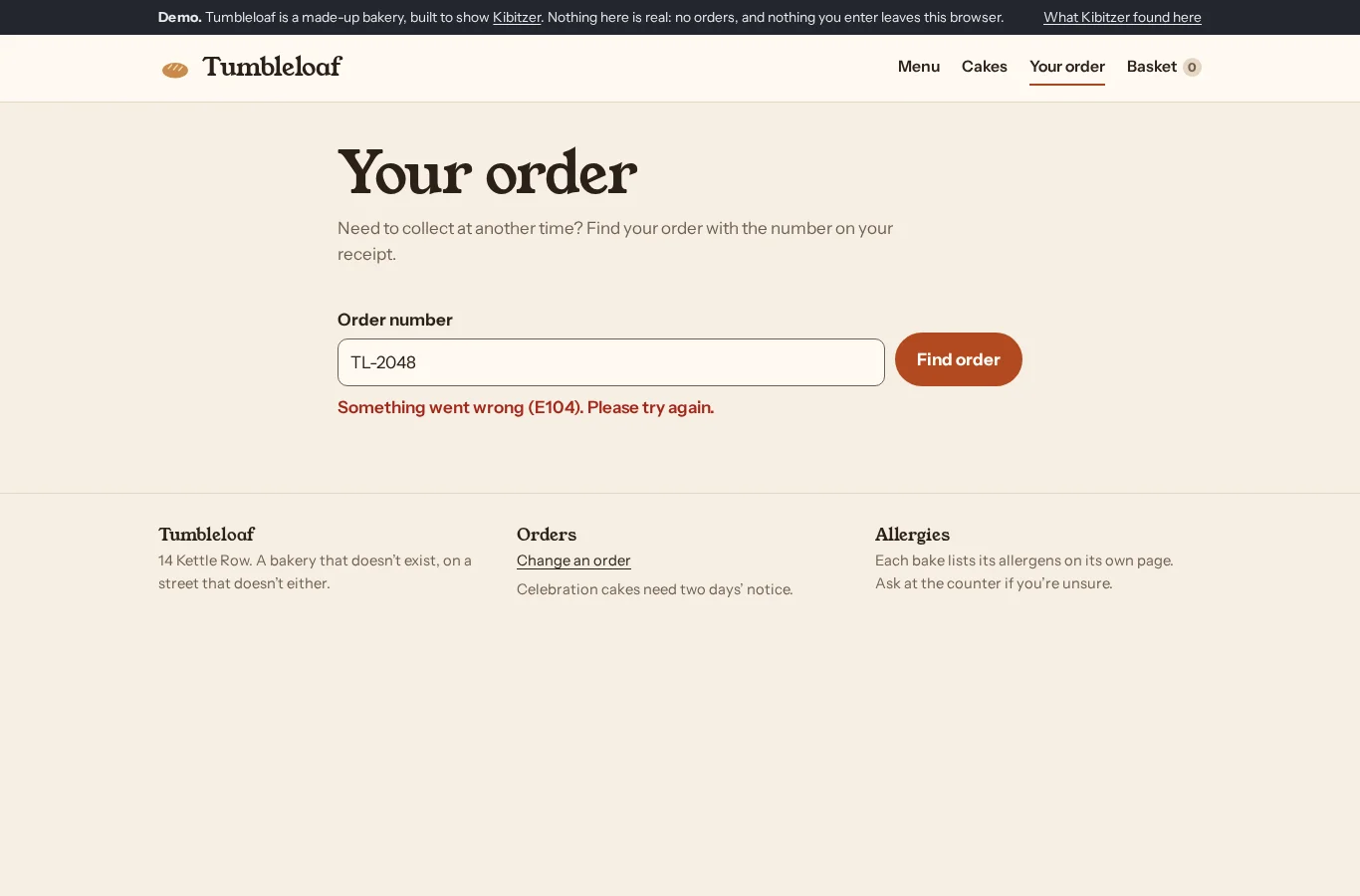
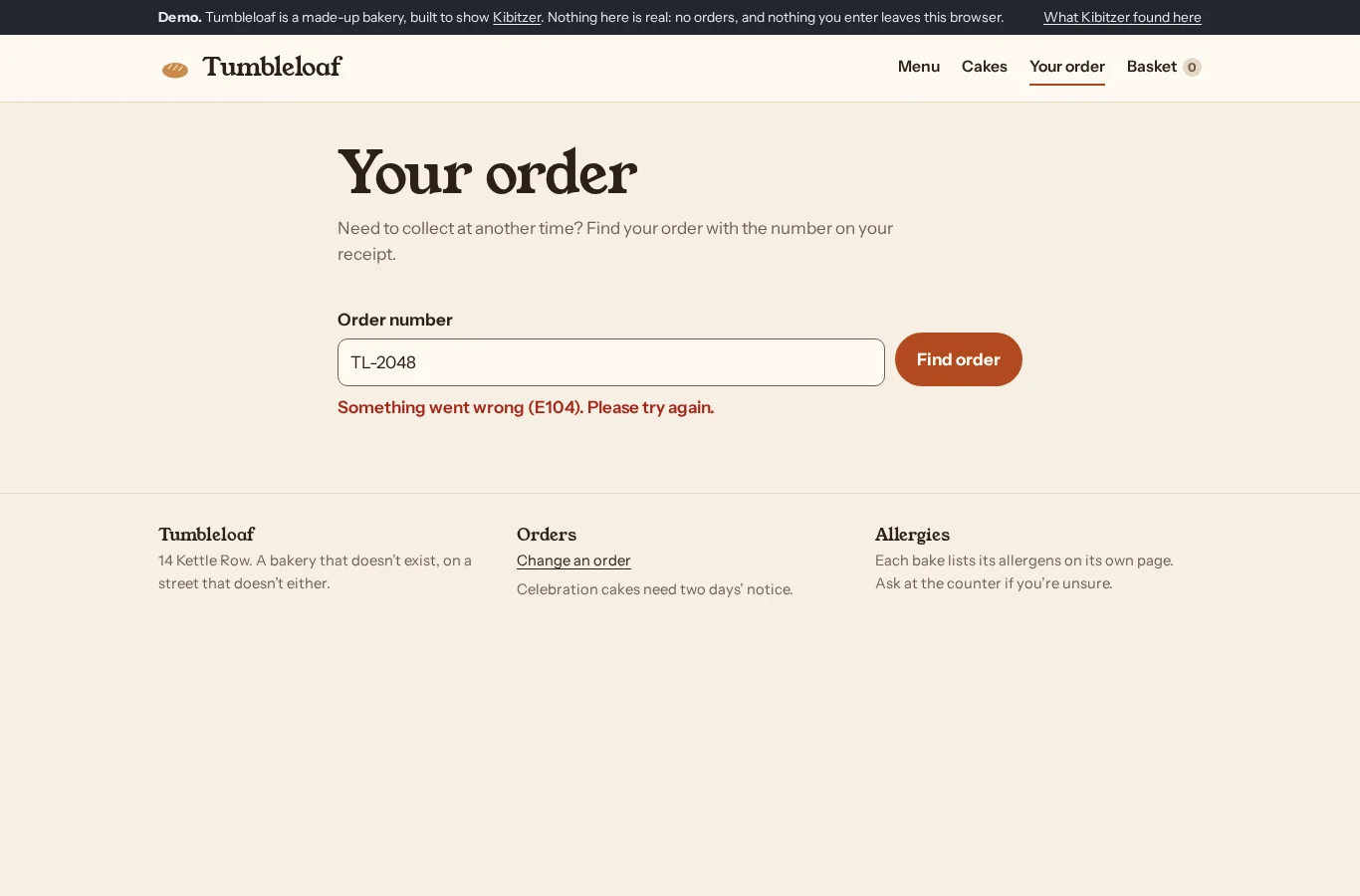
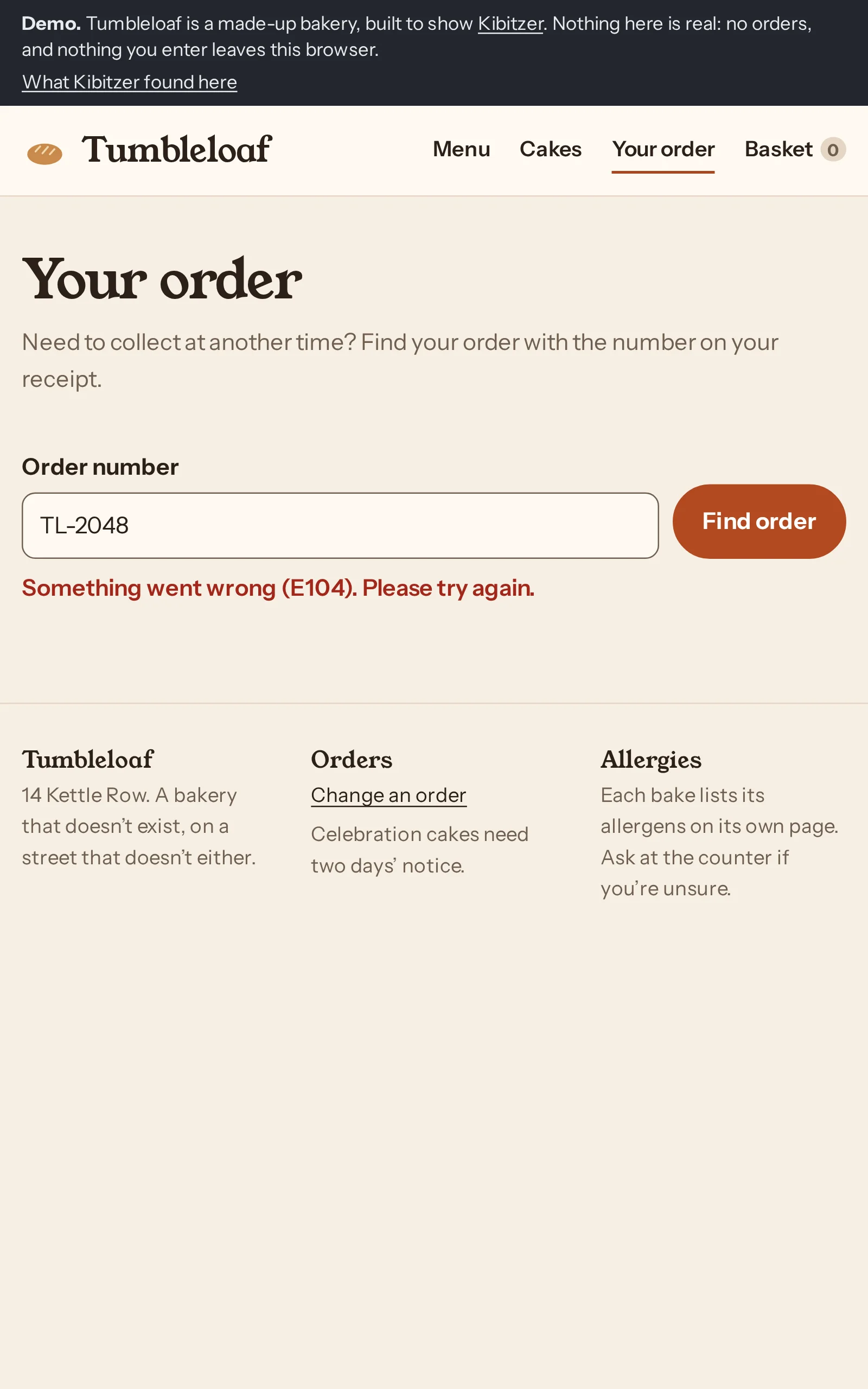
Checked by hand: all three typed the number as the receipt prints it, TL-2048. The lookup takes only the digits and answers “Something went wrong (E104). Please try again.” Typing 2048 finds the order.
Weekly regular, on a phone: Order lookup repeatedly returned error E104, so I couldn't change the pickup time.
Simulated visitors are a first pass. They find broken paths, dead ends and confusing labels. They are more patient and more literal than people, so they can’t tell you how your app feels to use. For that, you need real people.
What got in the way
What the visitors ran into, page by page, in their own words.
3 of 3 visitors/demo/order/
Find order shows an E104 error instead of finding my order, and doesn't explain what went wrong.
Each visit, step by step: what the visitor saw, thought and did. Click a screenshot to see it full size.
Move an order to another time
What the visitors were asked
Earlier this week you ordered bread and croissants from this bakery, to pick up on Friday morning. Your receipt says the order is TL-2048. Something has come up and you can only get there after 4 pm on Friday. Change the order so you can pick it up then, and say what time you'll collect it.
Weekly regularon a phoneGave up after 5 steps
Who:Buys bread here most weeks, ordering on their phone. Has the receipt email open in another app and copies numbers from it as they are.
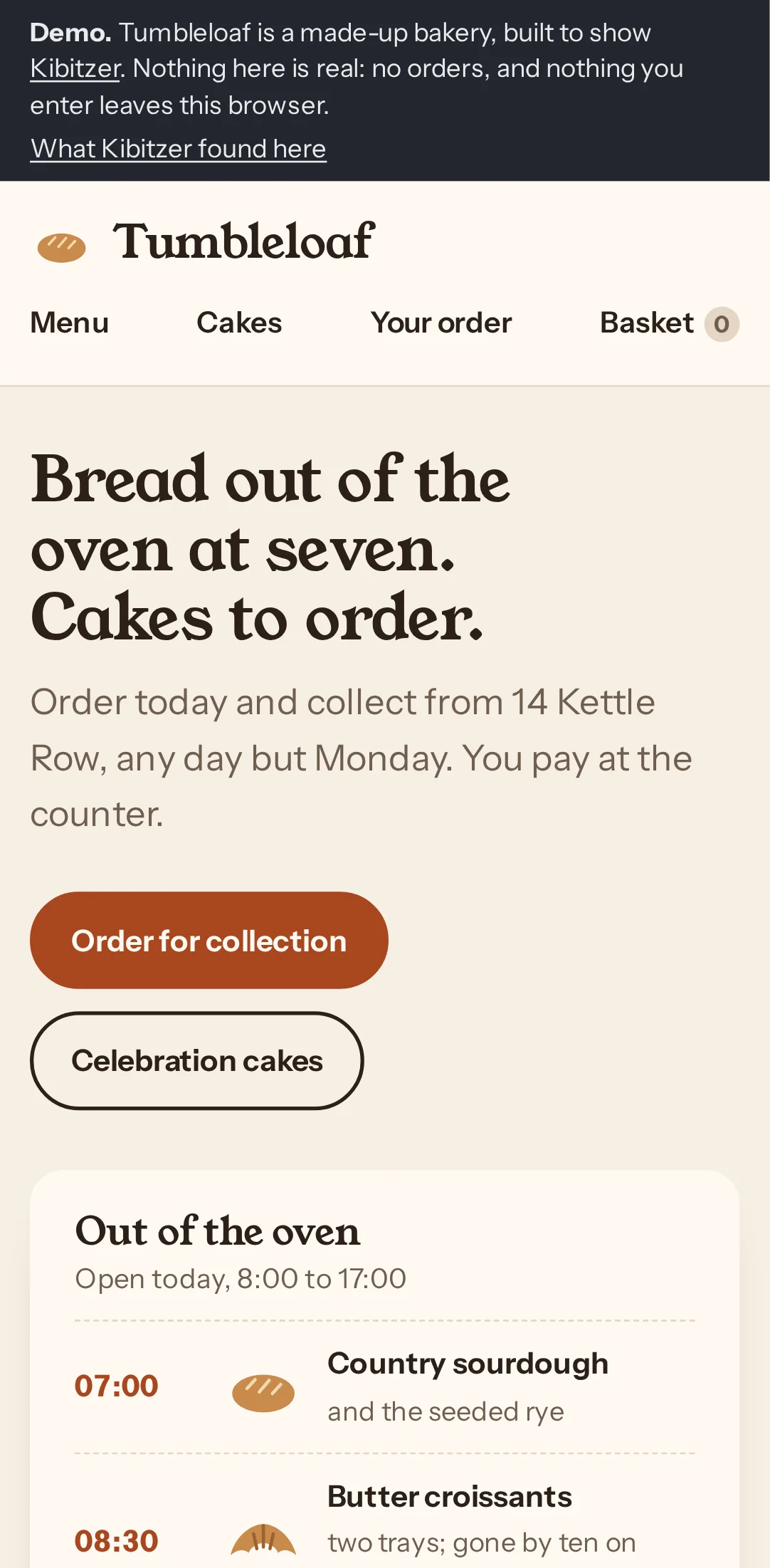
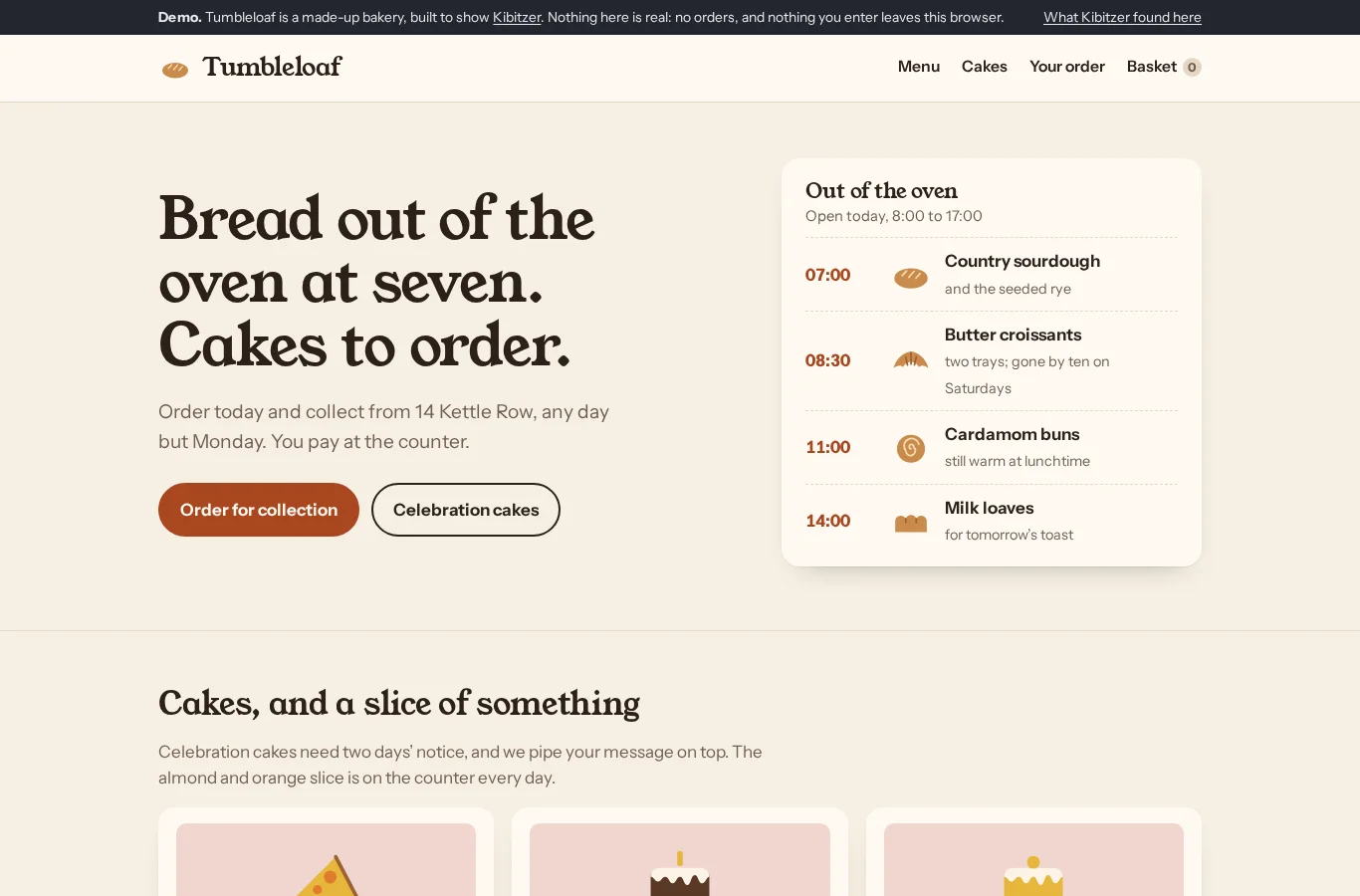
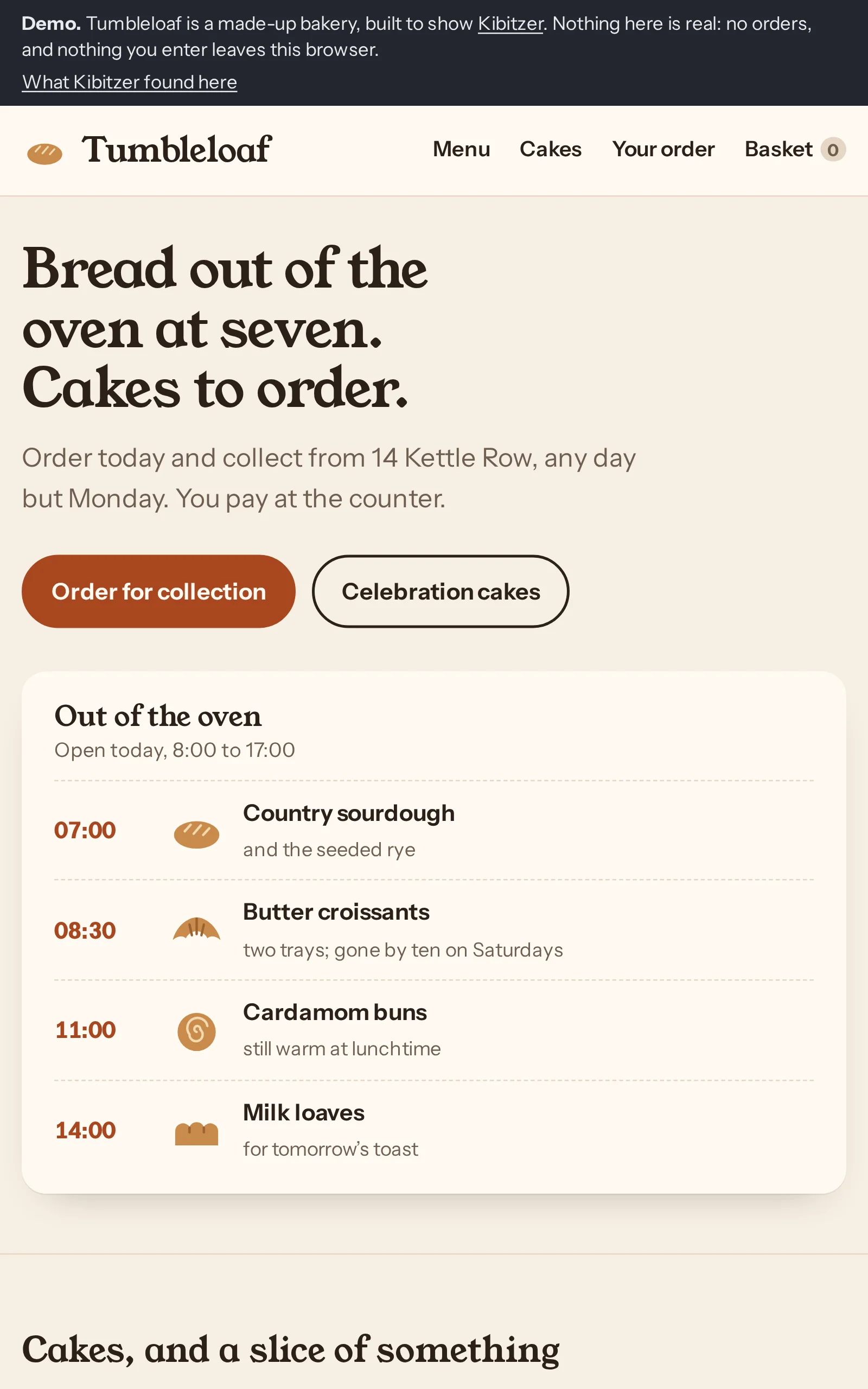
Step 1 · /demo/
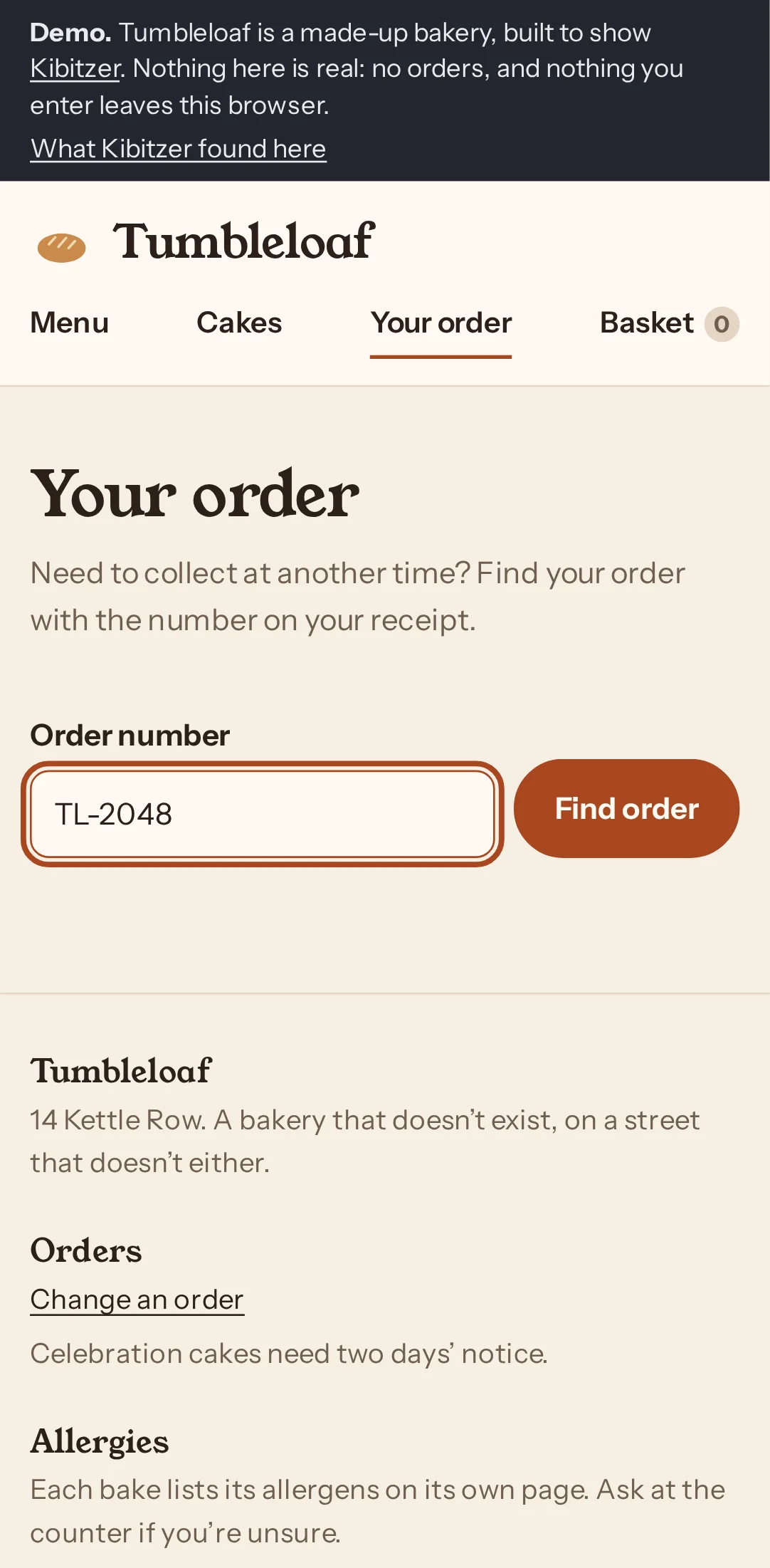
Tapped “Your order”
“I'll open Your order to change the collection time.”
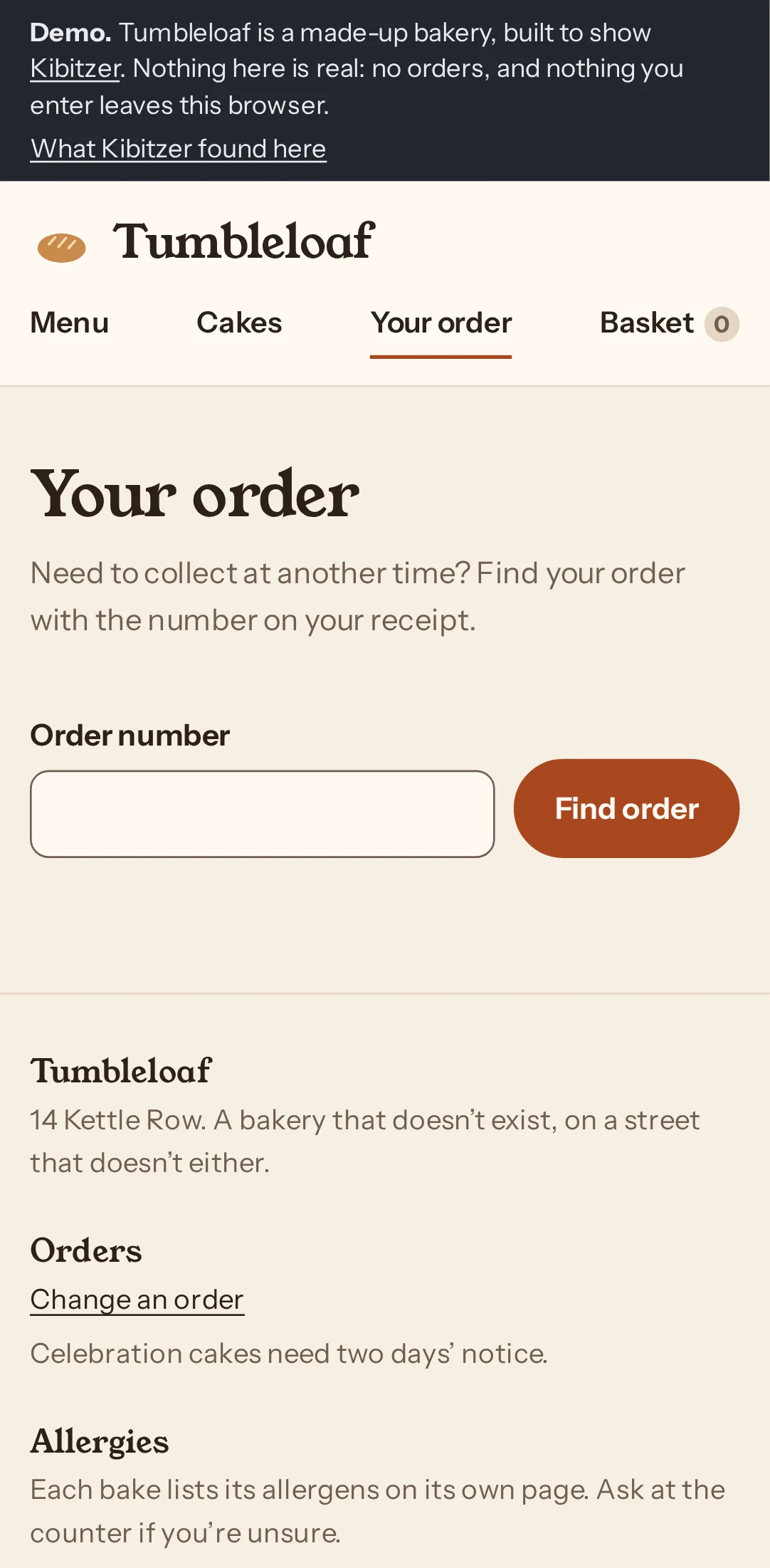
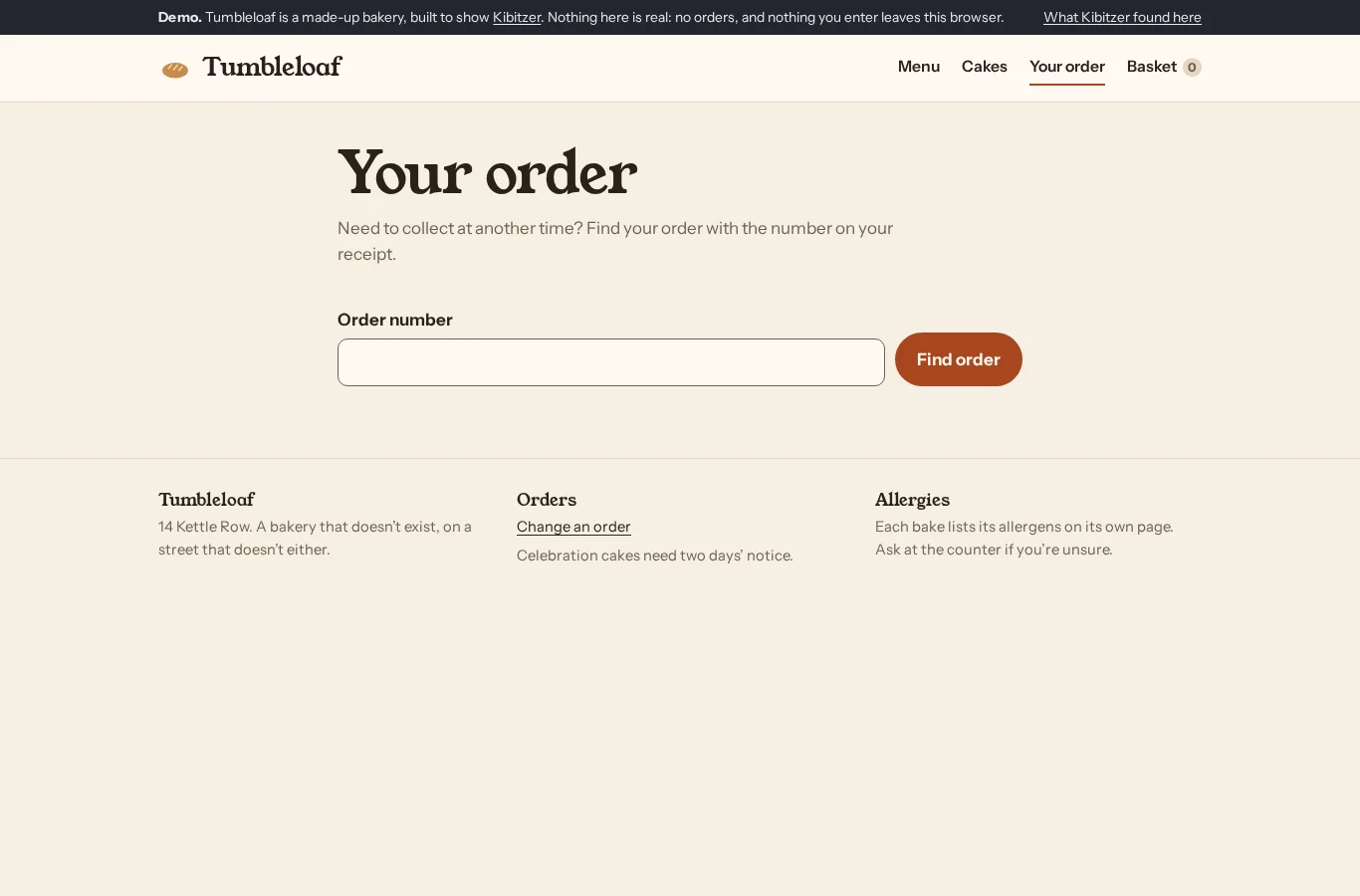
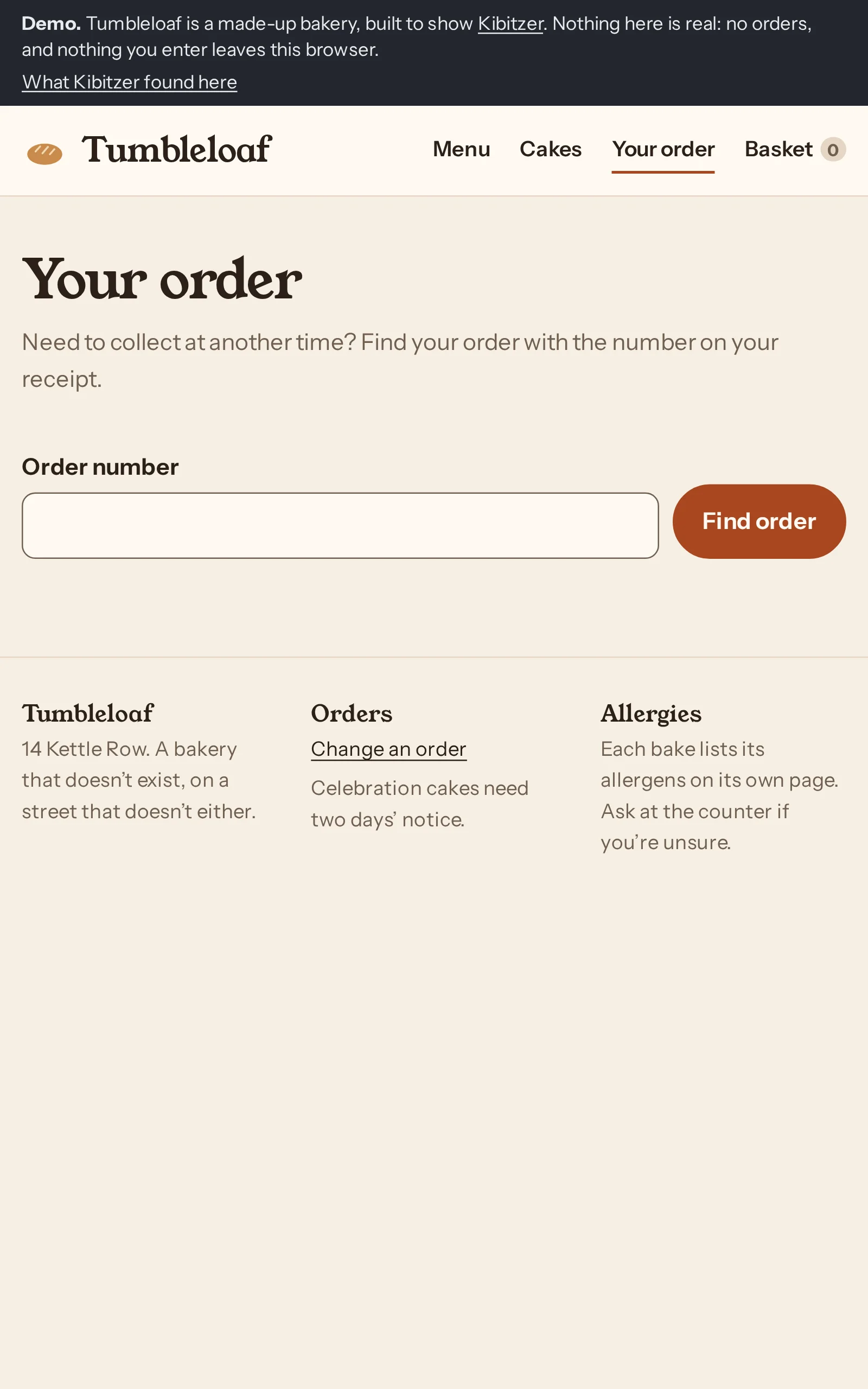
Step 2 · /demo/order/
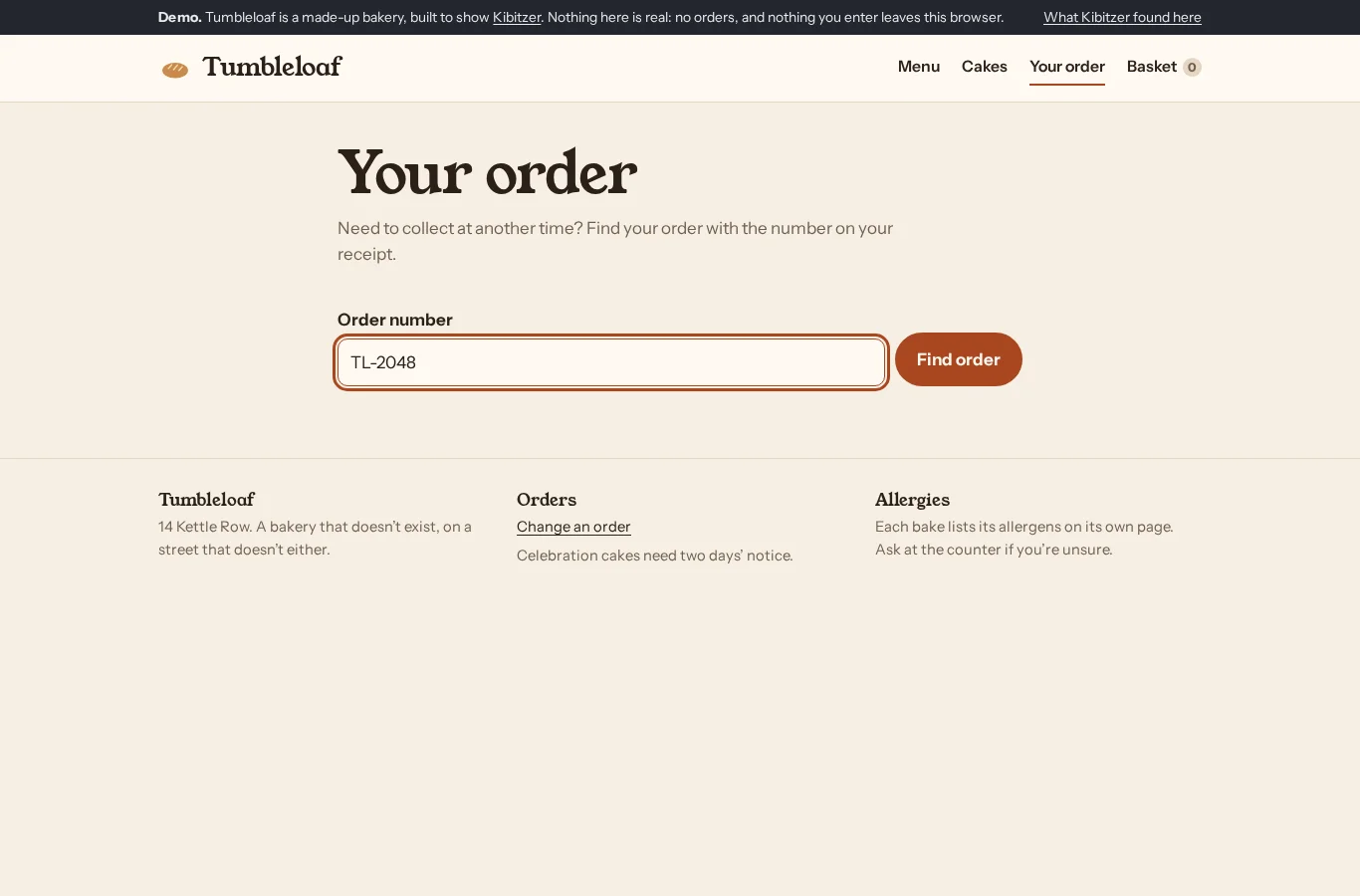
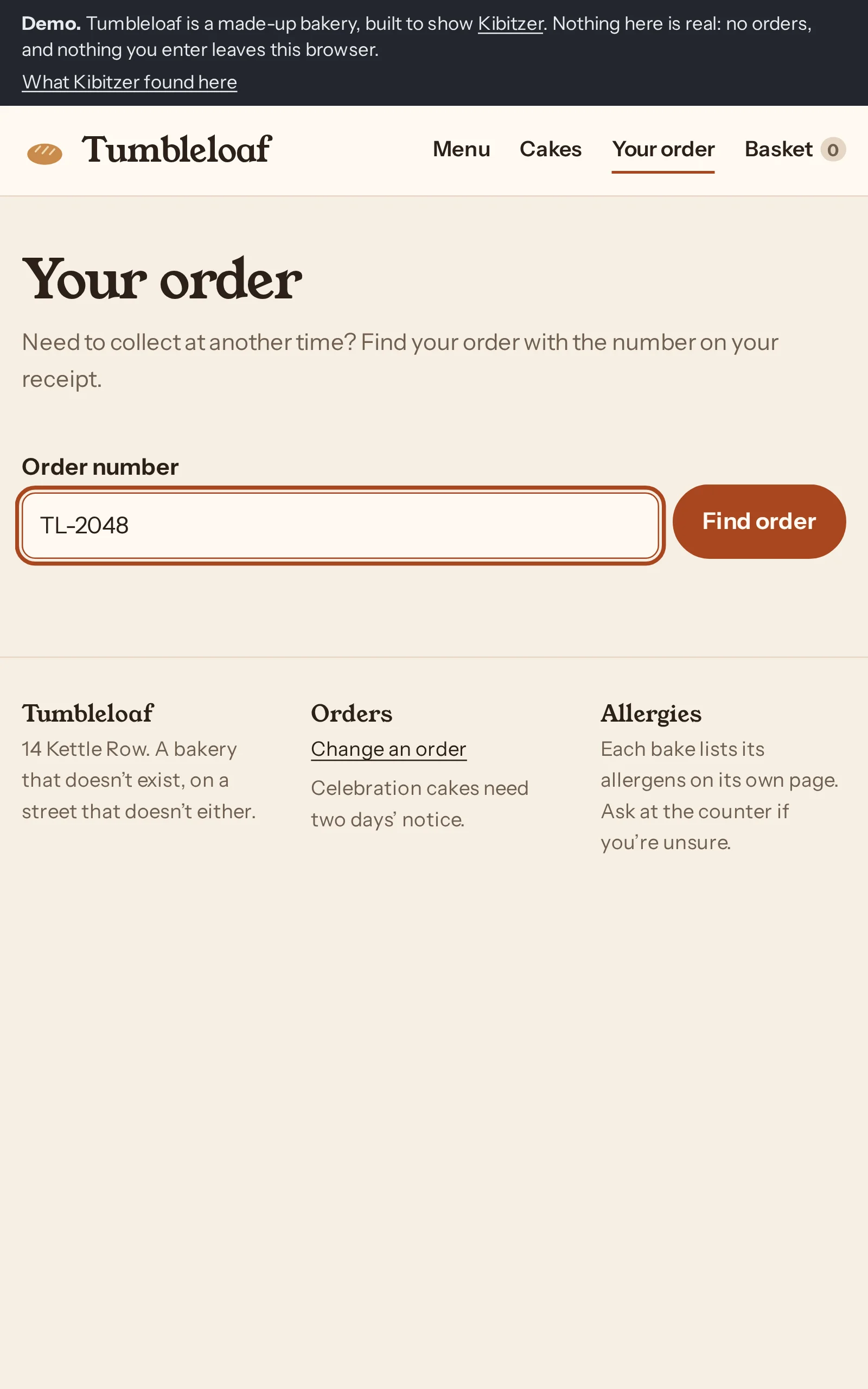
Typed “TL-2048” into “Order number”
“I'll enter the order number exactly as it appears on the receipt.”
Step 3 · /demo/order/
Tapped “Find order”
“I'll find the order using the receipt number.”
Step 4 · /demo/order/
Tapped “Find order”
“The order number matches my receipt, so I'll try again as suggested.”
Find order shows an E104 error instead of finding my order, and doesn't explain what went wrong.
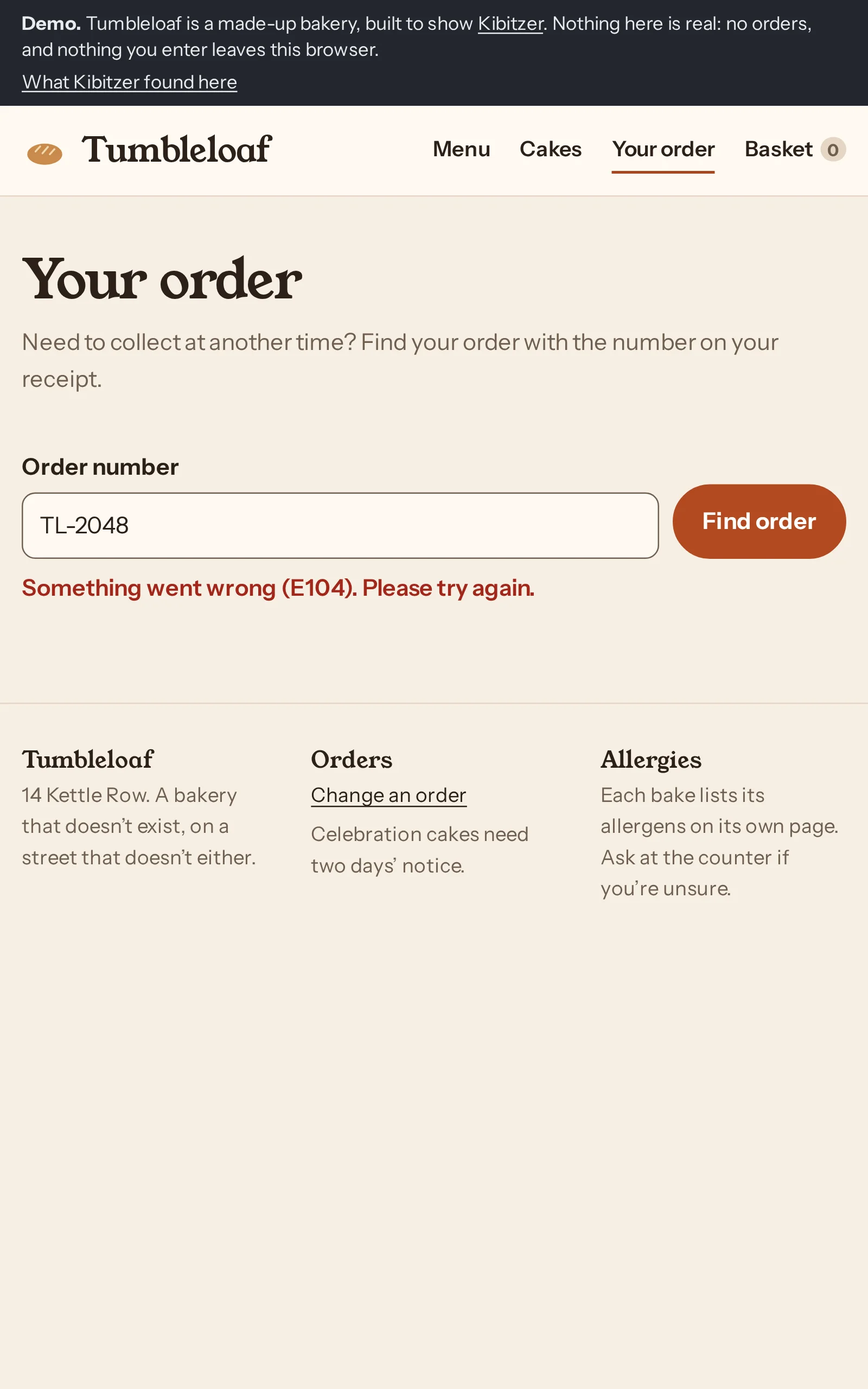
Nothing on the page changed.
Step 5 · /demo/order/
Gave up
Find order shows “Something went wrong (E104)” even after retrying; I expected it to find my order or explain how to fix the problem.
Careful retired customeron a computerGave up after 5 steps
Who:Retired, orders online now and then, at a desktop computer. Types exactly what the receipt says and reads error messages carefully.
Step 1 · /demo/
Clicked “Your order”
“I’ll open Your order to find the collection details.”
Step 2 · /demo/order/
Typed “TL-2048” into “Order number”
“I’ll enter the order number exactly as it appears on the receipt.”
Step 3 · /demo/order/
Clicked “Find order”
“I’ve entered the receipt number, so I’ll find the order.”
Step 4 · /demo/order/
Clicked “Find order”
“The number matches my receipt, and the message asks me to try again, so I’ll do that.”
The Find order error says E104 but does not explain what went wrong; I expected it to find my order.
Nothing on the page changed.
Step 5 · /demo/order/
Gave up
The Find order error says to try again, but I expected it to find the order after I retried with the receipt number.
Freelancer between callson a tabletGave up after 5 steps
Who:Freelancer whose day just changed; sorting it out on a tablet between calls. Comfortable with apps, impatient with forms that fight back.
Step 1 · /demo/
Tapped “Your order”
“I’ll open Your order to change the collection time.”
Step 2 · /demo/order/
Typed “TL-2048” into “Order number”
“I’ll enter the order number from the receipt.”
Step 3 · /demo/order/
Tapped “Find order”
“I’ll find the order now.”
Step 4 · /demo/order/
Tapped “Find order”
“The order lookup failed, so I’ll try once more as suggested.”
Find order returned error E104; I expected it to show my order or explain what went wrong.
Nothing on the page changed.
Step 5 · /demo/order/
Gave up
Find order shows an unexplained E104 error even after retrying; I expected it to open order TL-2048.