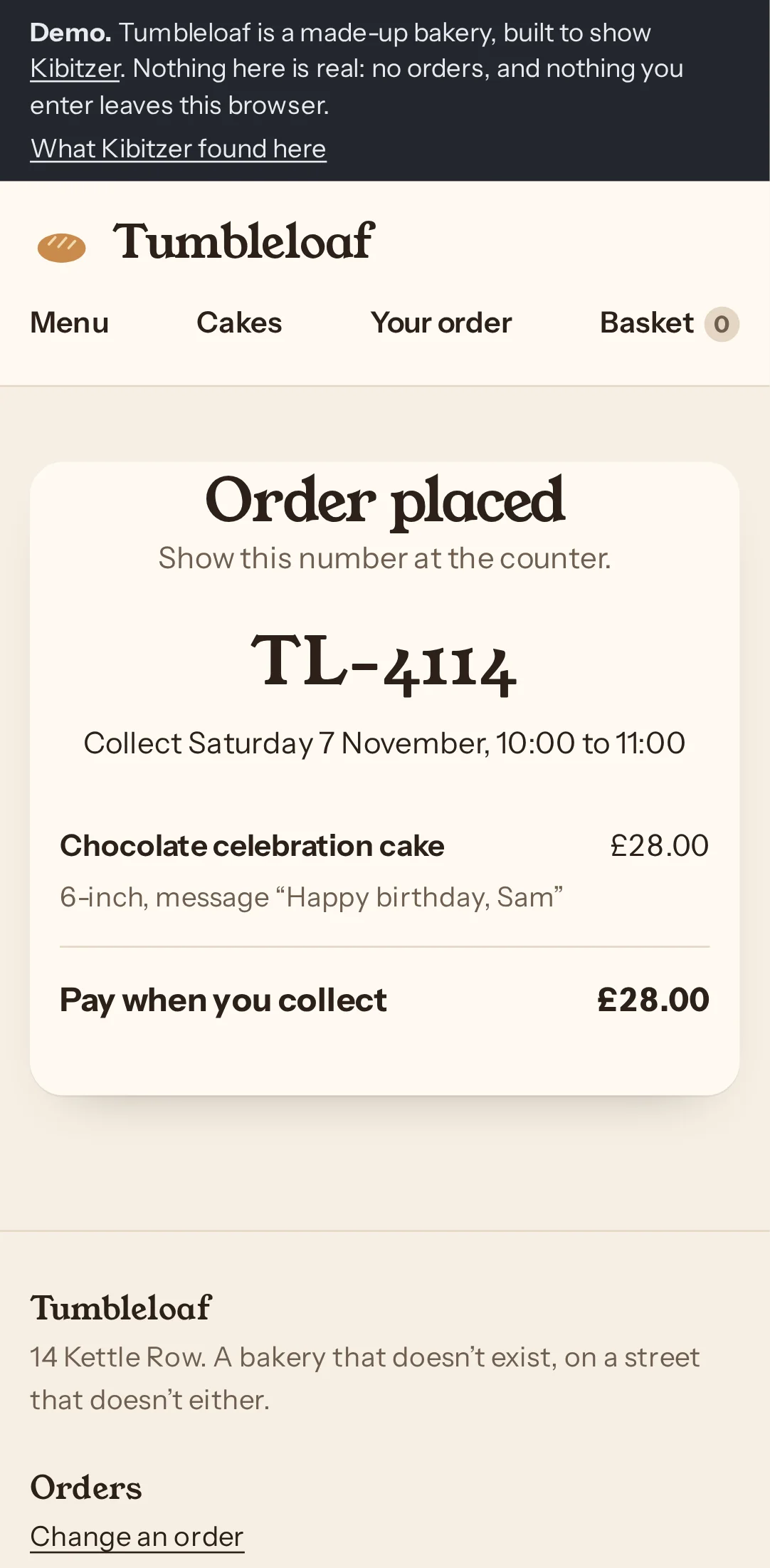
The “Order placed” confirmation suggests a real order, but the demo banner says no orders are real.
Lunch-break orderer, on a phone · Step 14 in the log
Other visitors here: Unhurried first-timer, on a tablet (step 14)
The full log behind one journey of our example report: Tumbleloaf, a made-up bakery with problems planted on purpose. Real runs on 4 November 2026 against a copy of the demo, unedited. In a weekly report, a person reads this for you and sends the short version. About Kibitzer · Privacy
Checked by hand: we planted two problems in this journey: cake sizes shown only in inches, with how many each serves behind “Size guide”, and a review page that says “Collection slot reserved” before the order is placed. All three visitors opened the size guide and pressed “Place order”, so neither problem showed up. People in a hurry may not be so careful. The visitors’ note about the demo banner is about our label, not the bakery.
Got through. All 3 placed the order, in 13 or 14 steps.
Simulated visitors are a first pass. They find broken paths, dead ends and confusing labels. They are more patient and more literal than people, so they can’t tell you how your app feels to use. For that, you need real people.
What the visitors ran into, page by page, in their own words.
The “Order placed” confirmation suggests a real order, but the demo banner says no orders are real.
Lunch-break orderer, on a phone · Step 14 in the log
Other visitors here: Unhurried first-timer, on a tablet (step 14)
Each visit, step by step: what the visitor saw, thought and did. Click a screenshot to see it full size.
What the visitors were asked
Your friend Sam's birthday party is this Saturday, and you said you'd bring a chocolate cake for the eight of you. Order one from this bakery with "Happy birthday, Sam" on it, to pick up on Saturday morning. When you're done, say what you ordered and when you'll pick it up.
Who: Works in an office, sorting out the cake on their phone during a lunch break. Orders food online often, wants it done in a couple of minutes, skims and taps the obvious button.
Their answer: The demo confirmed a 6-inch chocolate celebration cake with “Happy birthday, Sam” for Saturday 7 November, 10–11am, at £28. Reference TL-4114. This is not a real order.
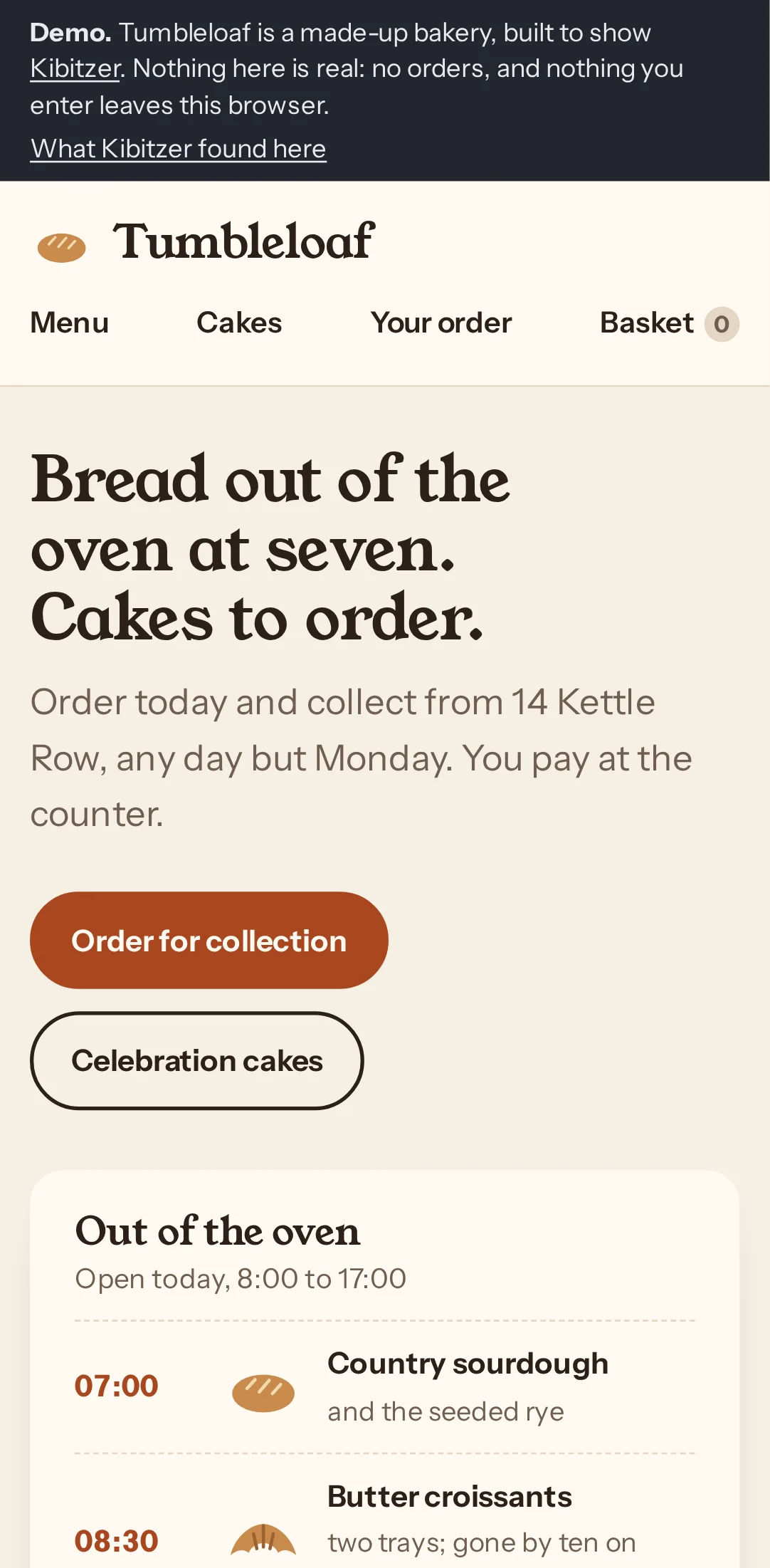
Step 1 · /demo/
Tapped “Celebration cakes”
“I'll look at the celebration cakes and find a chocolate one.”
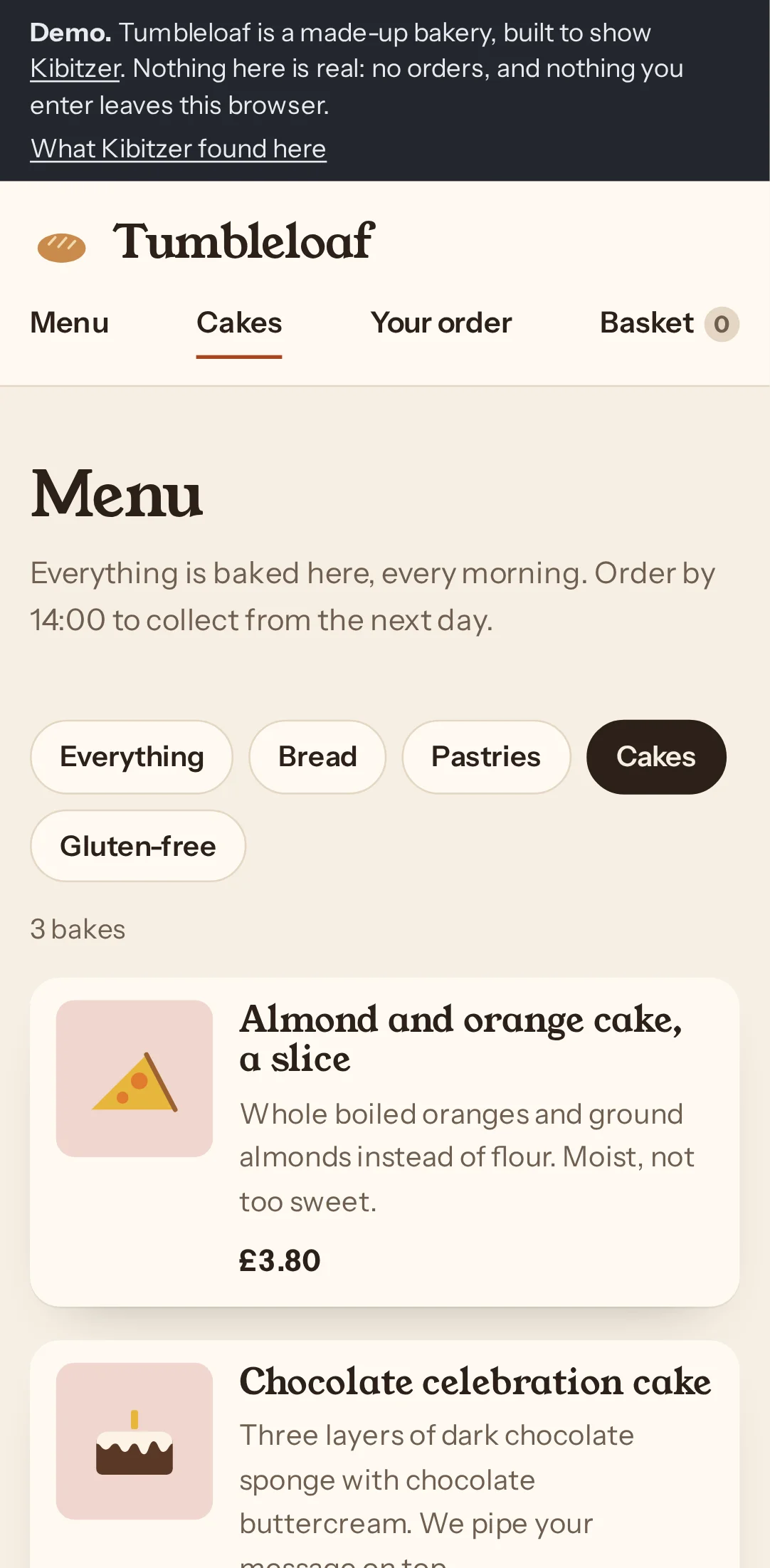
Step 2 · /demo/menu/?c=cakes
Tapped “Chocolate celebration cake”
“The chocolate celebration cake looks right, so I’ll open it to choose the size and message.”
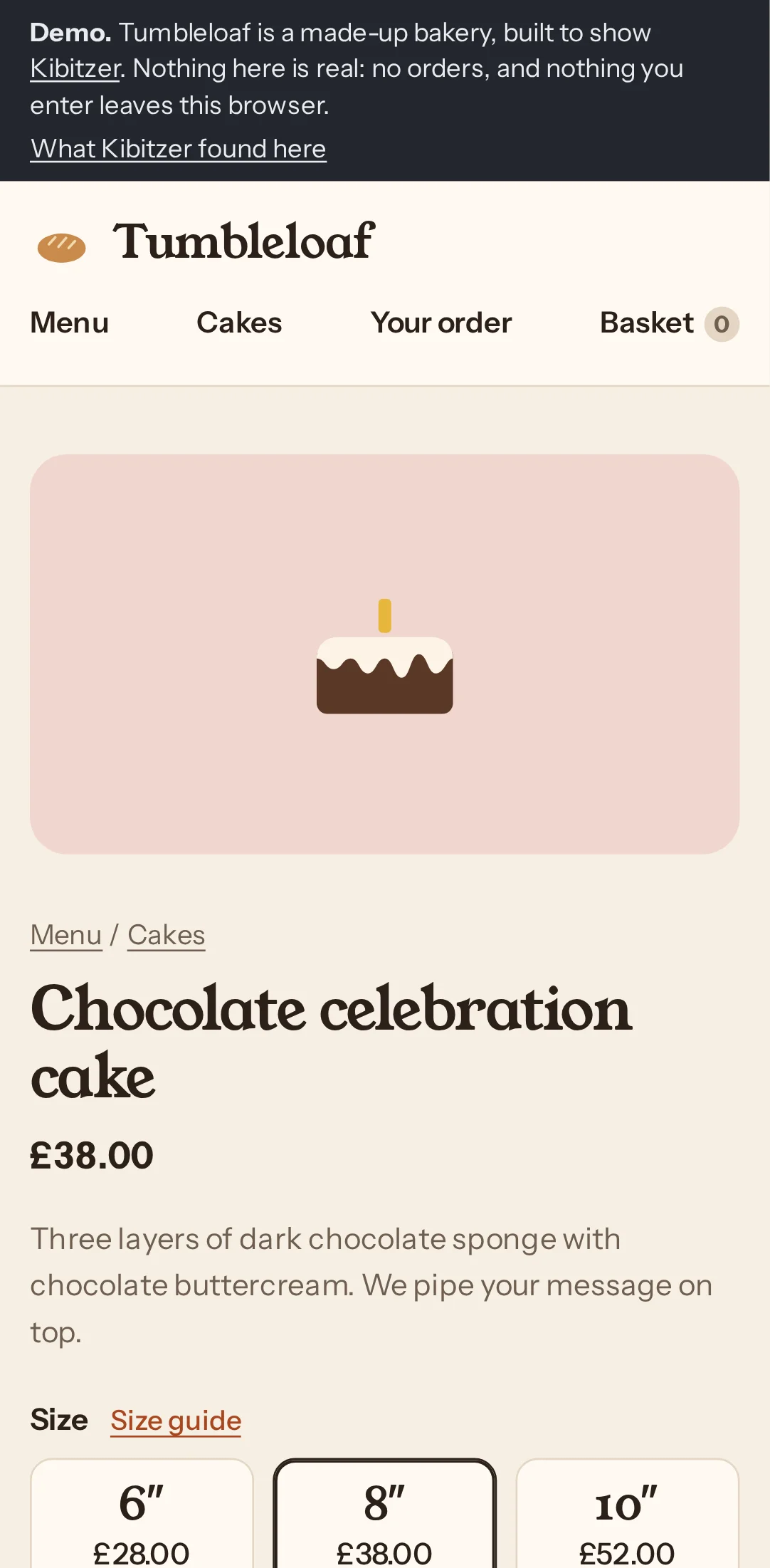
Step 3 · /demo/item/?id=chocolate-cake
Tapped “Size guide”
“I’ll check the size guide to make sure there’s enough cake for eight.”
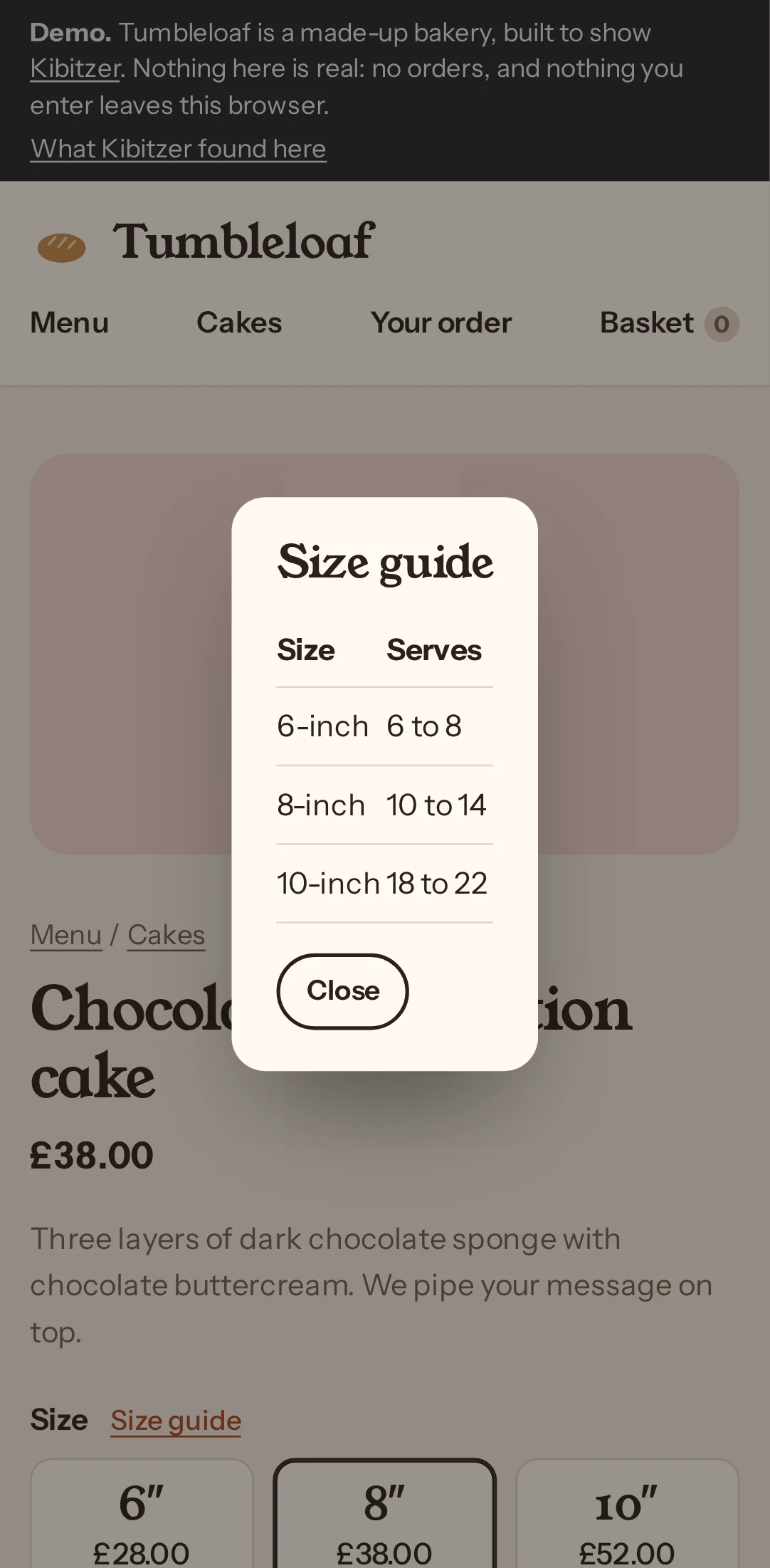
Step 4 · /demo/item/?id=chocolate-cake
Tapped “Close”
“The 6-inch cake serves up to eight, so that should do. I’ll close the guide and choose it.”
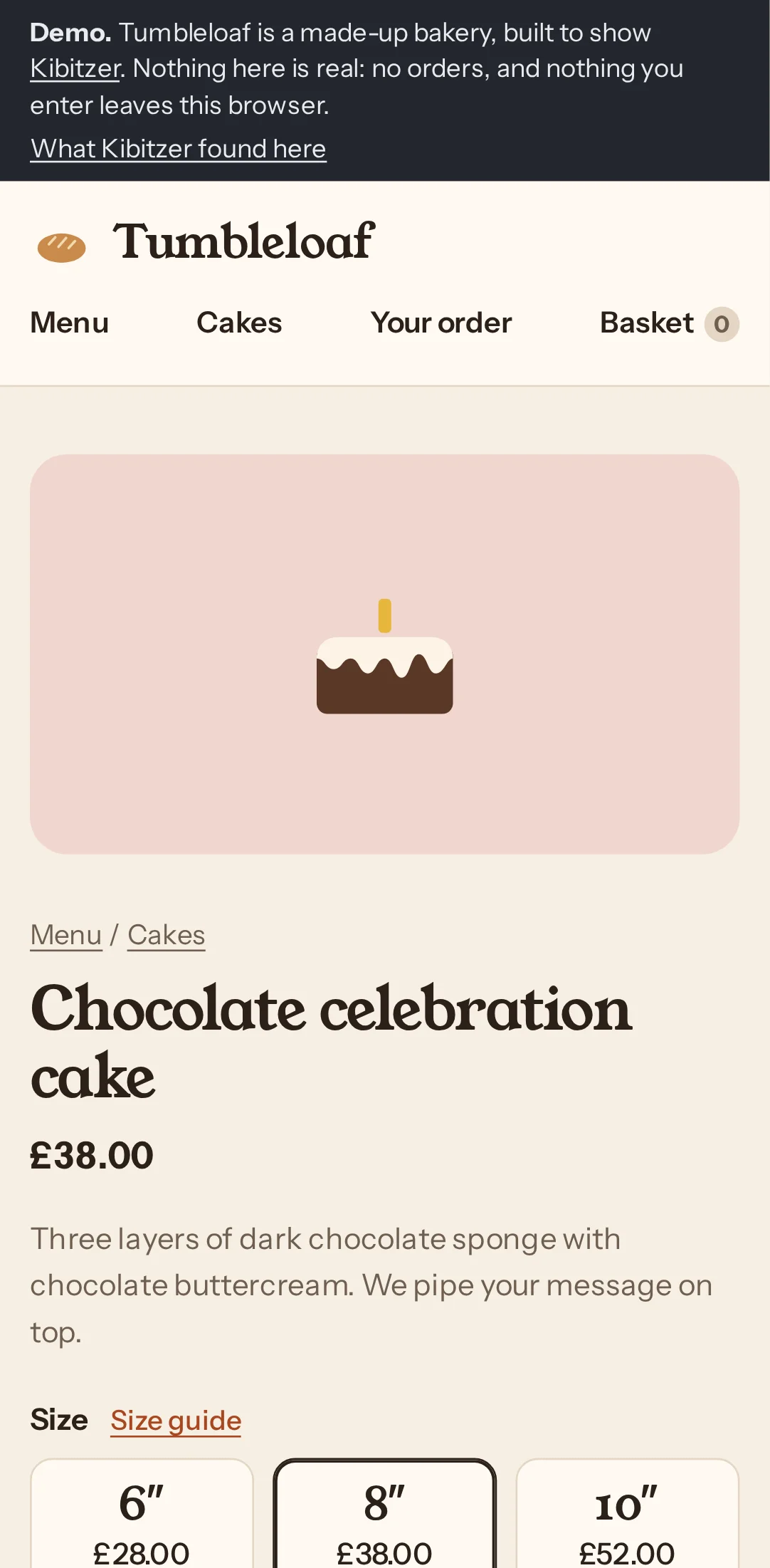
Step 5 · /demo/item/?id=chocolate-cake
Tapped “6″ £28.00”
“I’ll choose the 6-inch cake for eight people.”
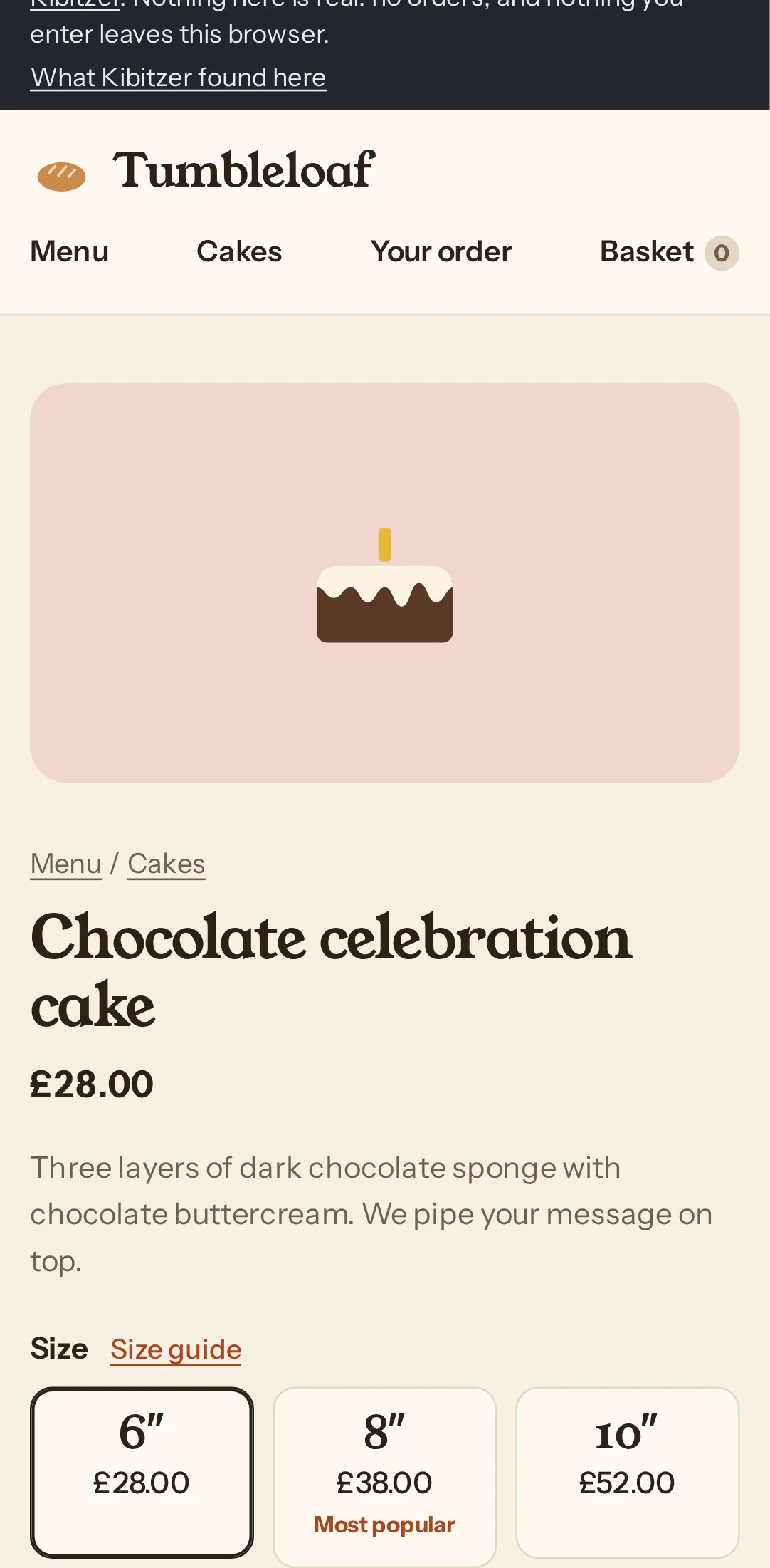
Step 6 · /demo/item/?id=chocolate-cake
Typed “Happy birthday, Sam” into “Message on top (optional)”
“I’ll add Sam’s birthday message to the cake.”
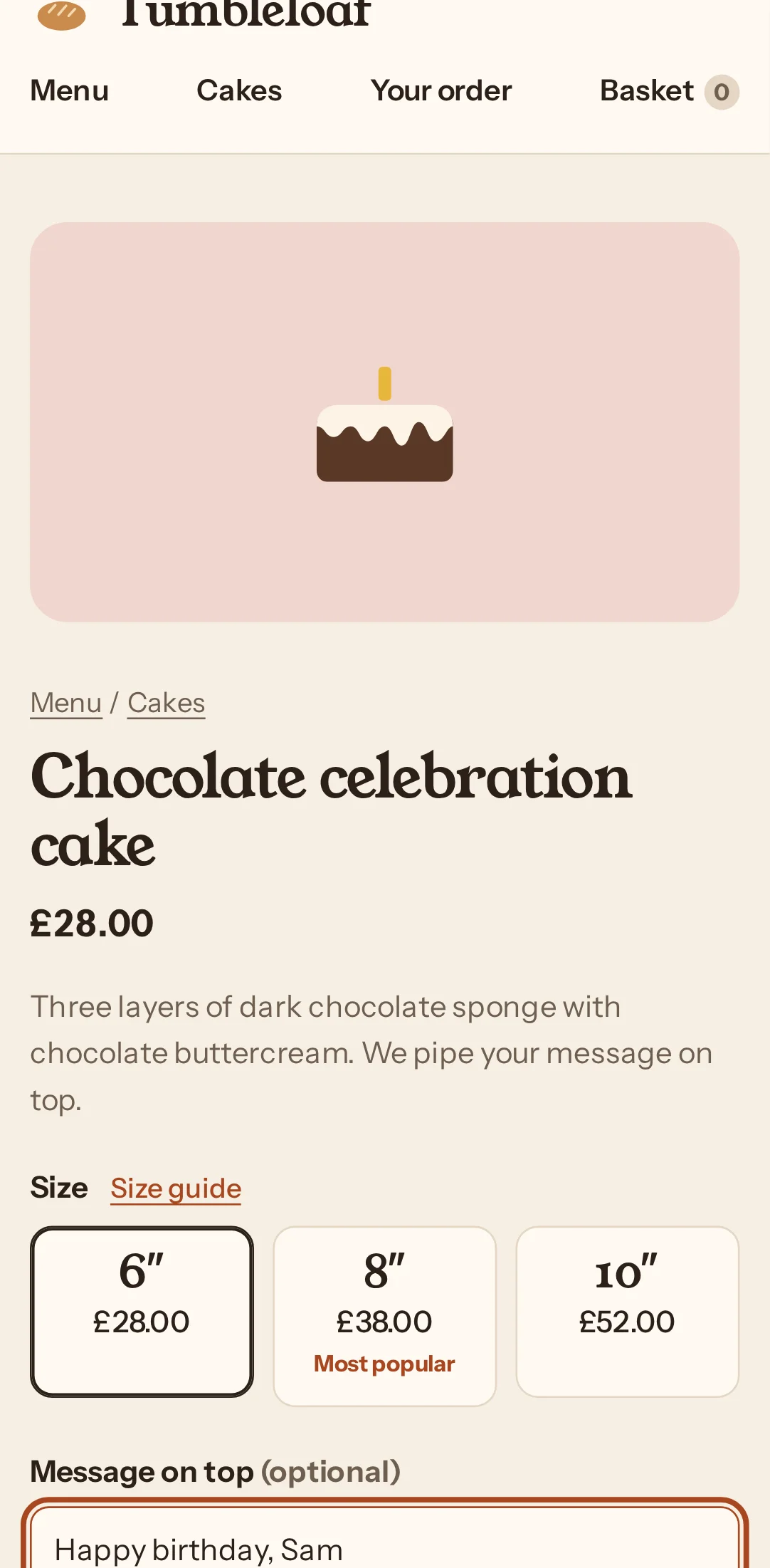
Step 7 · /demo/item/?id=chocolate-cake
Tapped “Add to basket”
“The size and message are set, so I’ll add the cake to my basket.”
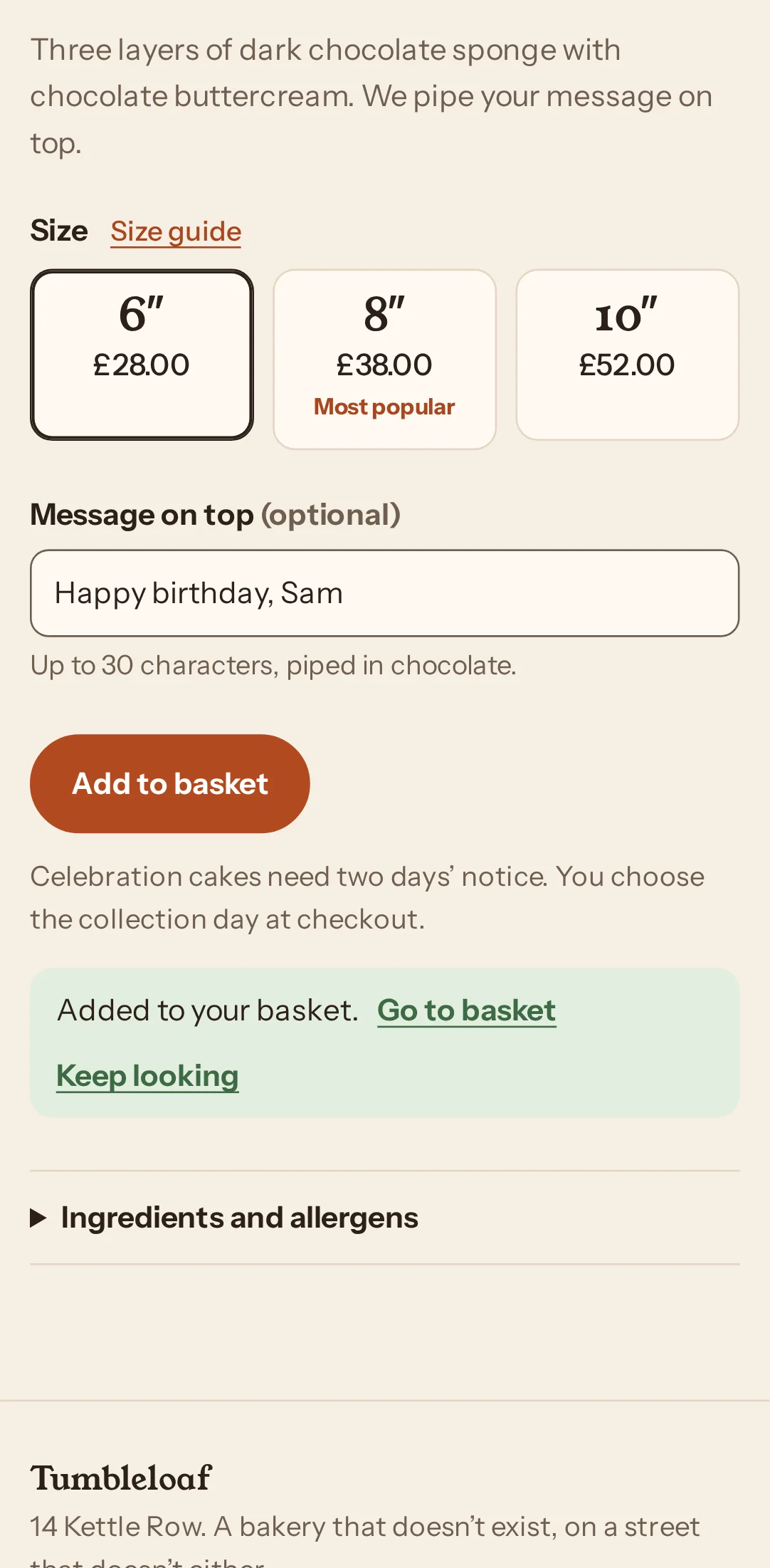
Step 8 · /demo/item/?id=chocolate-cake
Tapped “Go to basket”
“The cake is in my basket, so I’ll go to checkout.”
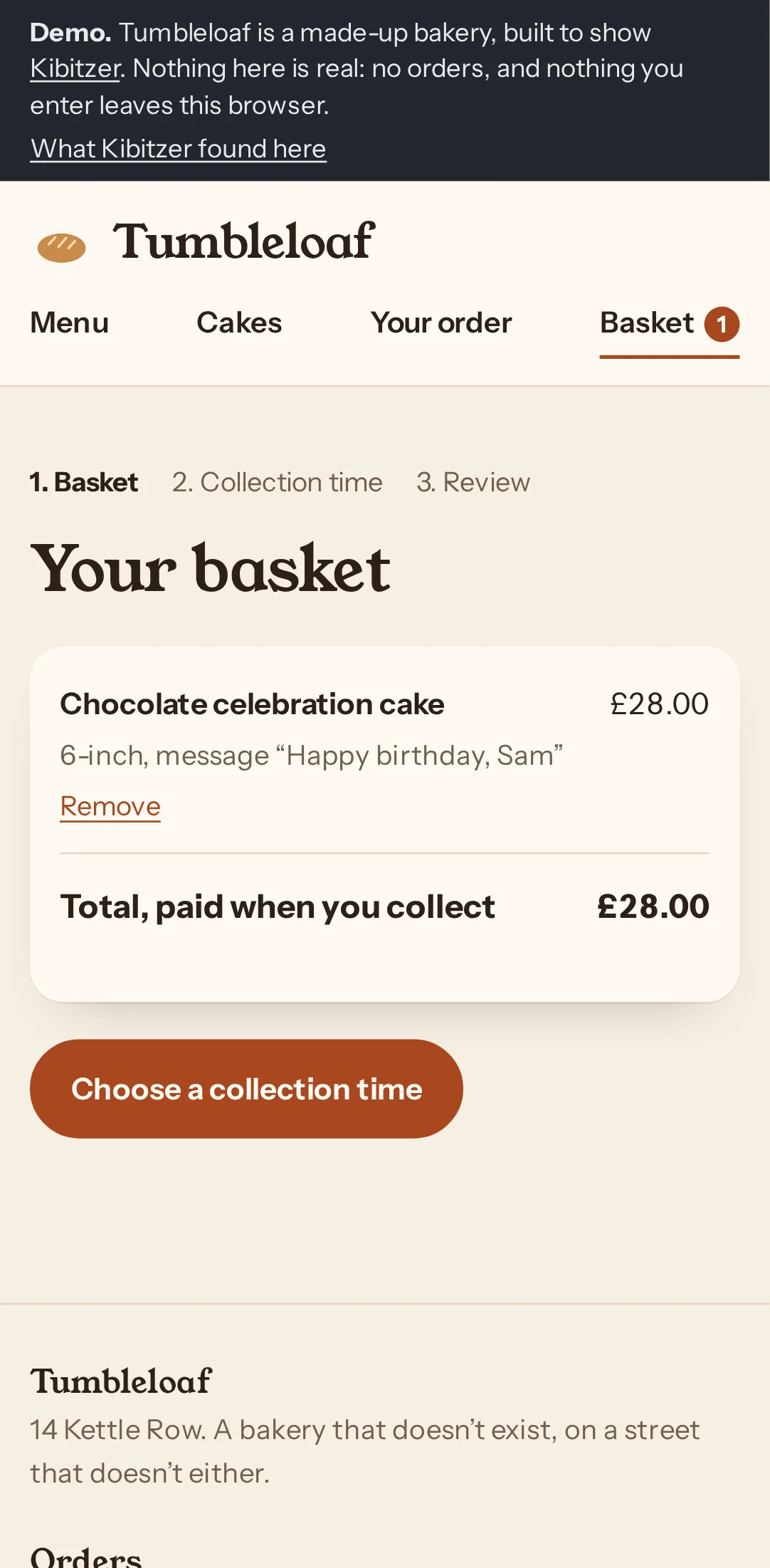
Step 9 · /demo/basket/
Tapped “Choose a collection time”
“The cake and message look right, so I’ll choose a collection time.”
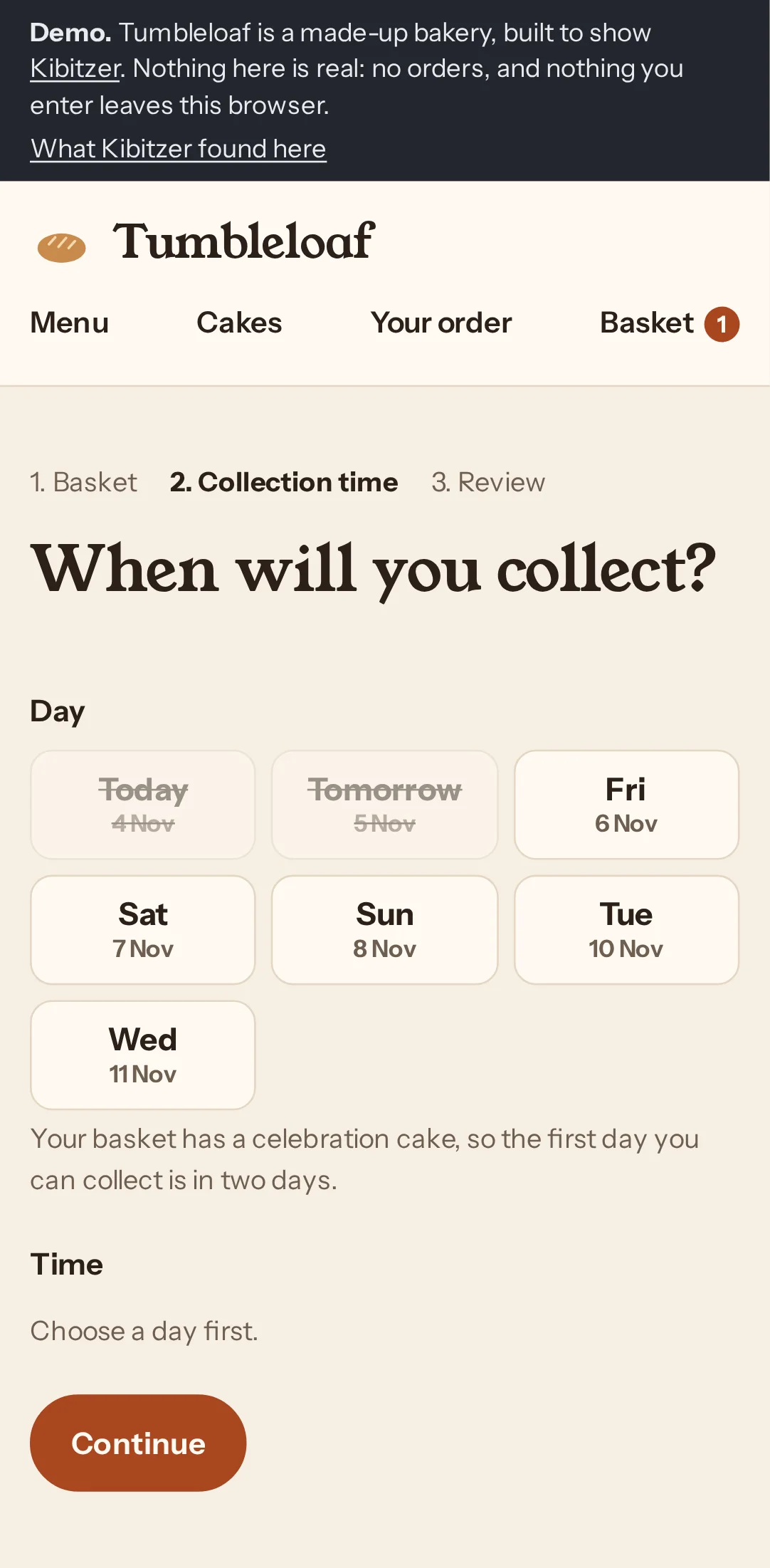
Step 10 · /demo/checkout/
Tapped “Sat 7 Nov”
“I’ll choose Saturday and see what morning times are available.”
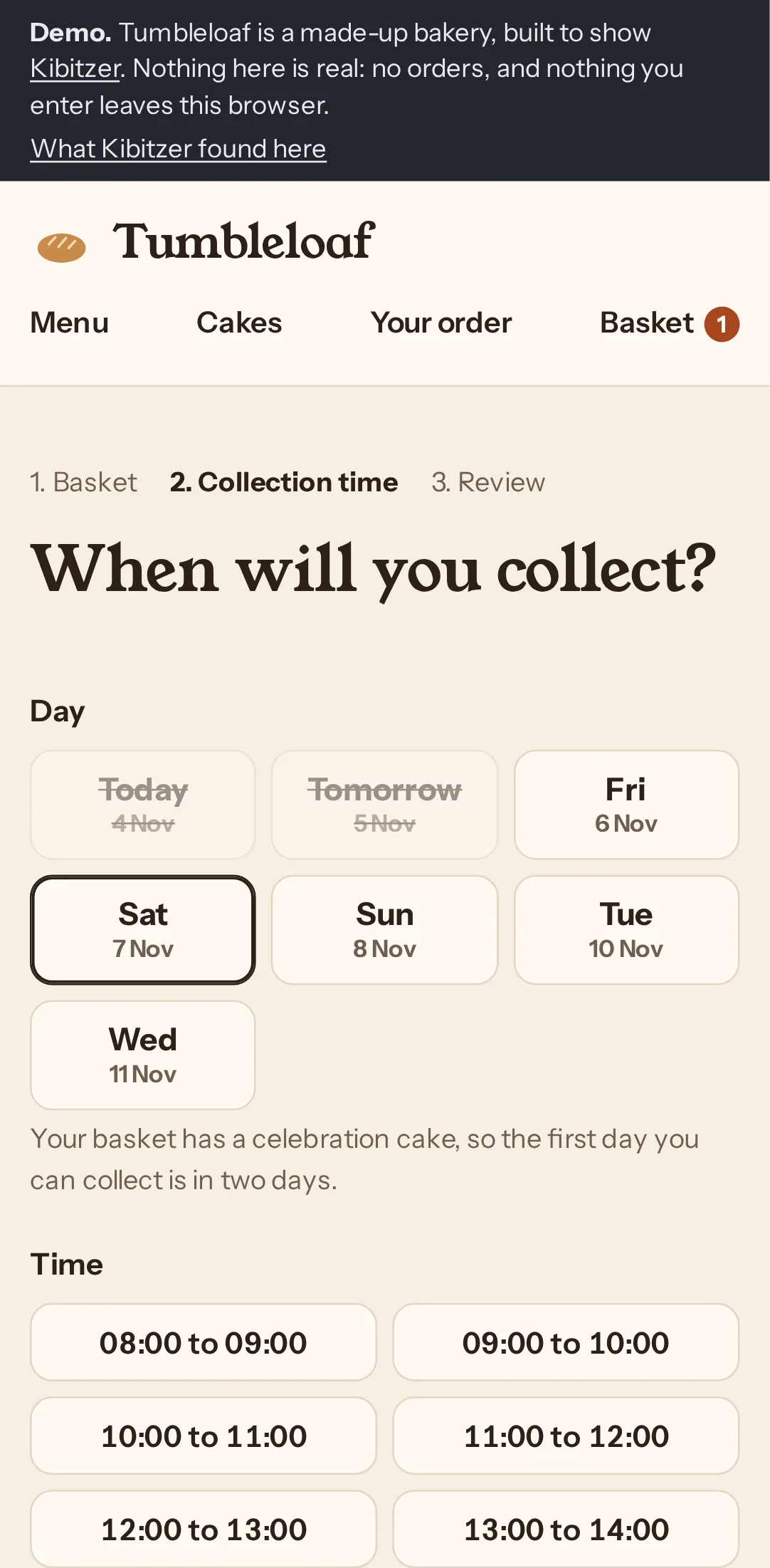
Step 11 · /demo/checkout/
Tapped “10:00 to 11:00”
“I’ll choose a Saturday morning collection slot.”
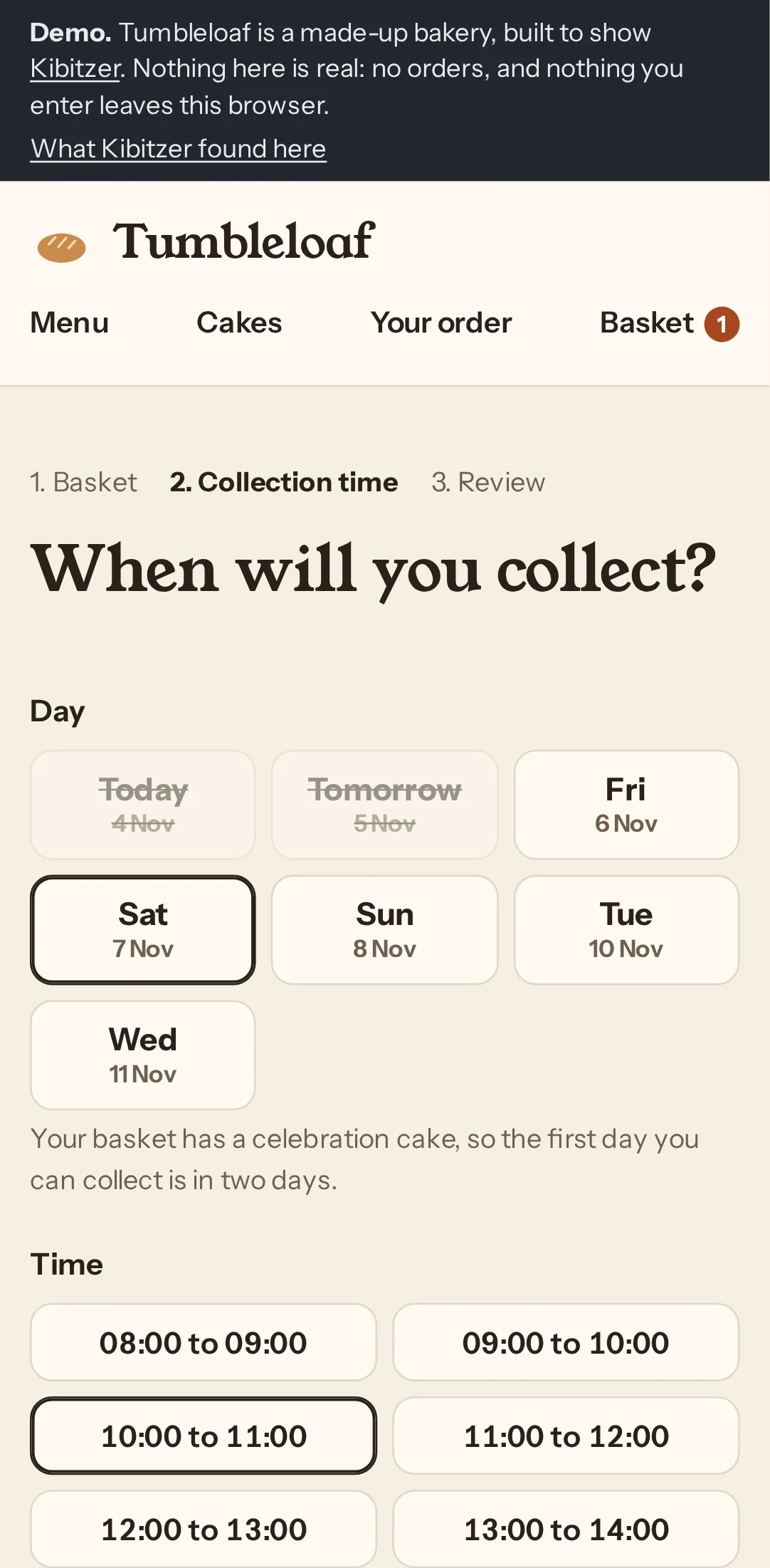
Step 12 · /demo/checkout/
Tapped “Continue”
“Saturday 10–11am is selected, so I’ll continue to review.”
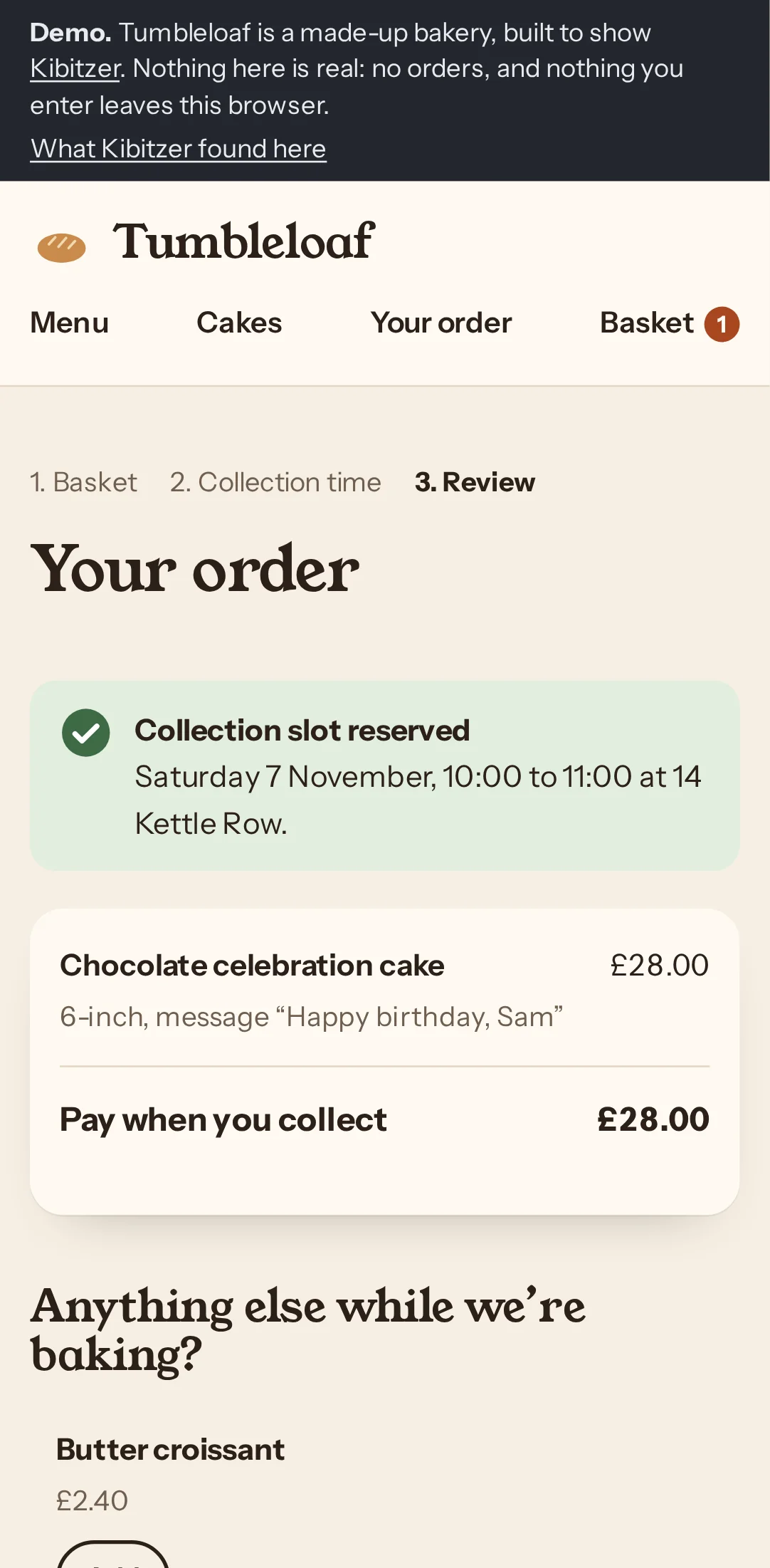
Step 13 · /demo/checkout/review/
Tapped “Place order”
“The cake and Saturday morning slot look right. I’ll place the order.”
Step 14 · /demo/order/confirmed/?ref=TL-4114
Said they were done
The “Order placed” confirmation suggests a real order, but the demo banner says no orders are real.
Who: Organising the party and the food, at a laptop in the evening. Careful with money, likes to check the details before paying for anything.
Their answer: Demo order TL-4353: 6-inch chocolate celebration cake with “Happy birthday, Sam”, £28, for collection Saturday 7 November, 10:00–11:00. This is not a real order.
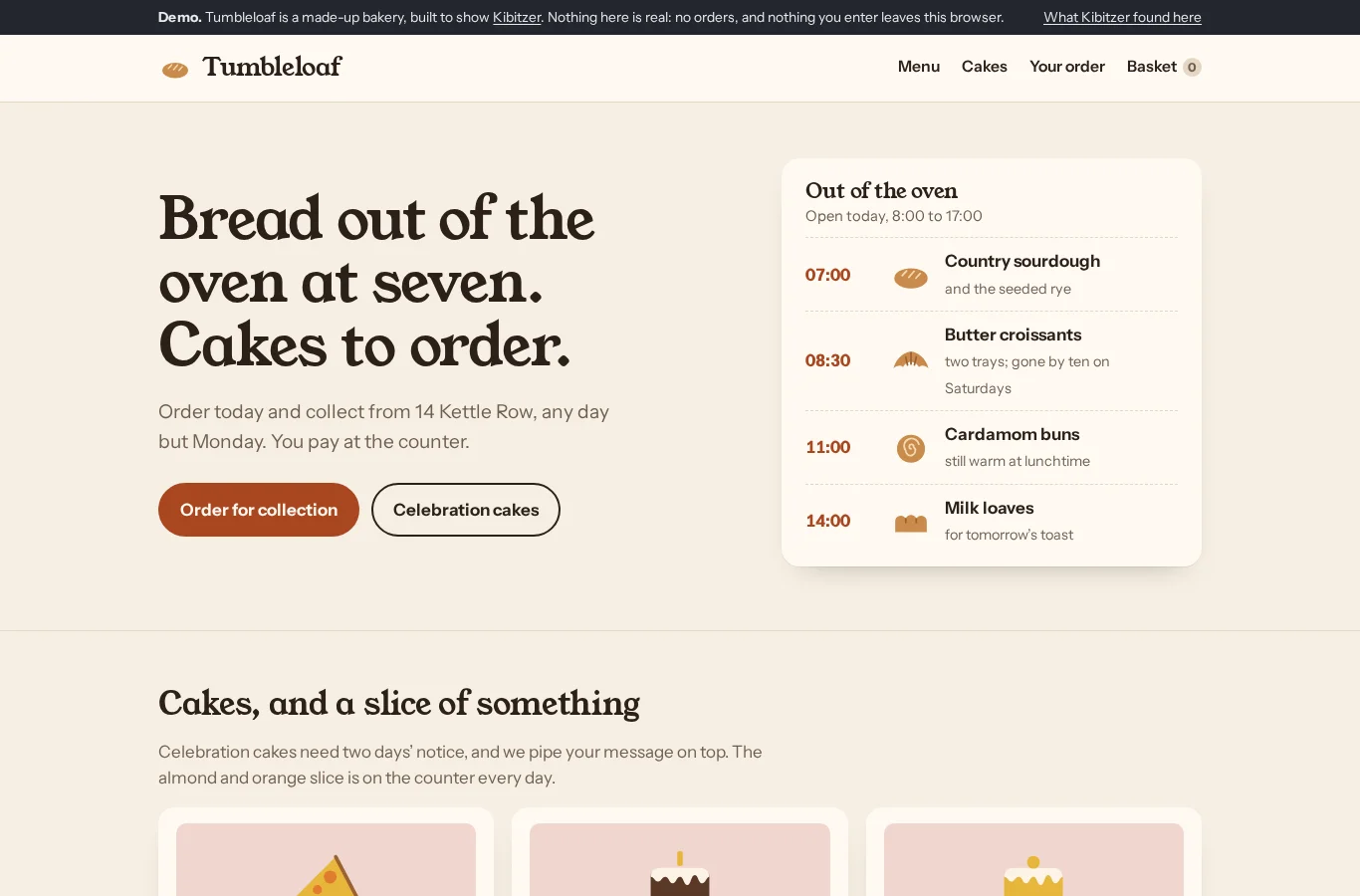
Step 1 · /demo/
Clicked “Chocolate celebration cake”
“I’ll check the chocolate celebration cake’s size and price first. The banner says this is a demo, so no real order will be placed.”
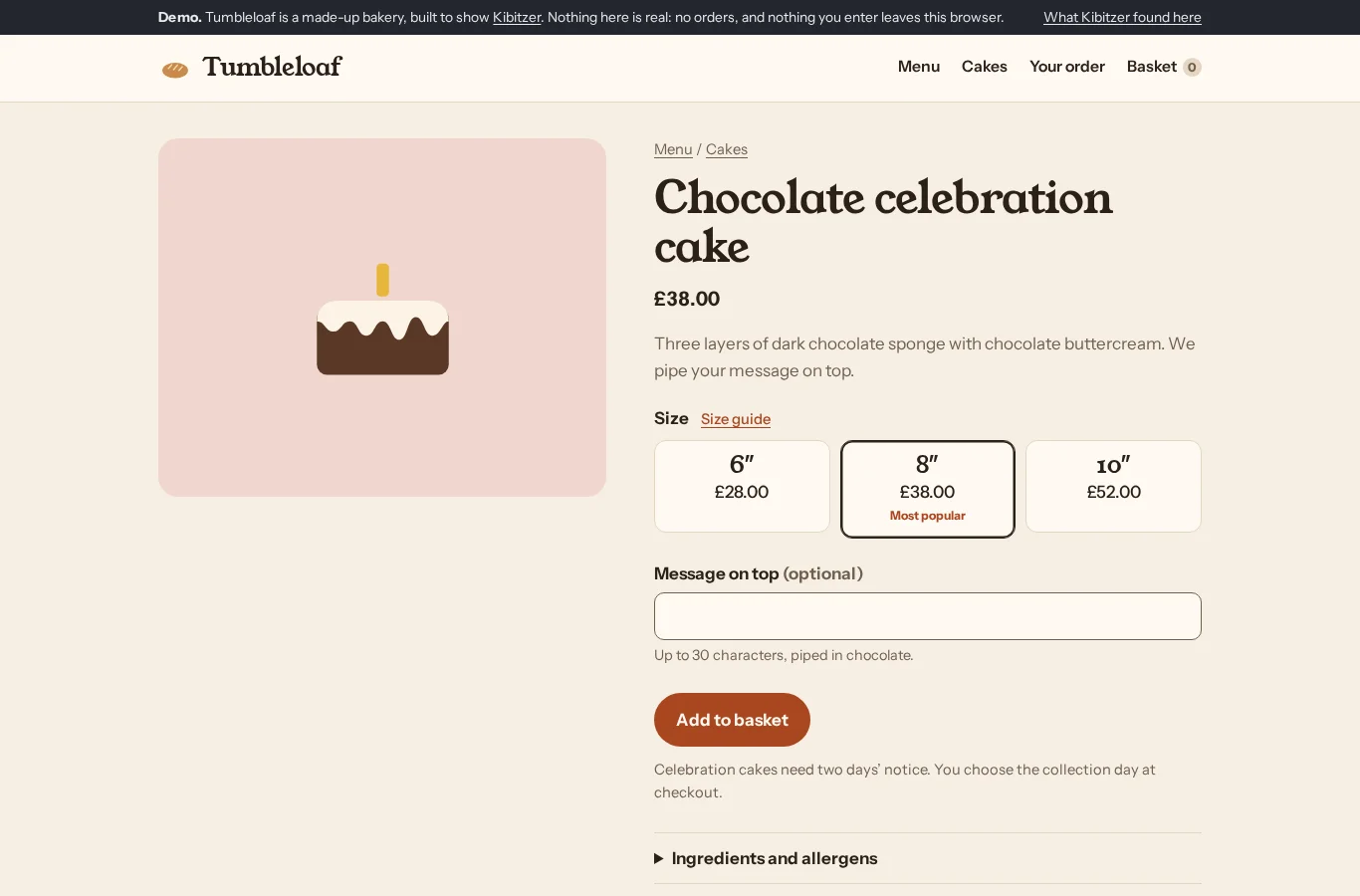
Step 2 · /demo/item/?id=chocolate-cake
Clicked “Size guide”
“I’ll check the size guide to make sure I don’t pay for a larger cake than we need.”
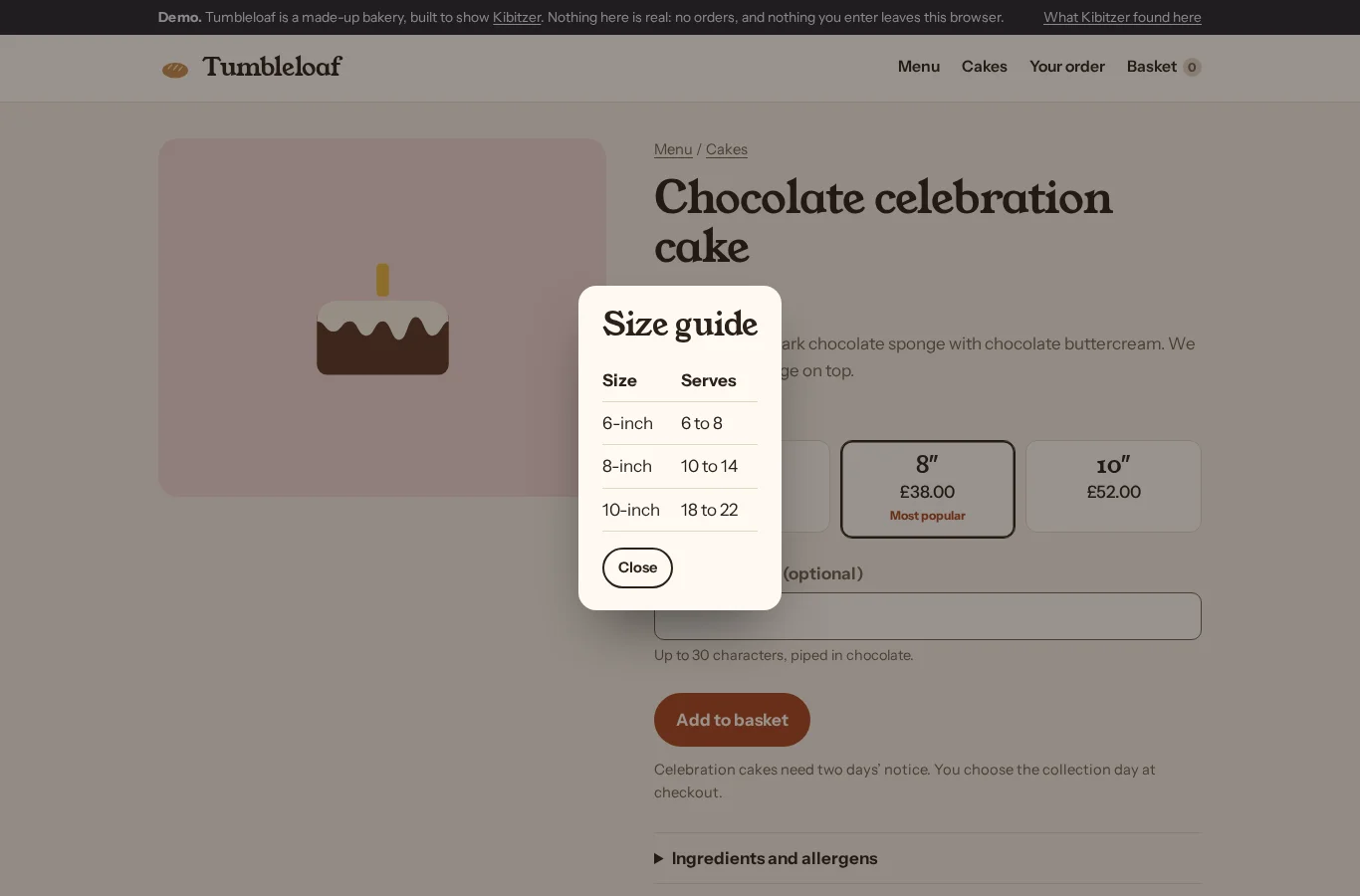
Step 3 · /demo/item/?id=chocolate-cake
Clicked “Close”
“The 6-inch cake serves up to eight and costs less, so I’ll choose that.”
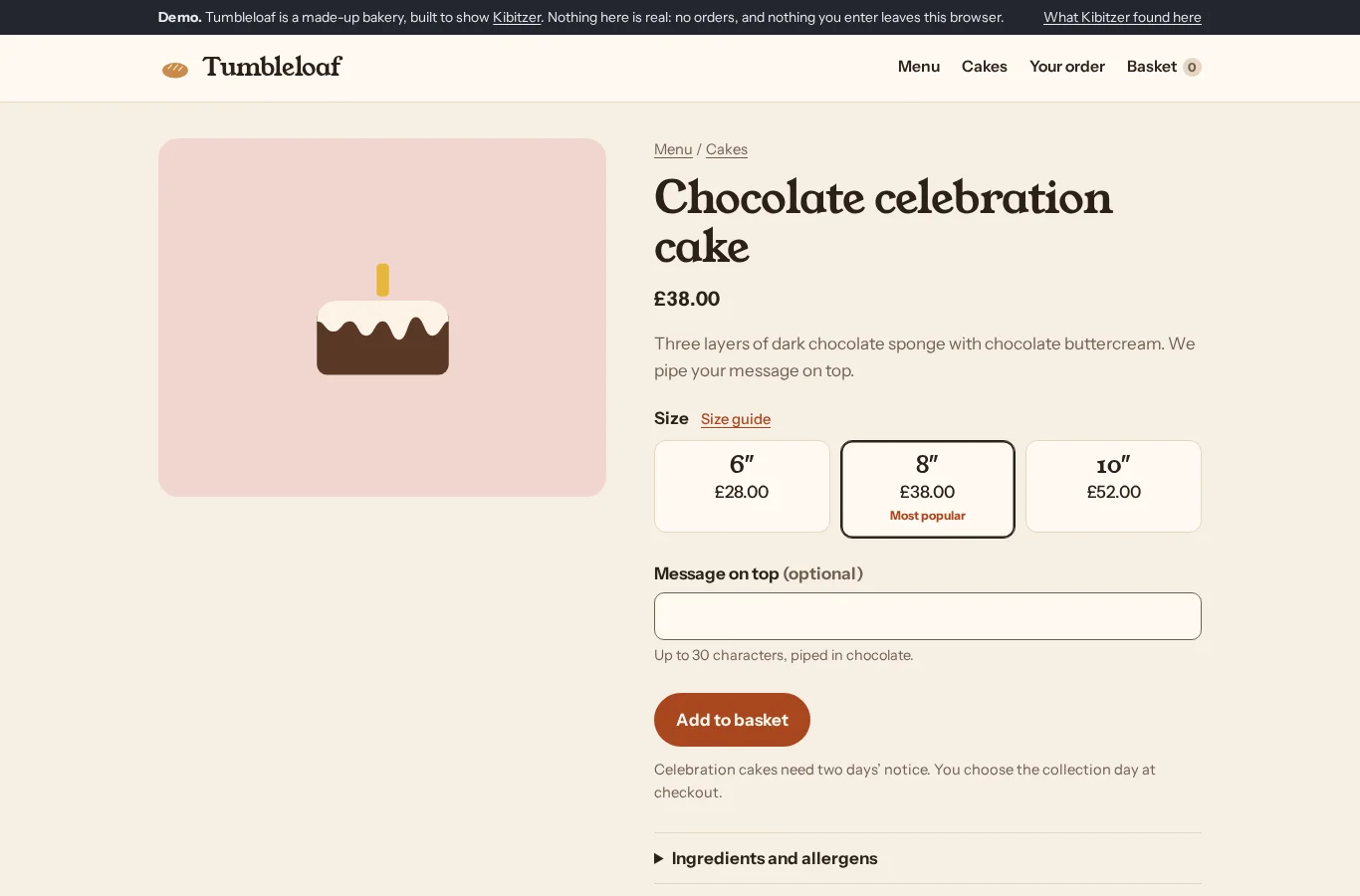
Step 4 · /demo/item/?id=chocolate-cake
Clicked “6″ £28.00”
“The 8-inch cake is still selected, so I’ll choose the cheaper 6-inch size for eight people.”
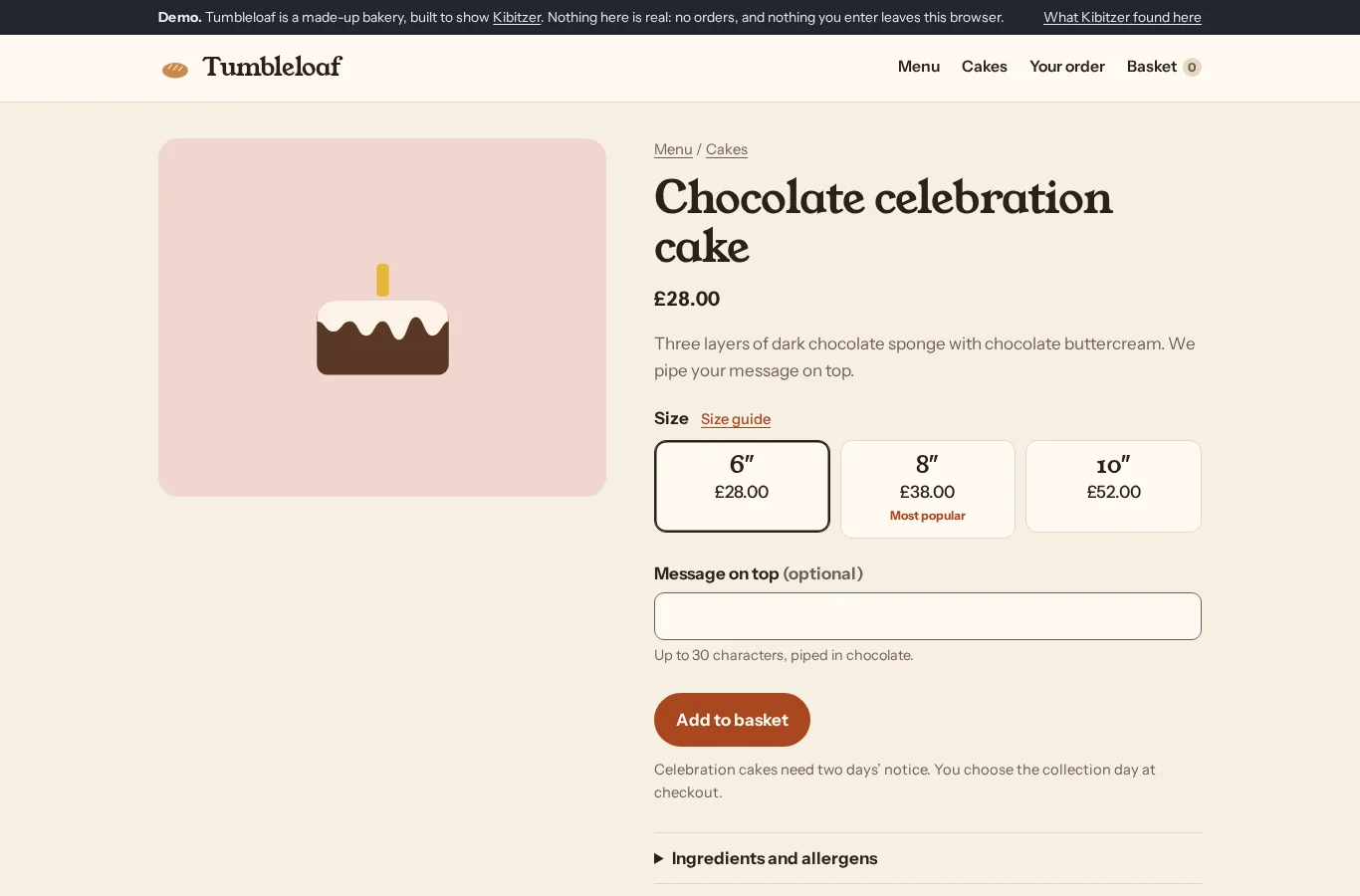
Step 5 · /demo/item/?id=chocolate-cake
Typed “Happy birthday, Sam” into “Message on top (optional)”
“The 6-inch cake is selected, so I’ll add Sam’s birthday message.”
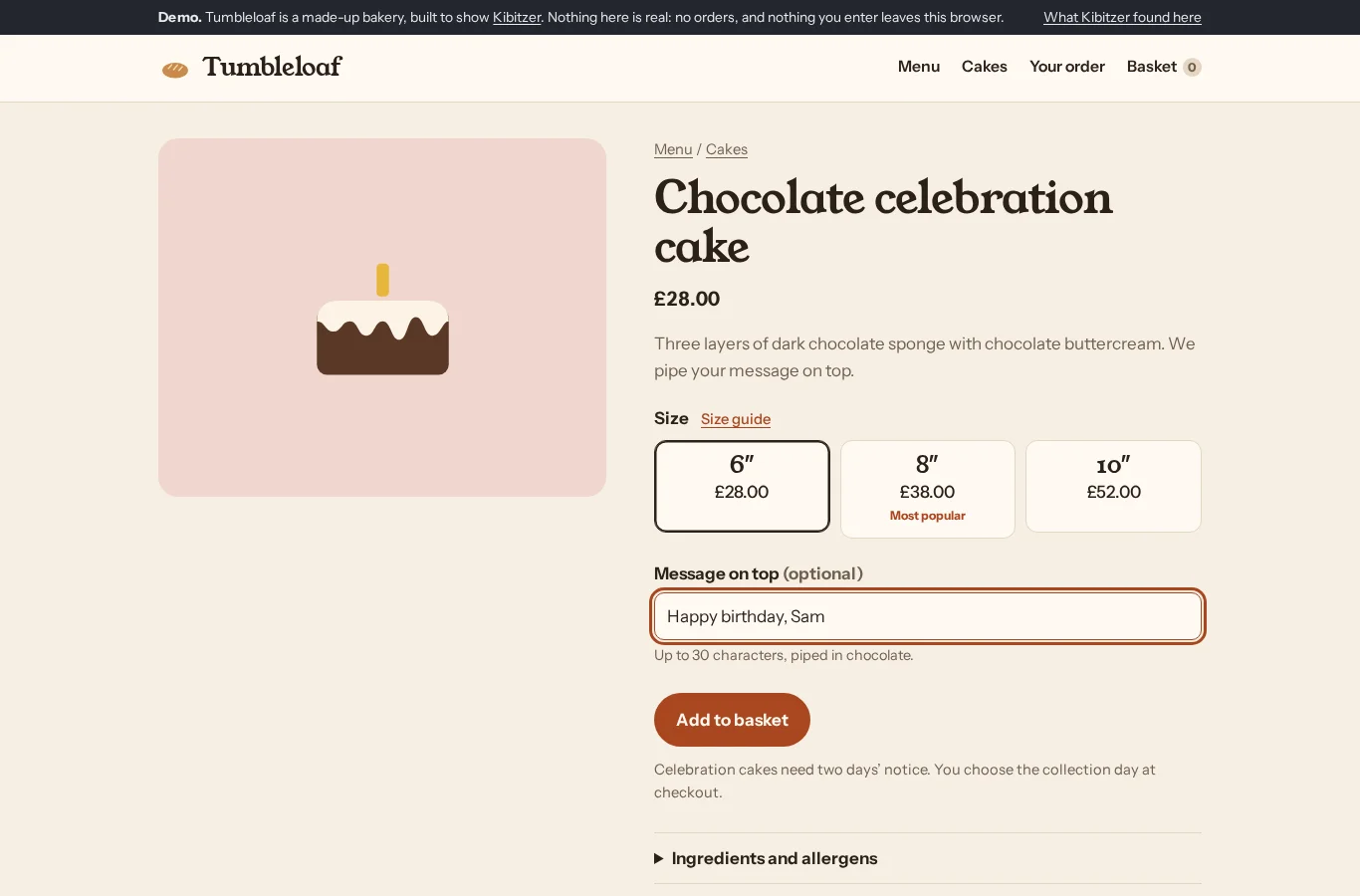
Step 6 · /demo/item/?id=chocolate-cake
Clicked “Add to basket”
“The size and message look right, so I’ll add the cake to the basket and check collection options.”
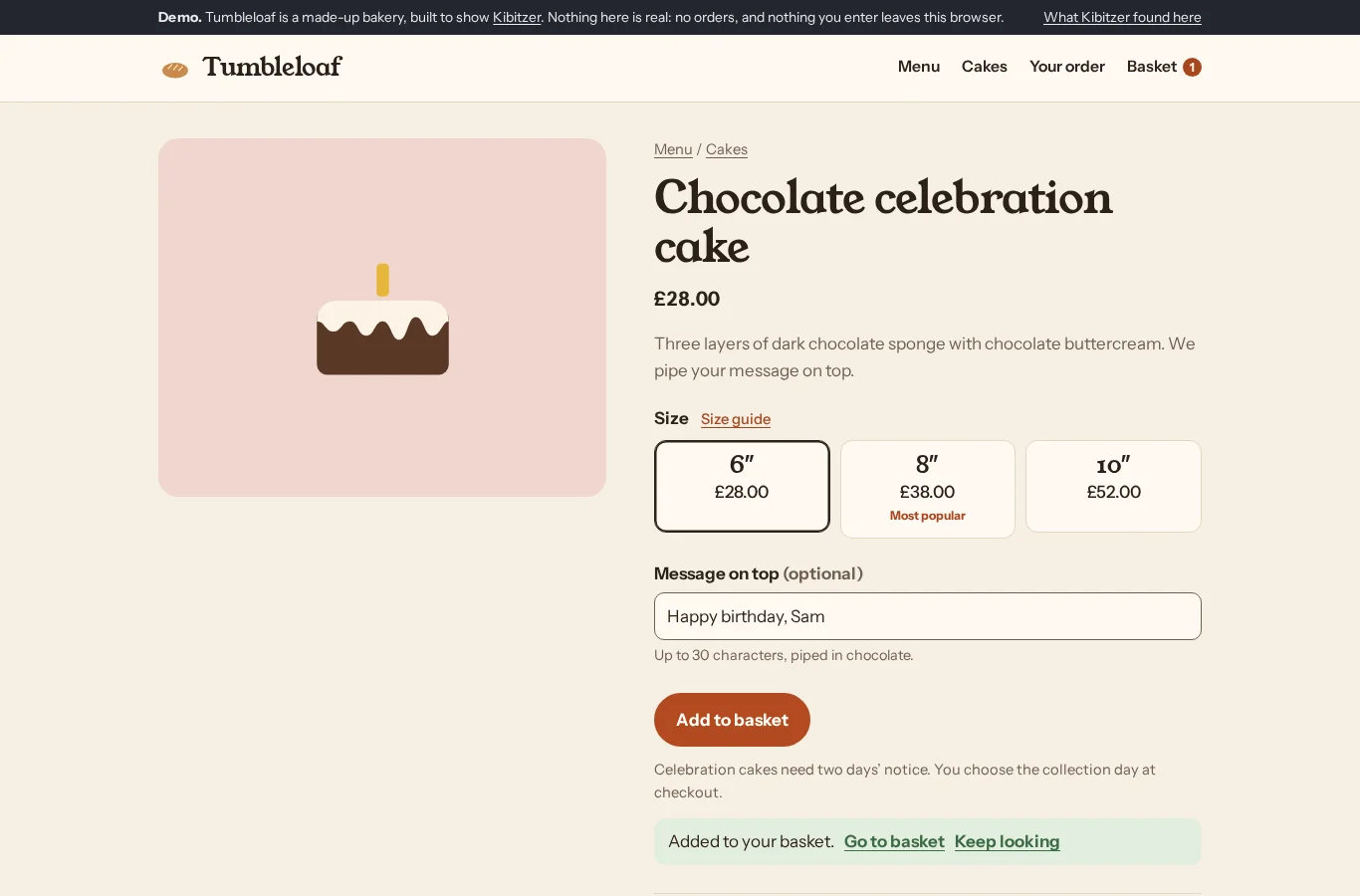
Step 7 · /demo/item/?id=chocolate-cake
Clicked “Go to basket”
“I’ll go to the basket to check the cake and collection options.”
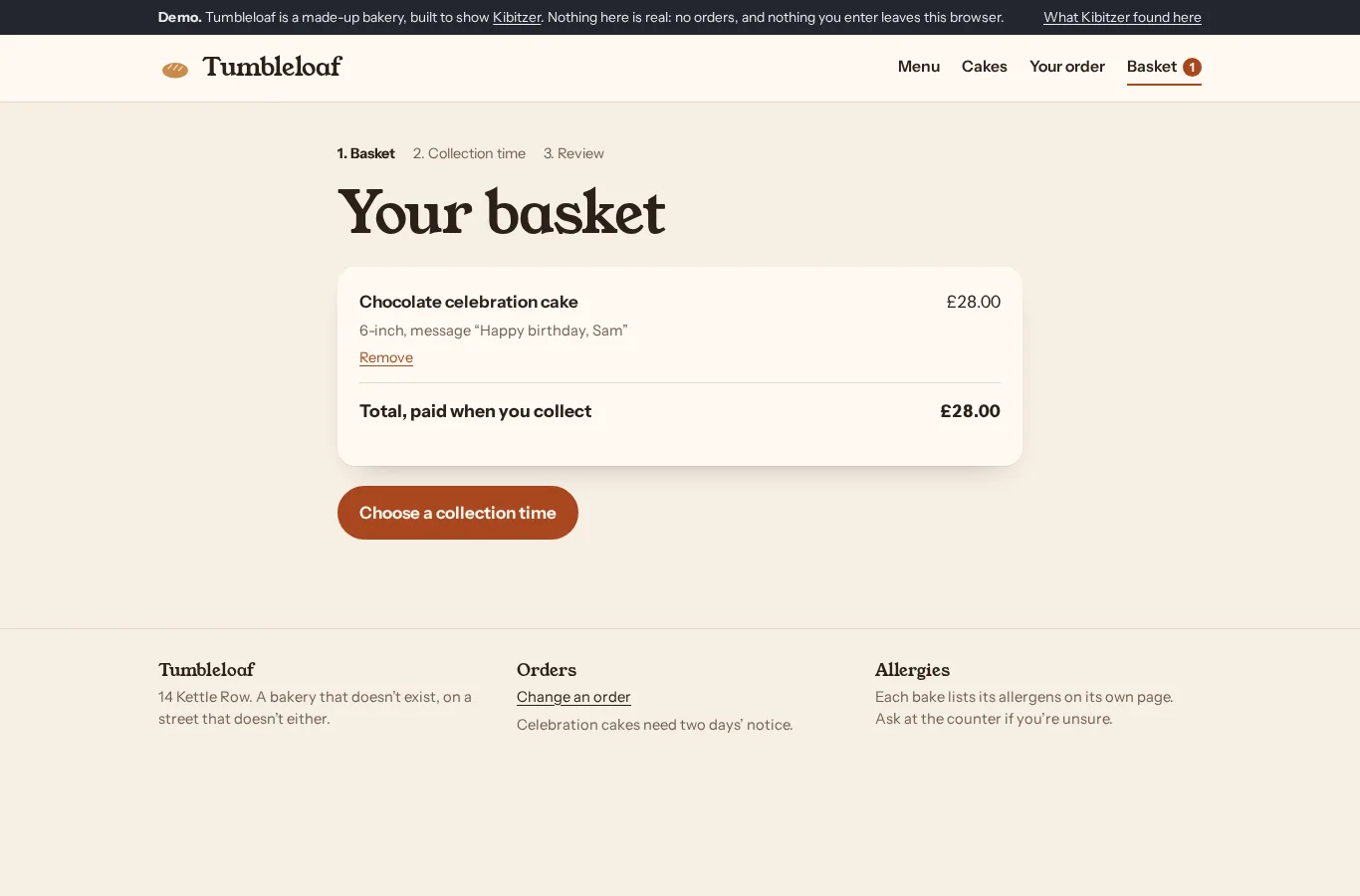
Step 8 · /demo/basket/
Clicked “Choose a collection time”
“The basket has the right cake and message for £28, payable on collection. I’ll choose a Saturday morning collection time.”
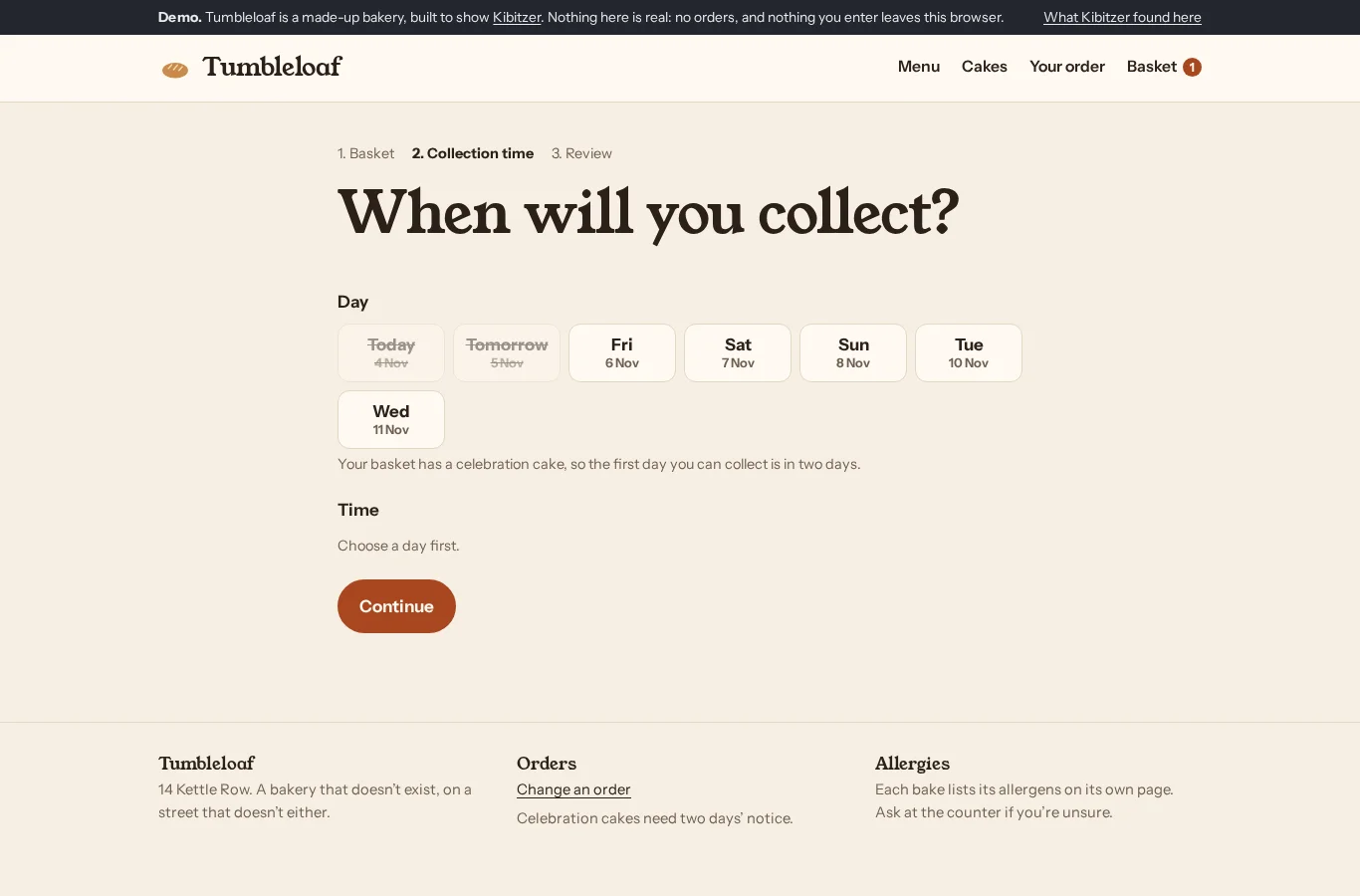
Step 9 · /demo/checkout/
Clicked “Sat 7 Nov”
“I’ll select Saturday to see the available morning collection times.”
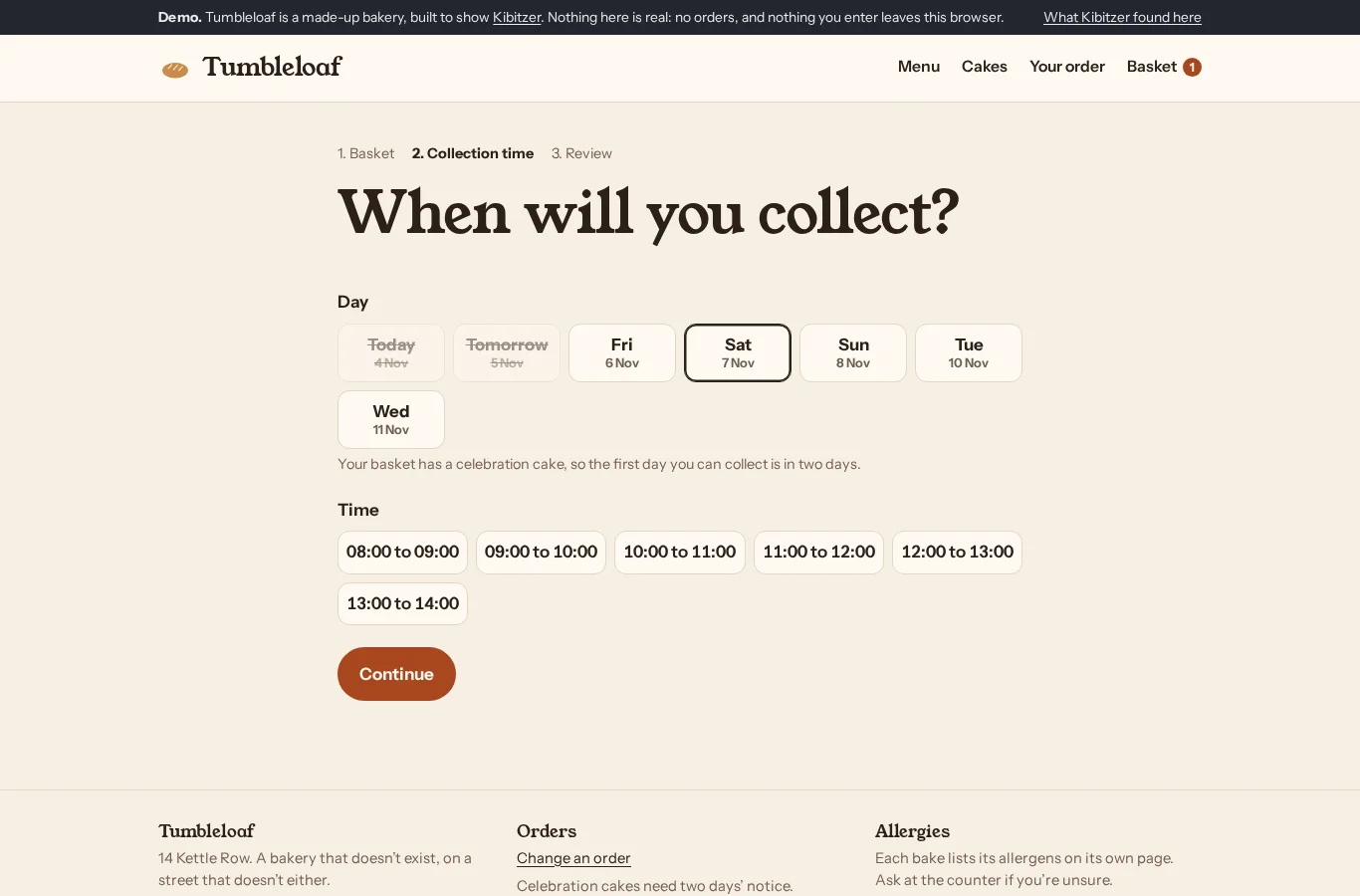
Step 10 · /demo/checkout/
Clicked “10:00 to 11:00”
“Saturday morning is available, so I’ll choose 10:00 to 11:00.”
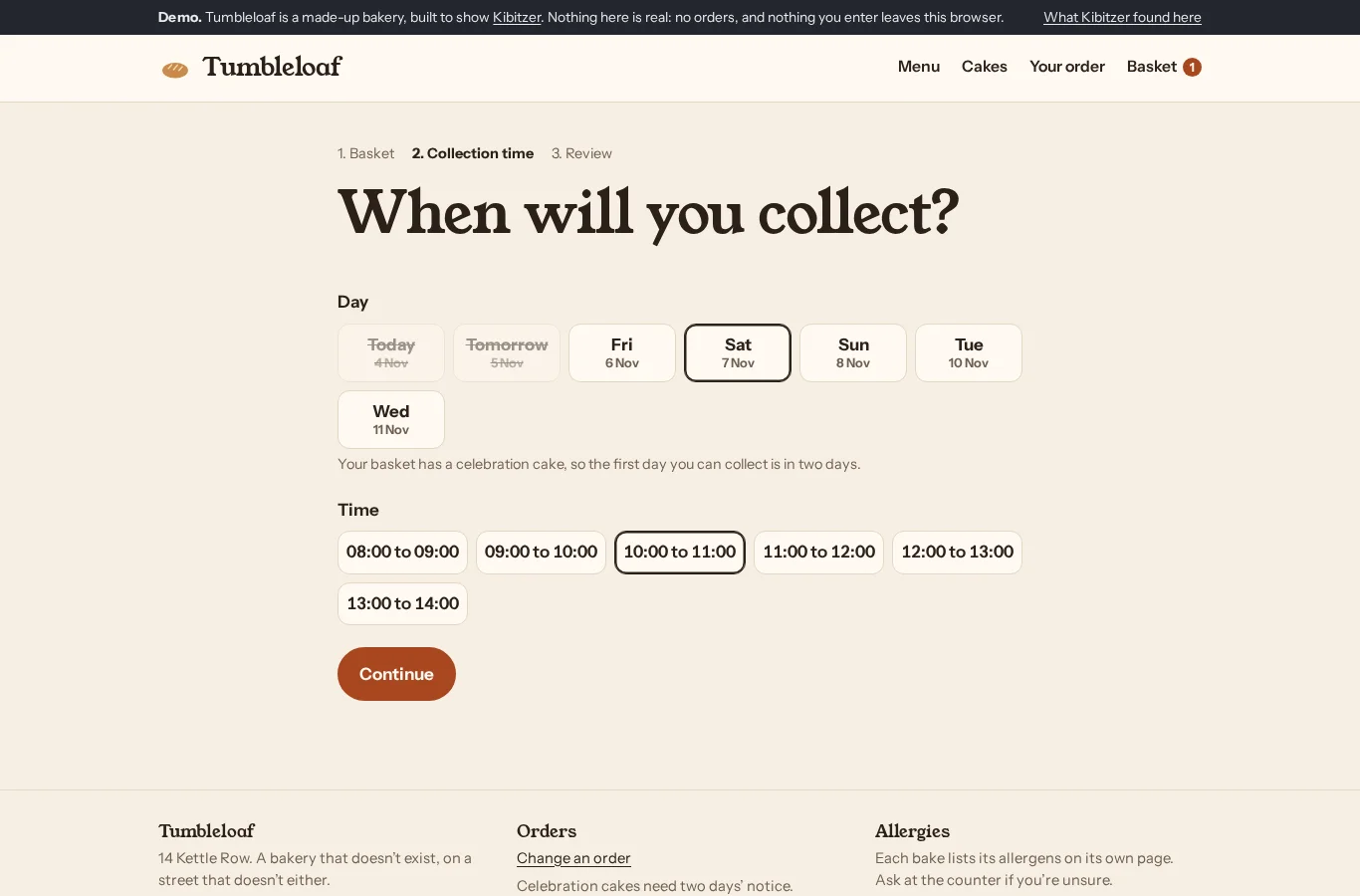
Step 11 · /demo/checkout/
Clicked “Continue”
“Saturday from 10:00 to 11:00 is selected, so I’ll review the order.”
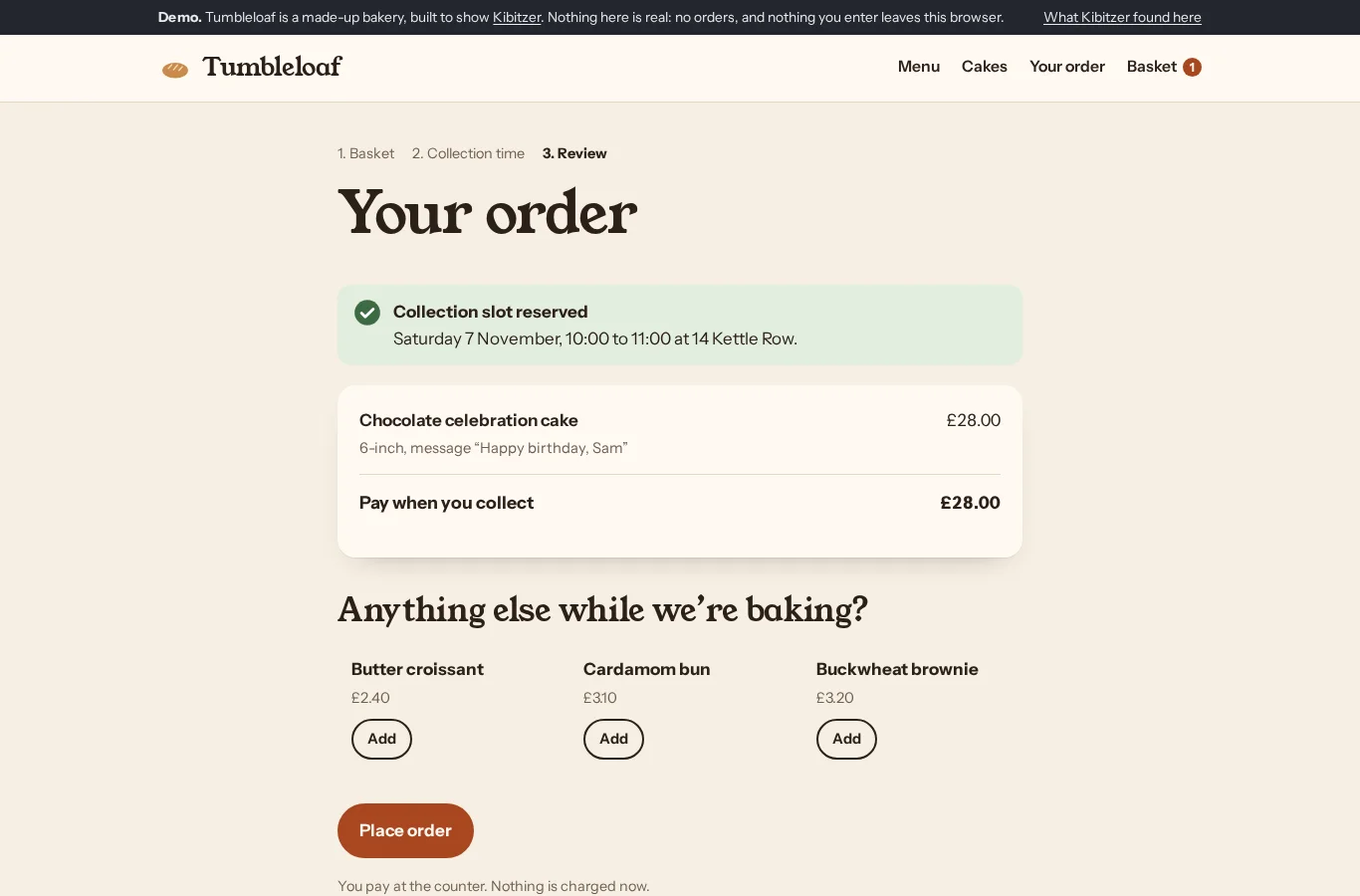
Step 12 · /demo/checkout/review/
Clicked “Place order”
“The cake, message, price and Saturday morning slot are correct, so I’ll place the demo order.”
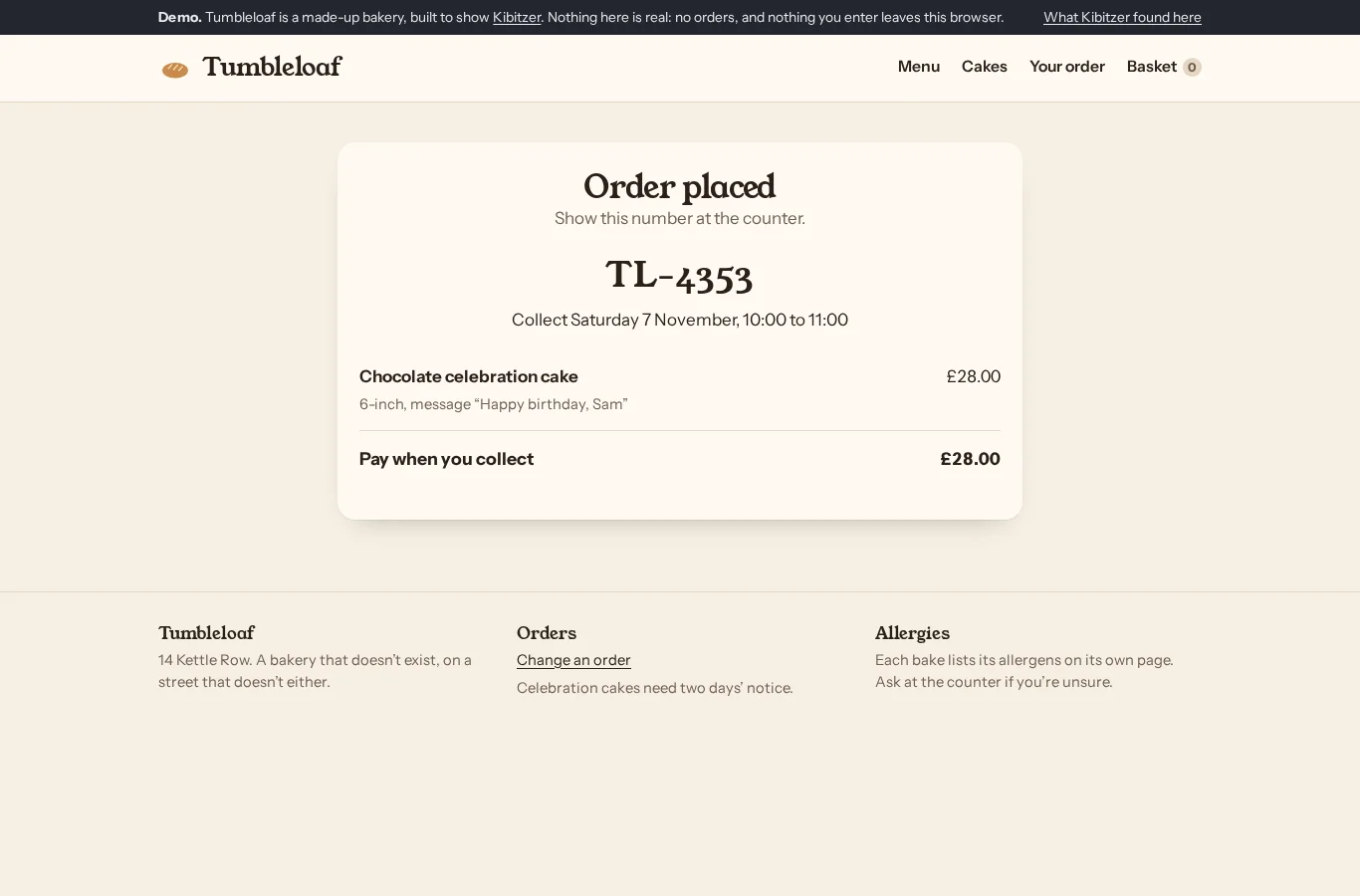
Step 13 · /demo/order/confirmed/?ref=TL-4353
Said they were done
“The confirmation shows the cake and collection time, but this is only a demo and no real order was placed.”
Who: Browsing on a tablet on the sofa, not in a hurry. Bakes a little at home and has bought cakes from bakeries before, but never online.
Their answer: The demo confirms a 6-inch chocolate celebration cake with “Happy birthday, Sam” for Saturday 7 November, 10–11 am, at £28. Reference TL-7870. This is not a real order; the bakery is a demo.
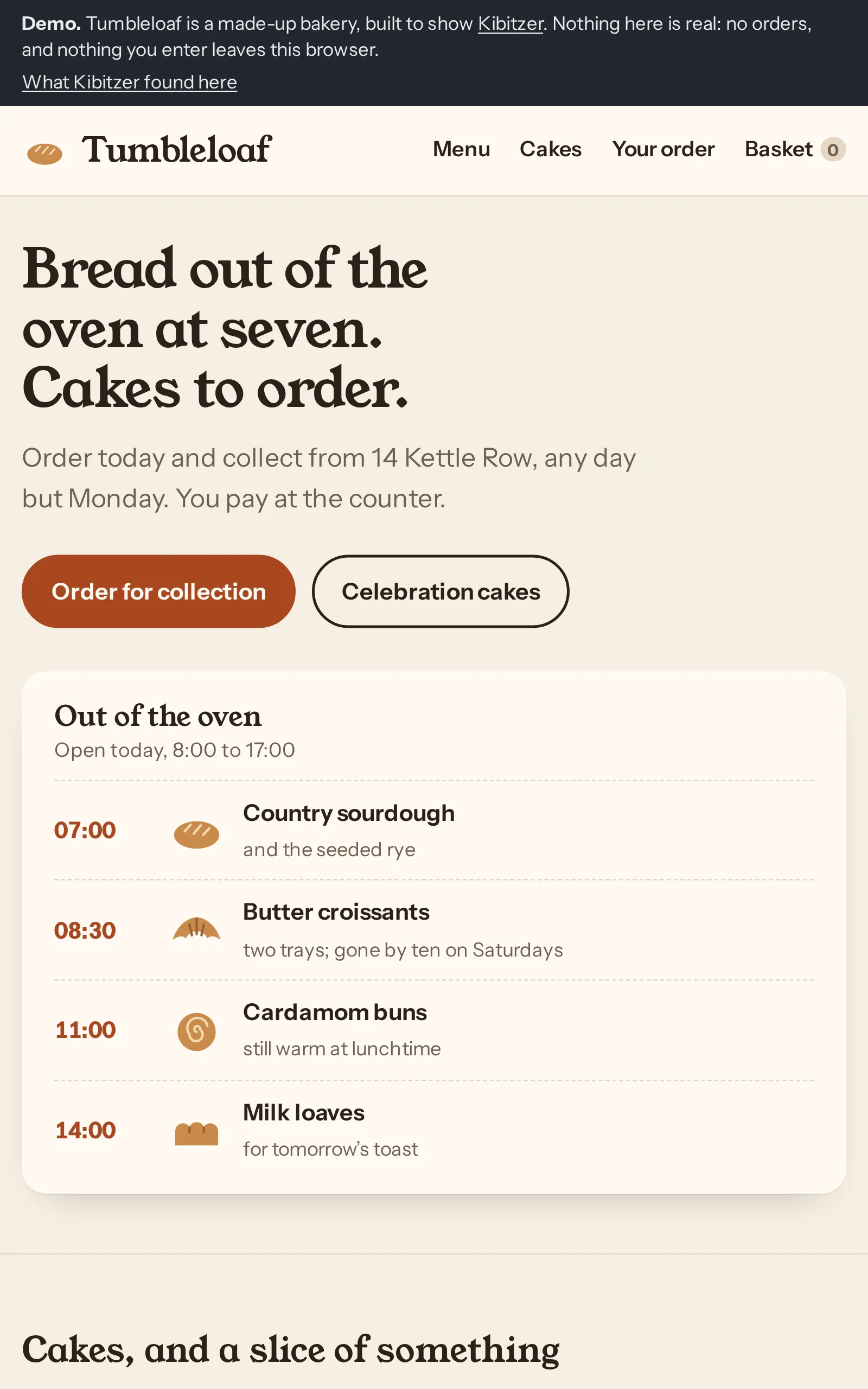
Step 1 · /demo/
Tapped “Celebration cakes”
“I'll look at the celebration cakes and see which chocolate cake serves eight.”
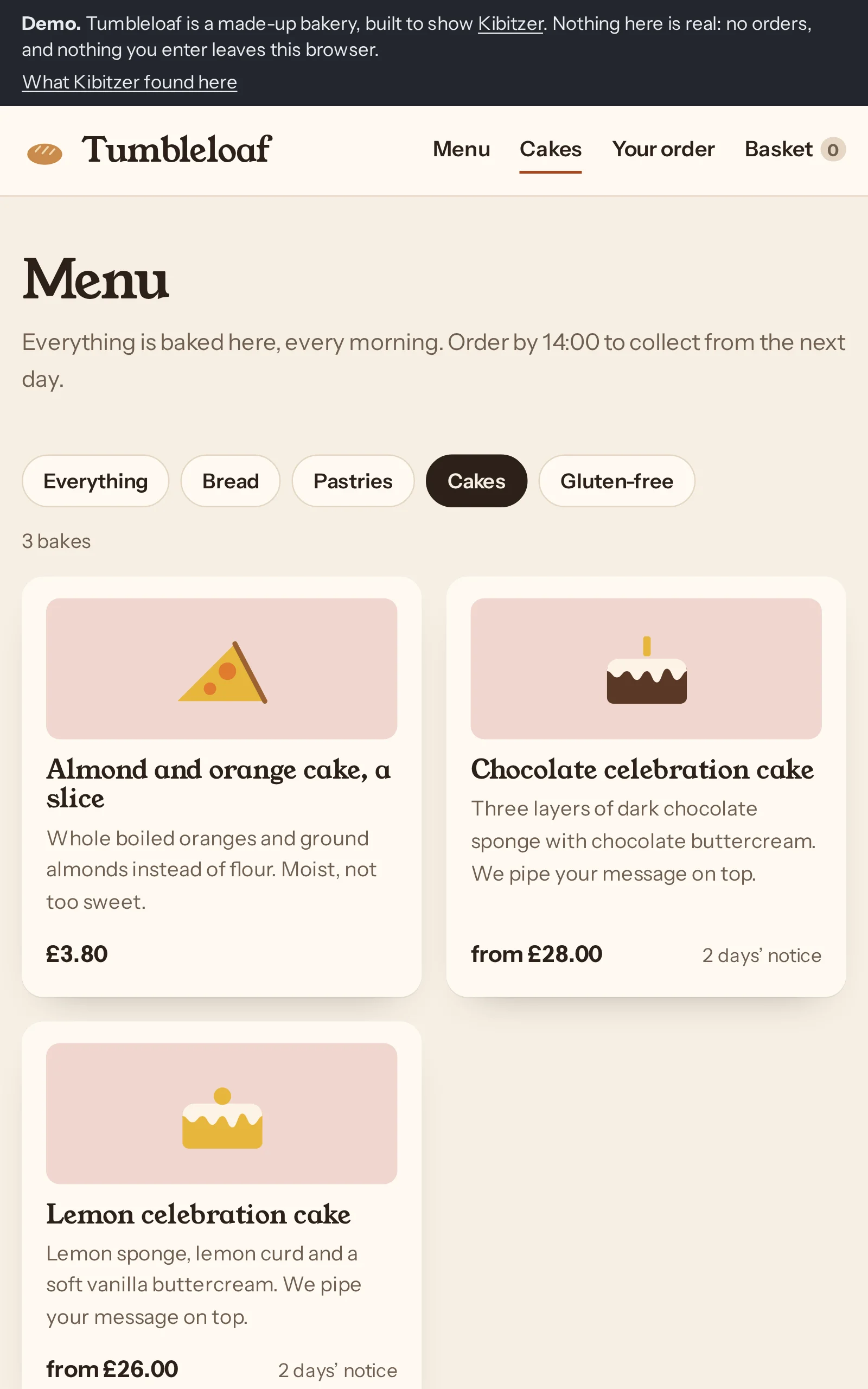
Step 2 · /demo/menu/?c=cakes
Tapped “Chocolate celebration cake”
“The chocolate celebration cake says they can pipe a message on it, so I'll look at its options.”
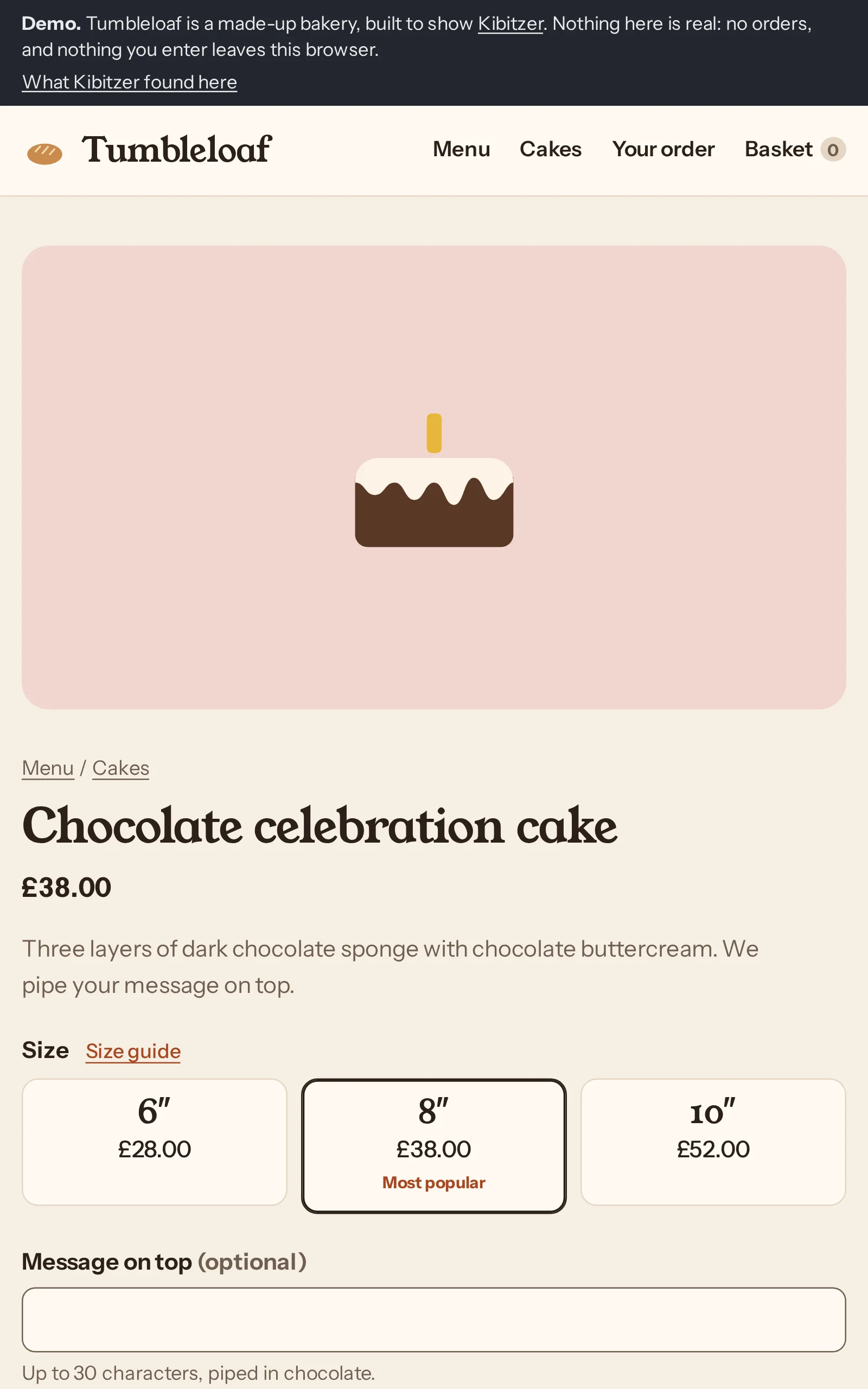
Step 3 · /demo/item/?id=chocolate-cake
Tapped “Size guide”
“I'll check the size guide to make sure there's enough cake for eight.”
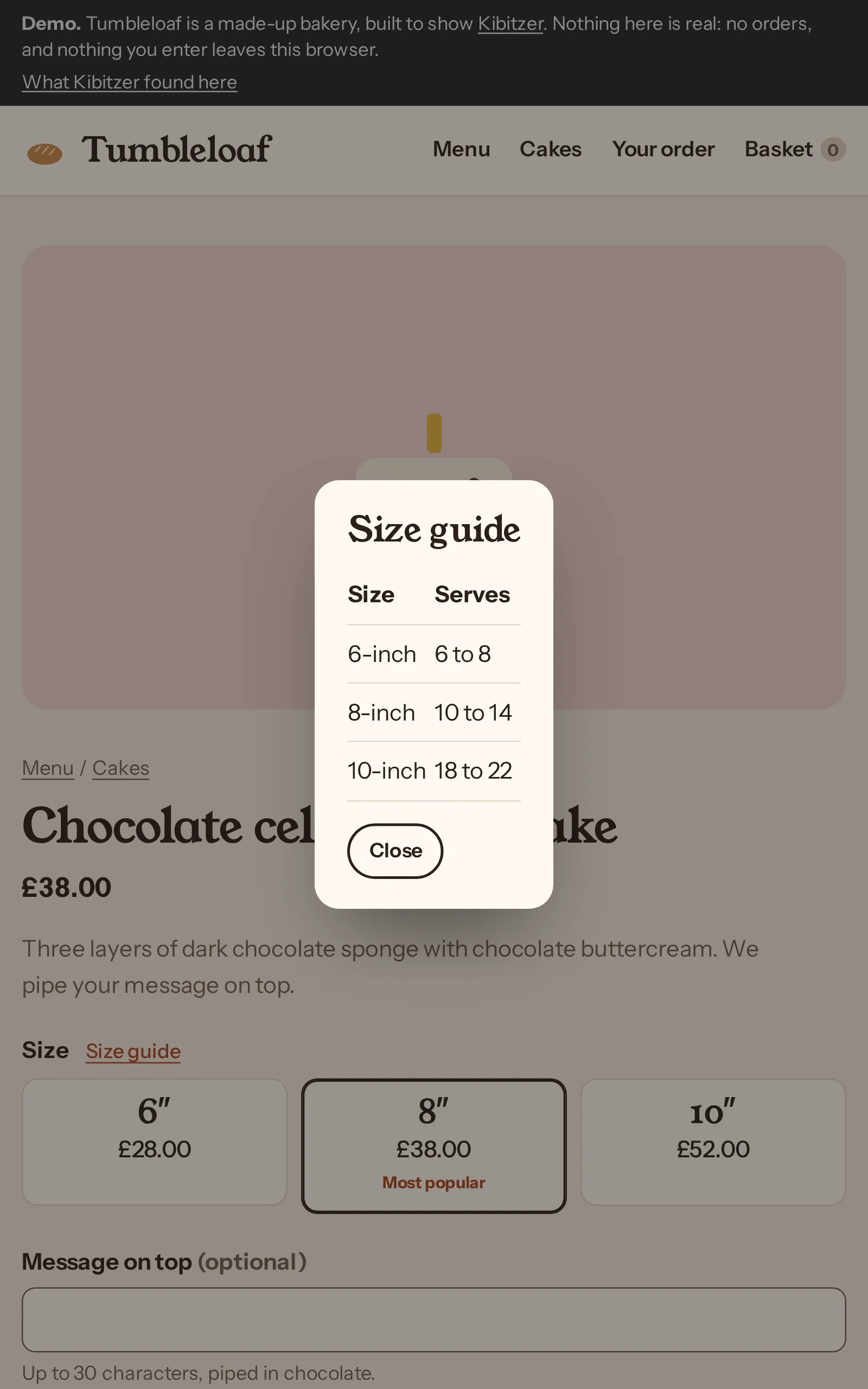
Step 4 · /demo/item/?id=chocolate-cake
Tapped “Close”
“The 6-inch cake serves up to eight, so that should suit the party. I'll close the guide and choose it.”
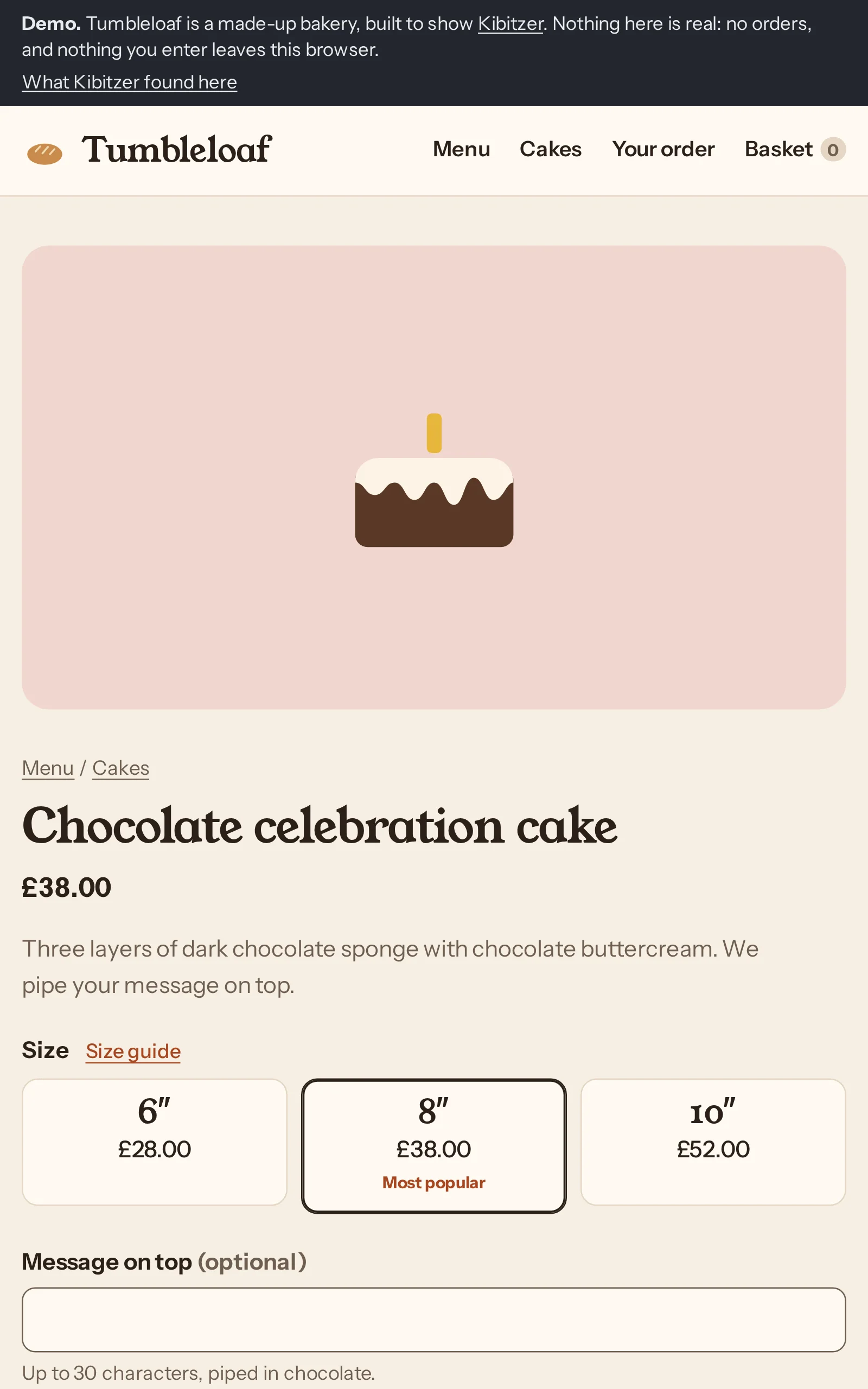
Step 5 · /demo/item/?id=chocolate-cake
Tapped “6″ £28.00”
“I'll choose the 6-inch cake for the eight of us.”
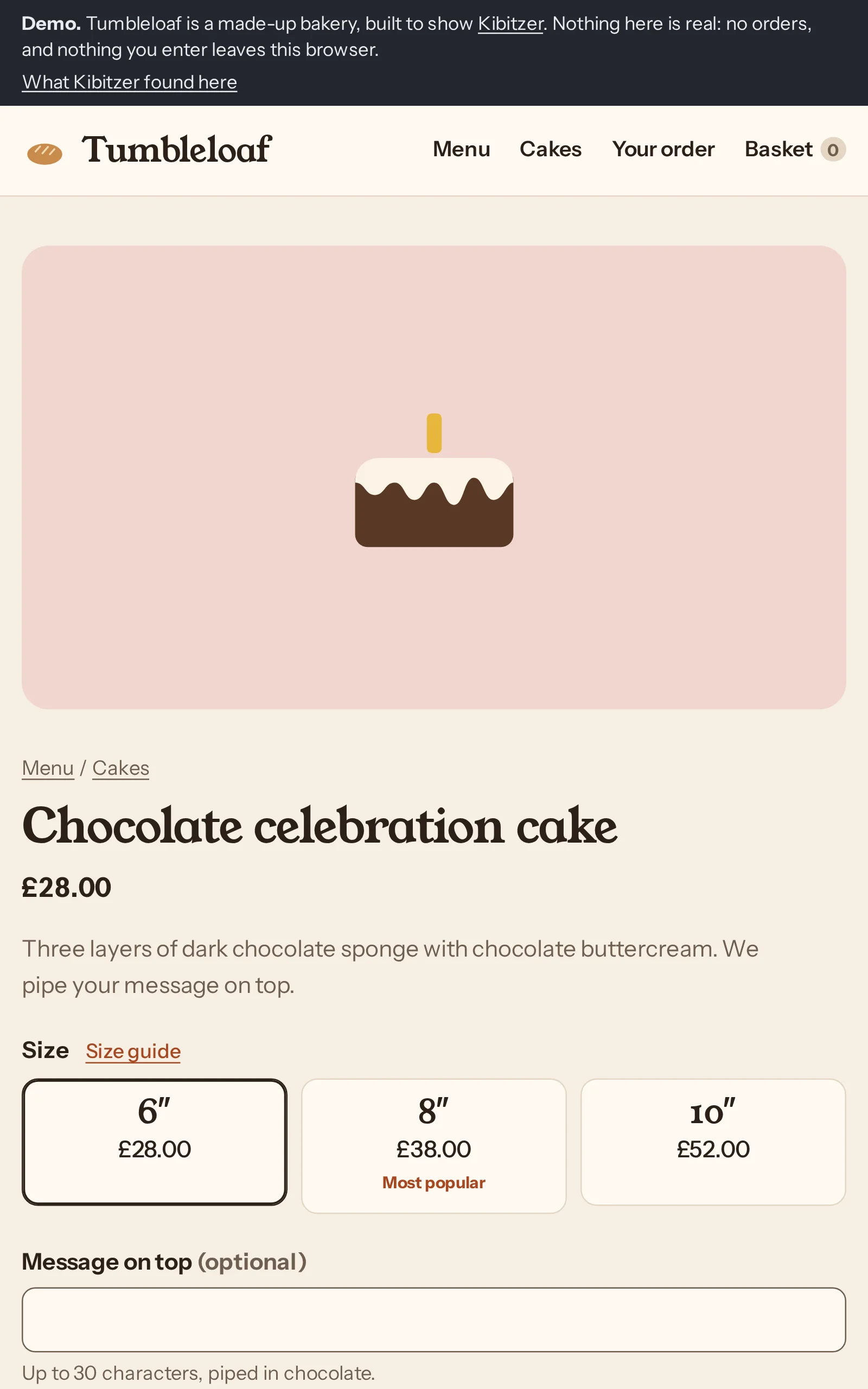
Step 6 · /demo/item/?id=chocolate-cake
Typed “Happy birthday, Sam” into “Message on top (optional)”
“I'll add Sam's birthday message to the cake.”
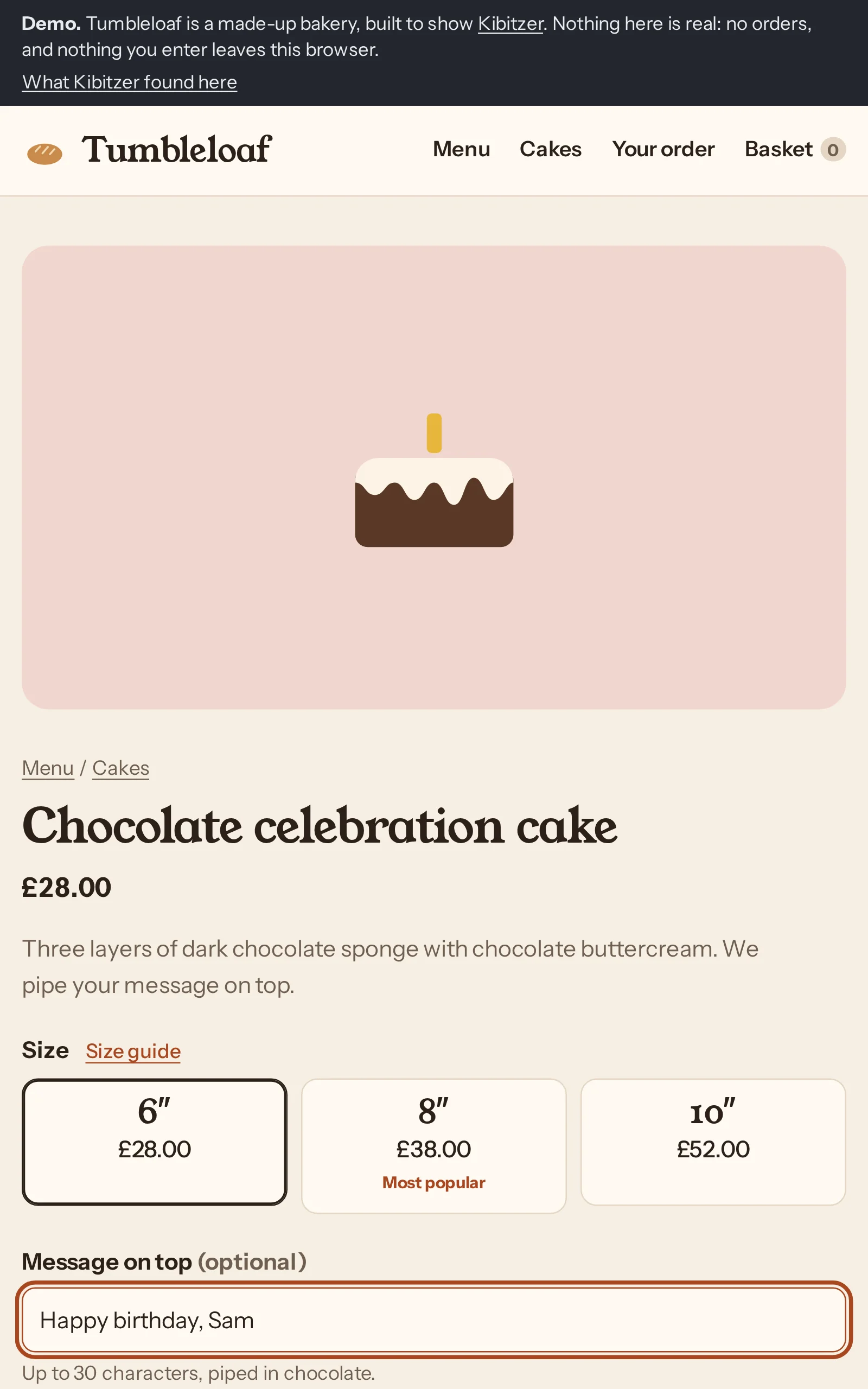
Step 7 · /demo/item/?id=chocolate-cake
Tapped “Add to basket”
“I'll add the cake with Sam's message to the basket.”
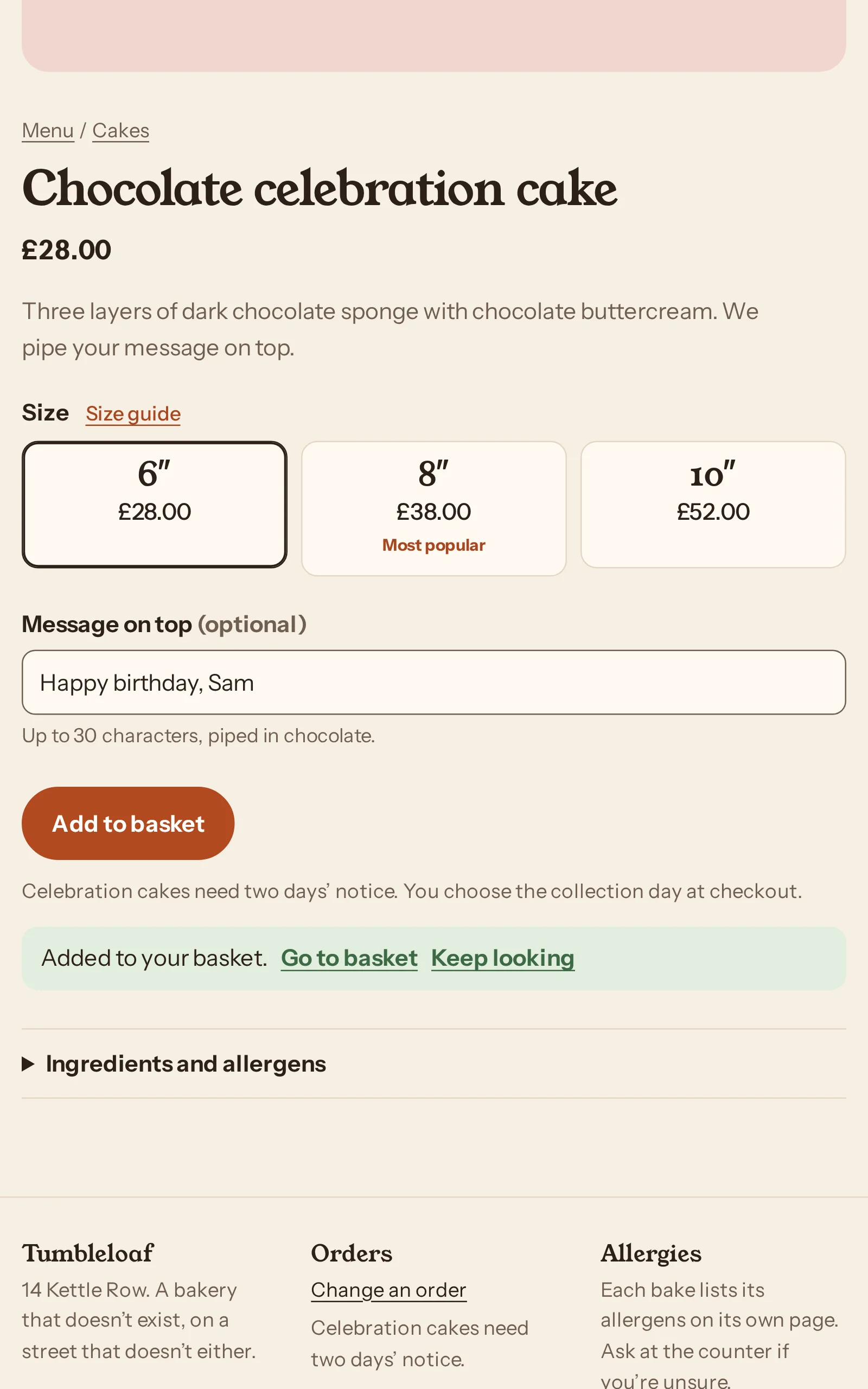
Step 8 · /demo/item/?id=chocolate-cake
Tapped “Go to basket”
“The cake is in the basket, so I’ll go there to arrange collection.”
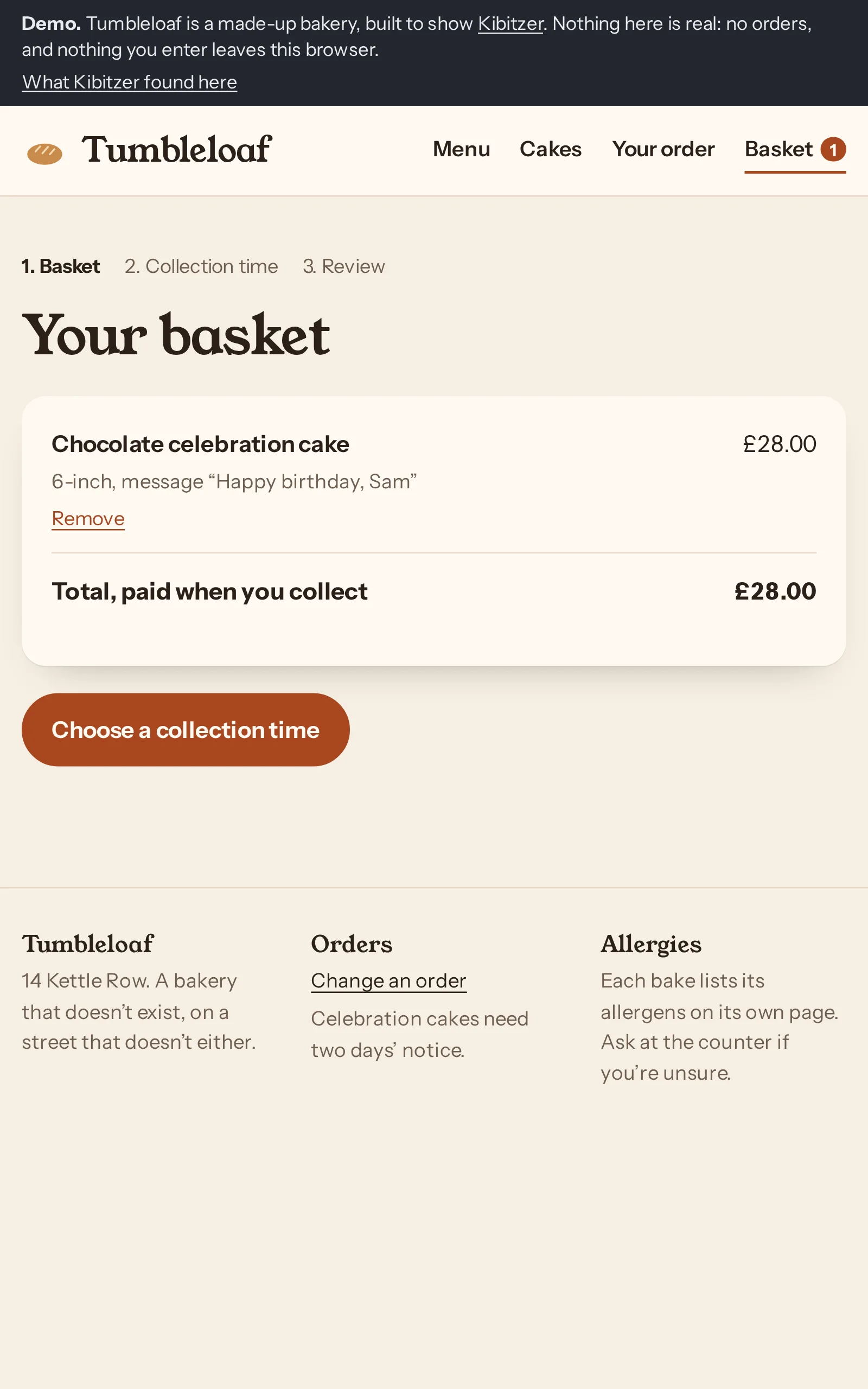
Step 9 · /demo/basket/
Tapped “Choose a collection time”
“The cake and message look right, so I’ll choose a collection time.”
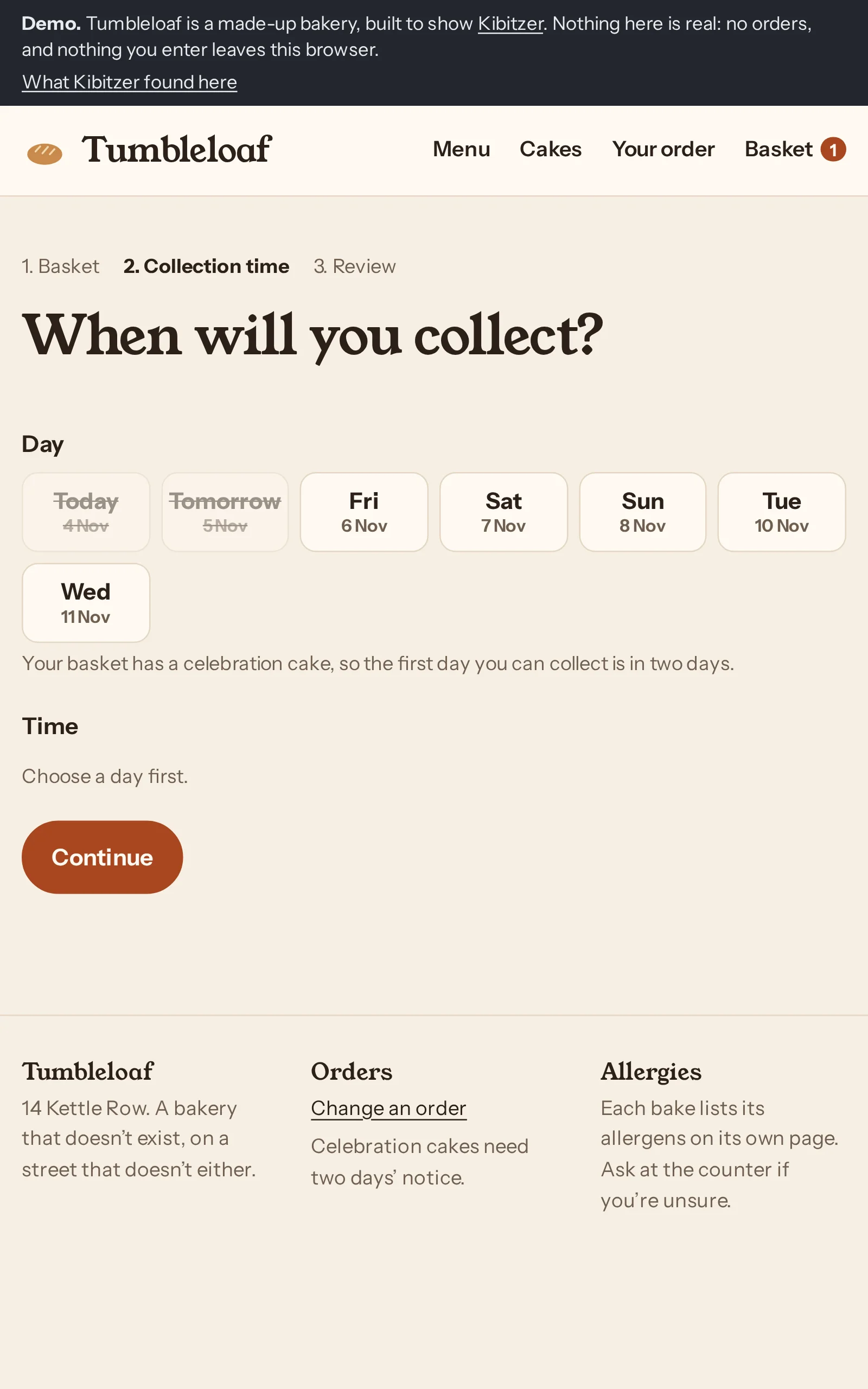
Step 10 · /demo/checkout/
Tapped “Sat 7 Nov”
“I'll choose Saturday and see which morning collection times are available.”
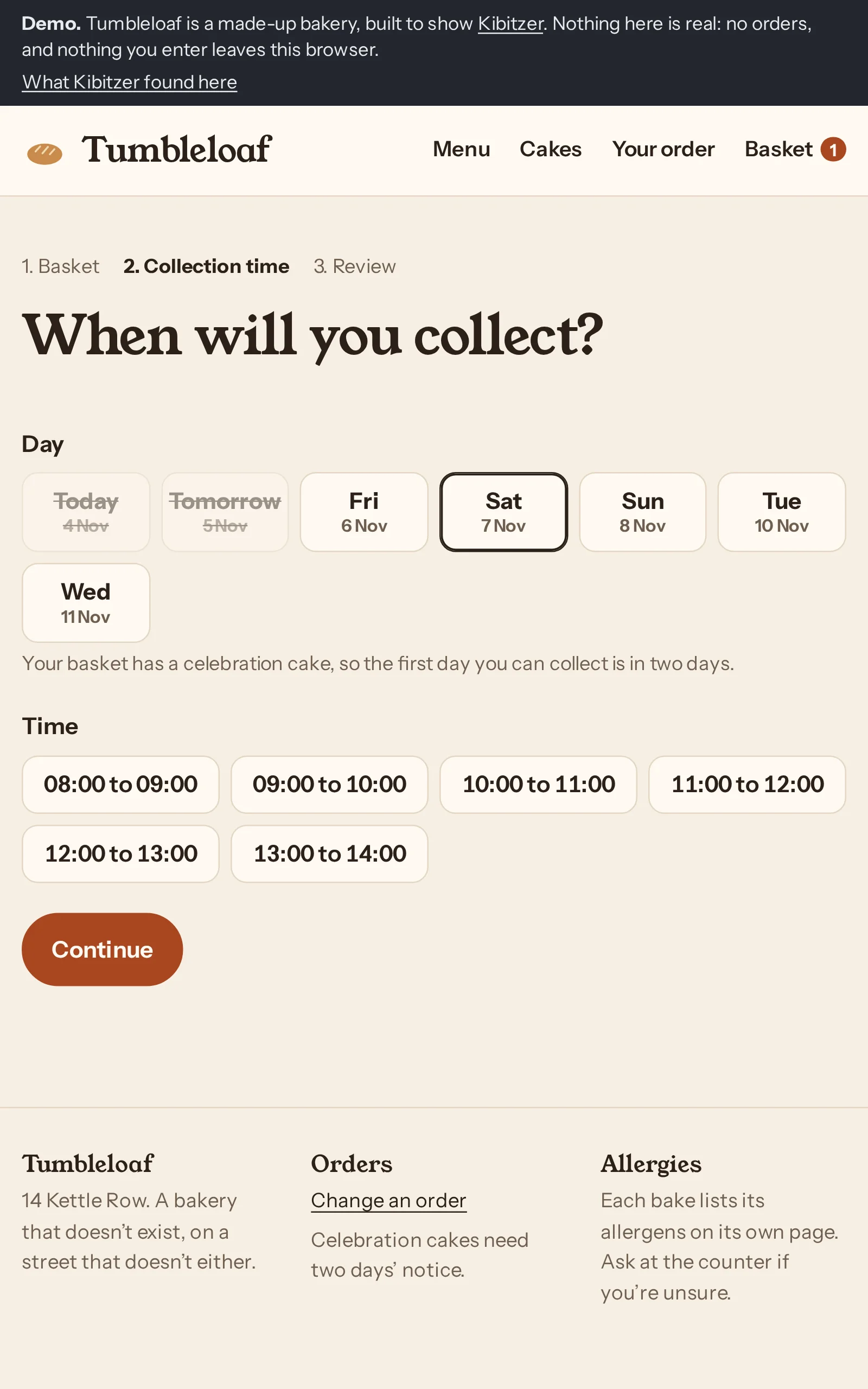
Step 11 · /demo/checkout/
Tapped “10:00 to 11:00”
“I'll choose a convenient mid-morning collection slot on Saturday.”
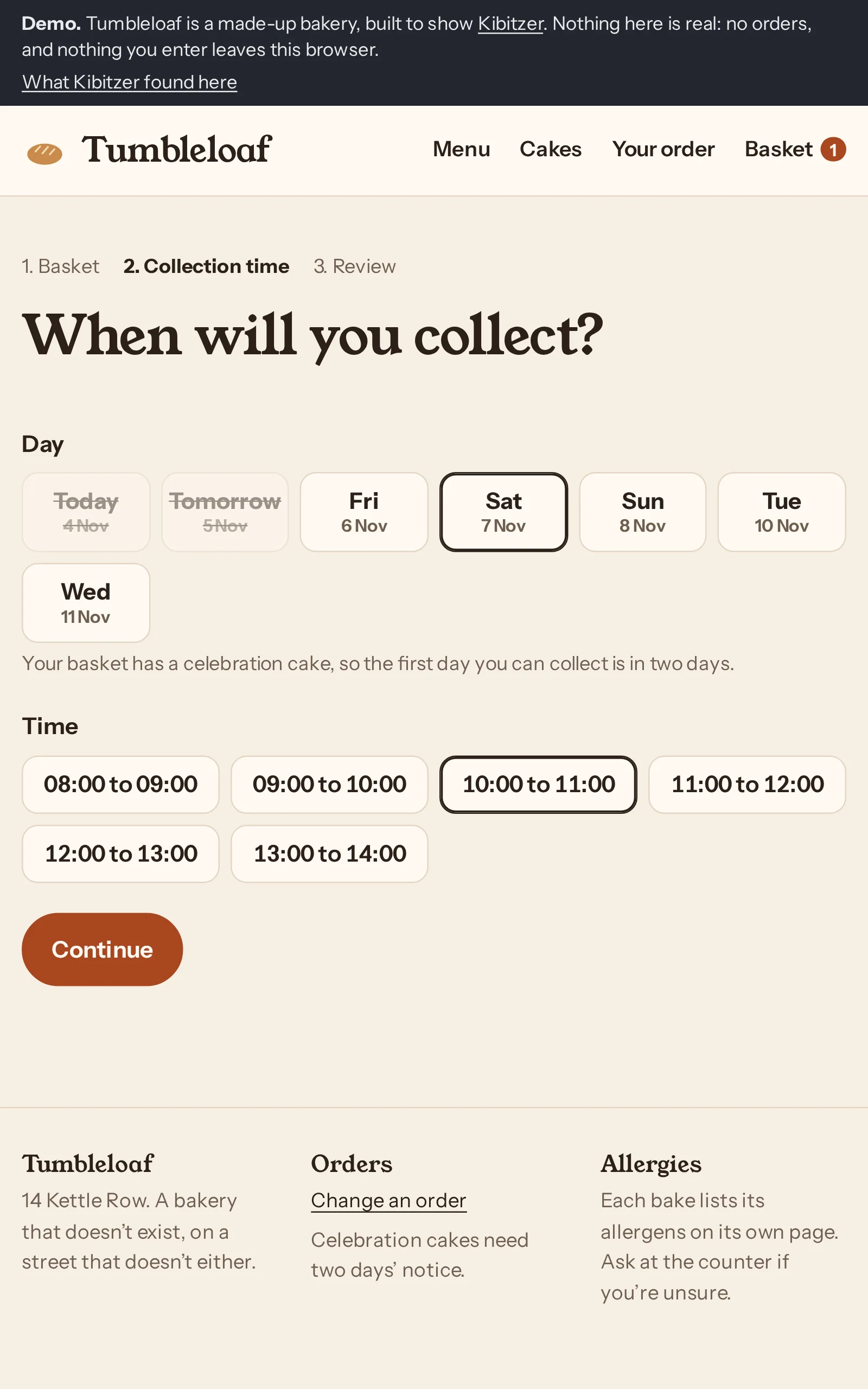
Step 12 · /demo/checkout/
Tapped “Continue”
“Saturday from 10 to 11 is selected, so I’ll continue to review the order.”
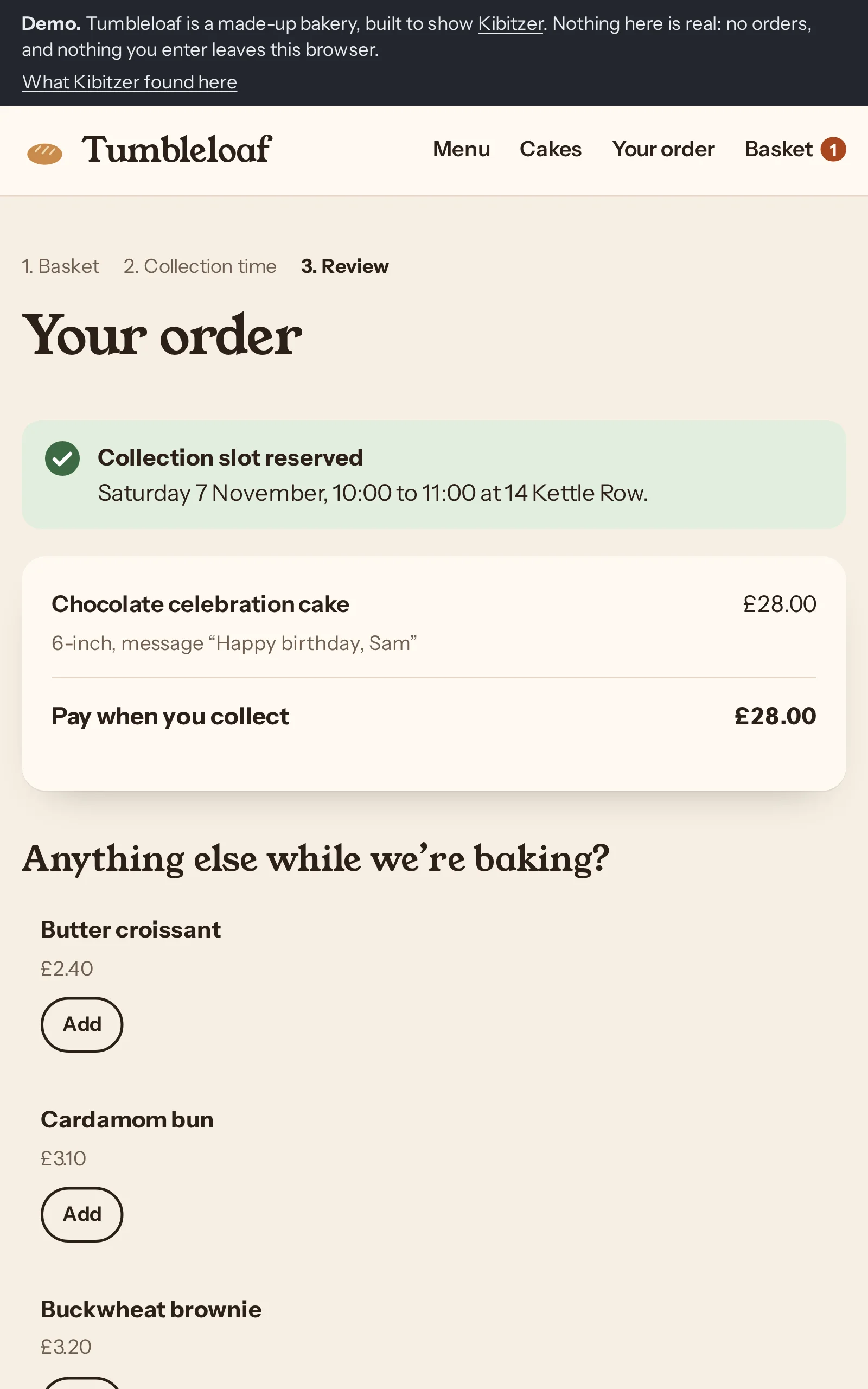
Step 13 · /demo/checkout/review/
Tapped “Place order”
“The cake, message and Saturday morning slot look right, so I'll place the order.”
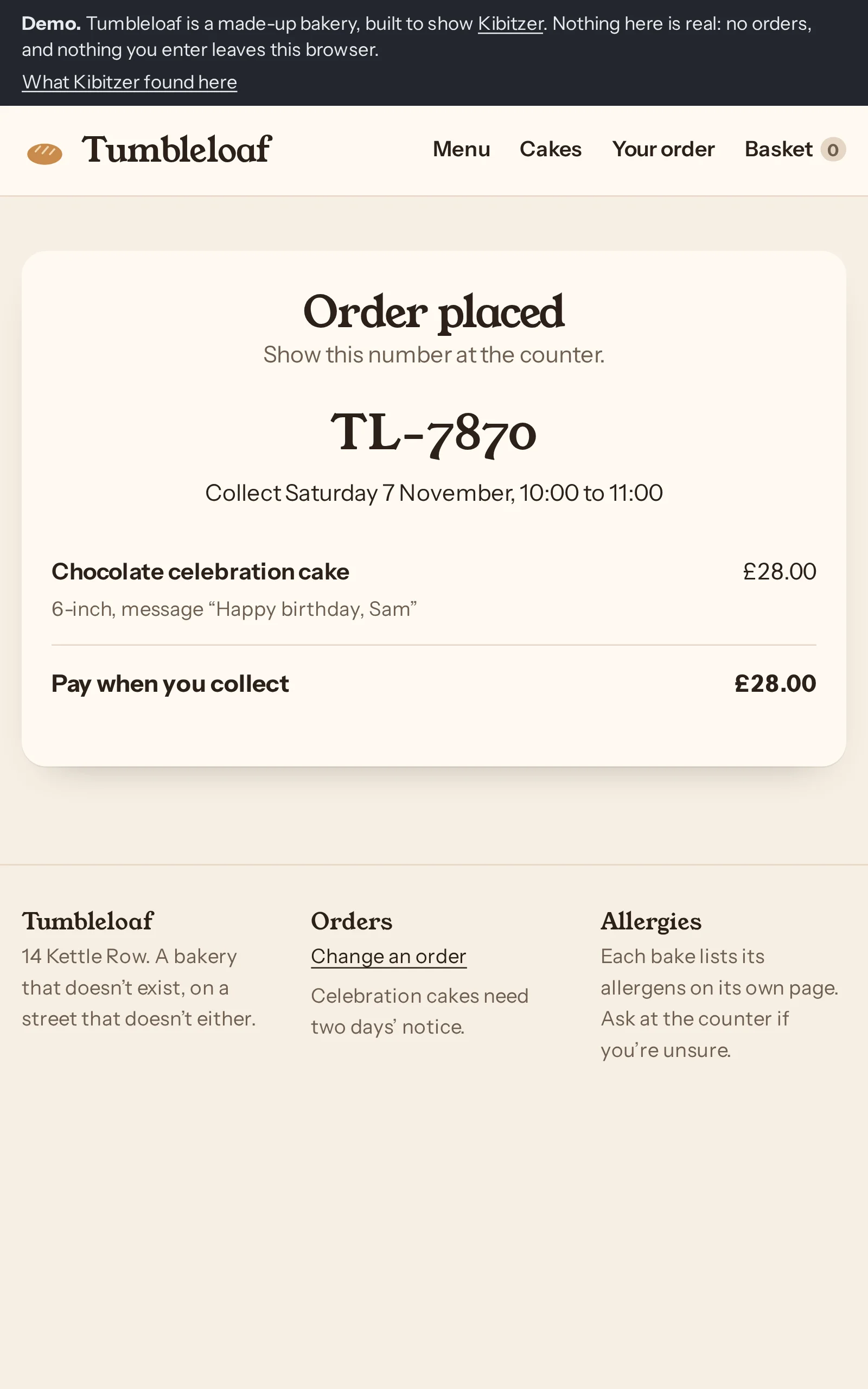
Step 14 · /demo/order/confirmed/?ref=TL-7870
Said they were done
The “Order placed” confirmation suggests a real order, but the demo banner says no orders are real.